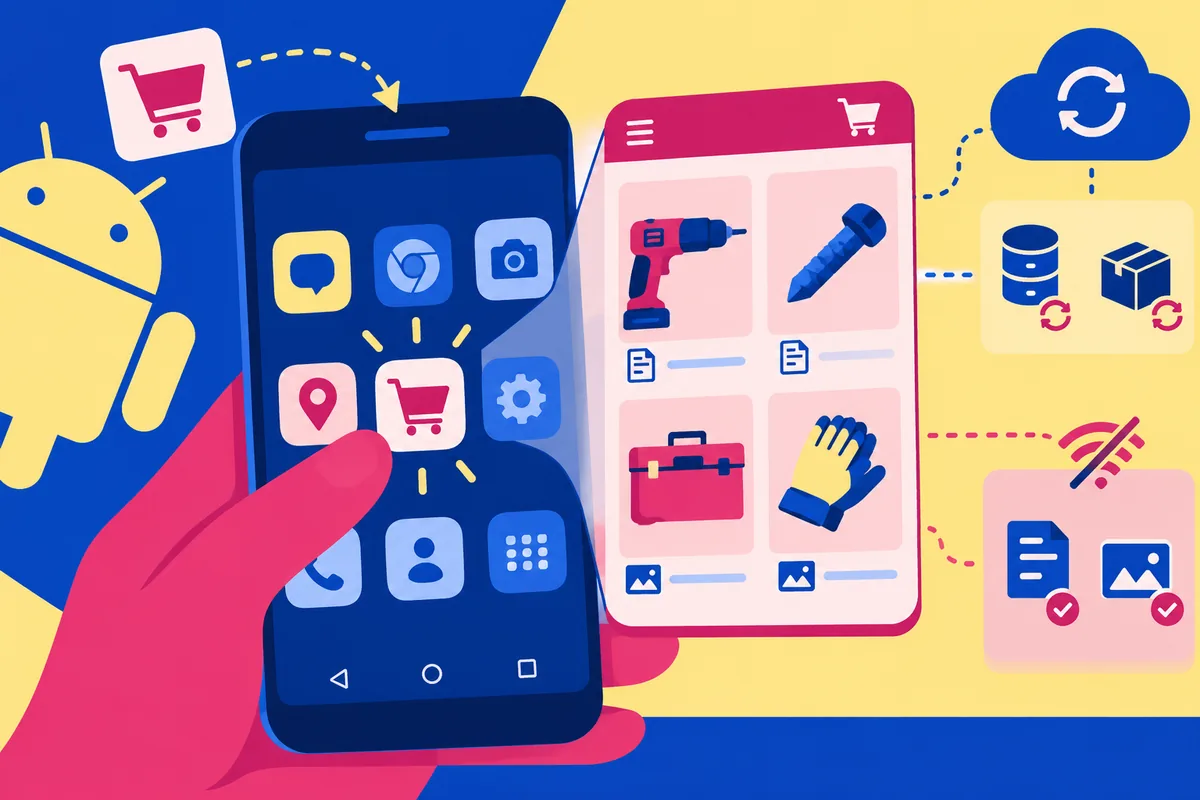
Imagine a returning customer opening a supplier’s catalogue from the same place as the other apps on their phone. Chromium’s 2 February announcement points in that direction: a new Add to Home screen experience is due to reach Chrome beta over the following weeks. It is an encouraging step for progressive web apps, but it does not remove the work of making the catalogue useful once it opens.
Installation should follow a reason to return
The announced integration would put installed progressive web apps in Android’s app drawer and settings, allow incoming intents from other apps, and use familiar notification-management controls. The announcement describes a beta rollout, so it should not be presented as support already available on every customer’s phone. It also does not turn an ordinary website shortcut into a complete substitute for every native application.
The first design question is therefore about a repeated task. A trade customer checking product dimensions every few days has a clearer reason to install a catalogue than someone reading a company’s address once. A home-screen invitation should arrive after the visitor has understood that value. Interrupting a first visit with an installation request adds another decision before the business has earned the customer’s attention.
Plan the weak-connection version
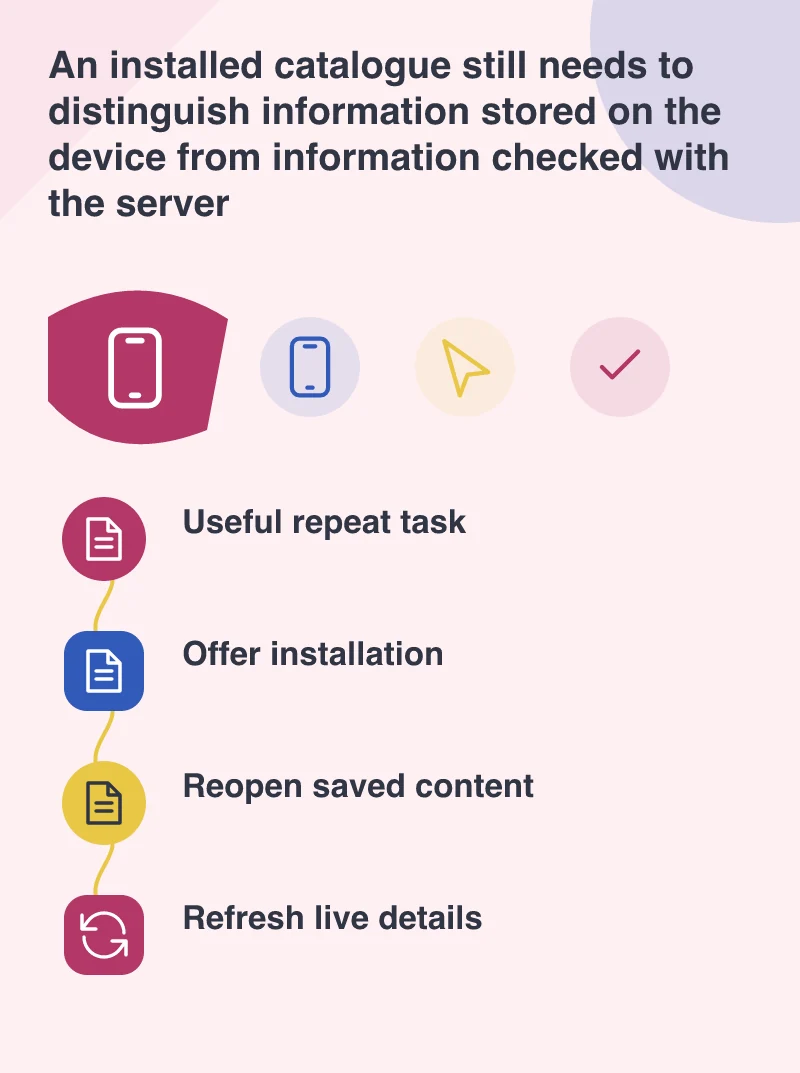
A catalogue can separate information that is safe to keep locally from information that needs a fresh response. Product descriptions and a recently viewed image may remain useful when a connection drops. Current stock, a customer’s negotiated price and a confirmed order need more careful handling. The interface should say when stored information was last refreshed instead of making an old answer look live.
Picture a sales visit in a building with poor reception. The customer might browse saved product pages and add items to a provisional list. That list should remain visibly different from an accepted order. When the network returns, the application can check availability before asking for a final confirmation. This is a design approach to evaluate, not a capability supplied automatically by the Add to Home screen announcement.
Check the return journey, not just the icon
Testing should include reopening after the browser has been closed, following a shared product link, losing the network halfway through a task, and returning after product information has changed. The fallback website still matters for visitors whose browser does not support the installation experience. Clear links and an ordinary usable page are the foundation; installation is an enhancement for the people who benefit from it.
For a business considering a progressive web app this month, start with one returning-customer problem and a modest pilot. Measure whether people complete that task and whether they understand the difference between stored and current information. The icon is easy to demonstrate in a meeting. Reliability on the second, fifth and tenth visit is the part that can make it worth keeping.