
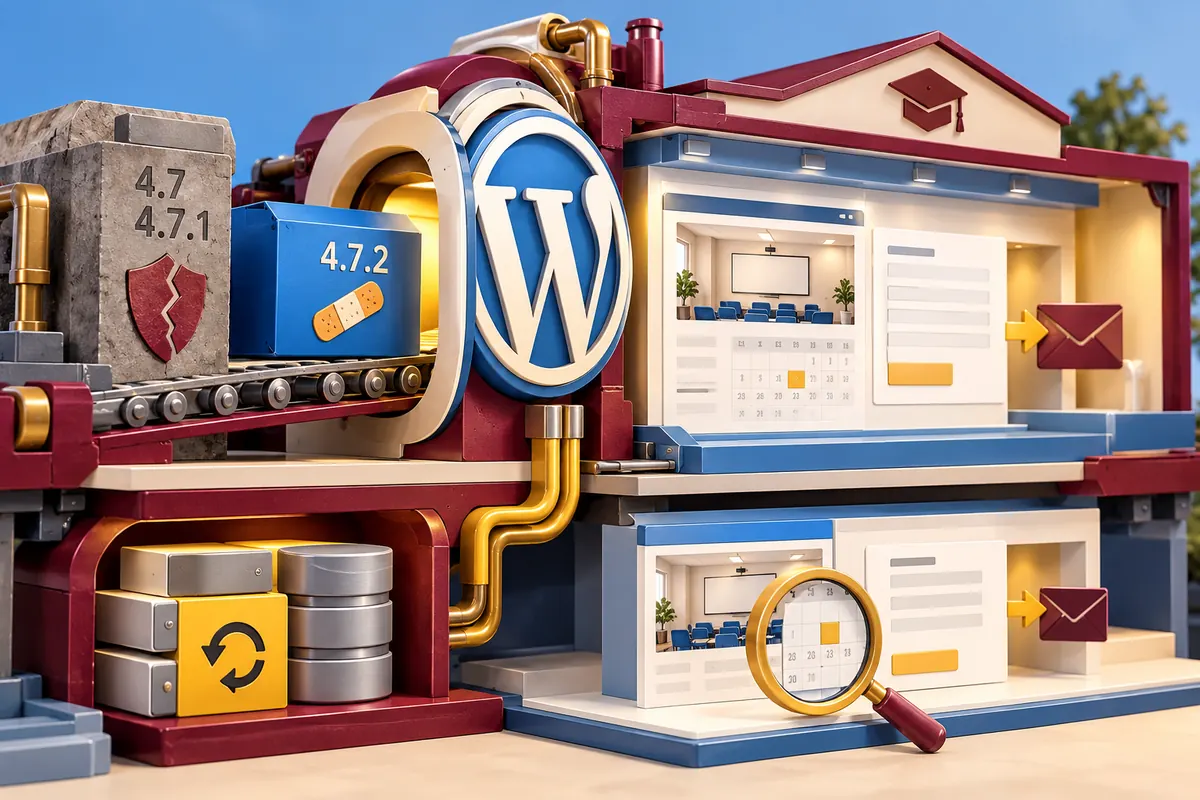
A shop owner can spot a broken banner. A security fix is harder to see: the website may look exactly the same before and after it. On 1 February, WordPress disclosed an additional vulnerability already repaired in version 4.7.2. If you rely on a business website, ask the maintainer for a dated answer to one question: has that repair reached this installation?
An unchanged page tells you very little
The WordPress team said versions 4.7 and 4.7.1 contained an unauthenticated privilege-escalation issue in a REST API endpoint. The repaired version had been released on 26 January, with disclosure delayed to give protective updates time to reach sites. The security announcement and the patch therefore have different dates. Do not decide whether your site is affected from the announcement’s headline alone; check its installed version.
Ask who performs that check. The host might apply updates through its own system, WordPress might use background updates, or a developer might maintain the installation manually. Each arrangement can be documented. What leaves an owner exposed is a gap in which everyone assumes that somebody else has done it. A notification that an update exists is not confirmation that it was installed.
Follow a normal day’s work through the update
Picture a training company whose website publishes course dates and takes enquiries. Its maintainer needs to apply the repair while preserving those two everyday jobs. Keep a recoverable backup of the website files and database. On an appropriate test copy, open a course, change a date with an editor account and submit a clearly marked test enquiry. Check the receiving inbox as well as the confirmation screen.
These checks should be proportionate to the site and urgency. They are not a reason to leave a known problem untouched while an elaborate redesign is debated. Agree the update route with the person responsible, then verify the important tasks afterwards. A security change can be invisible to the visitor while still deserving a precise maintenance record.
Make the next urgent notice easier to handle
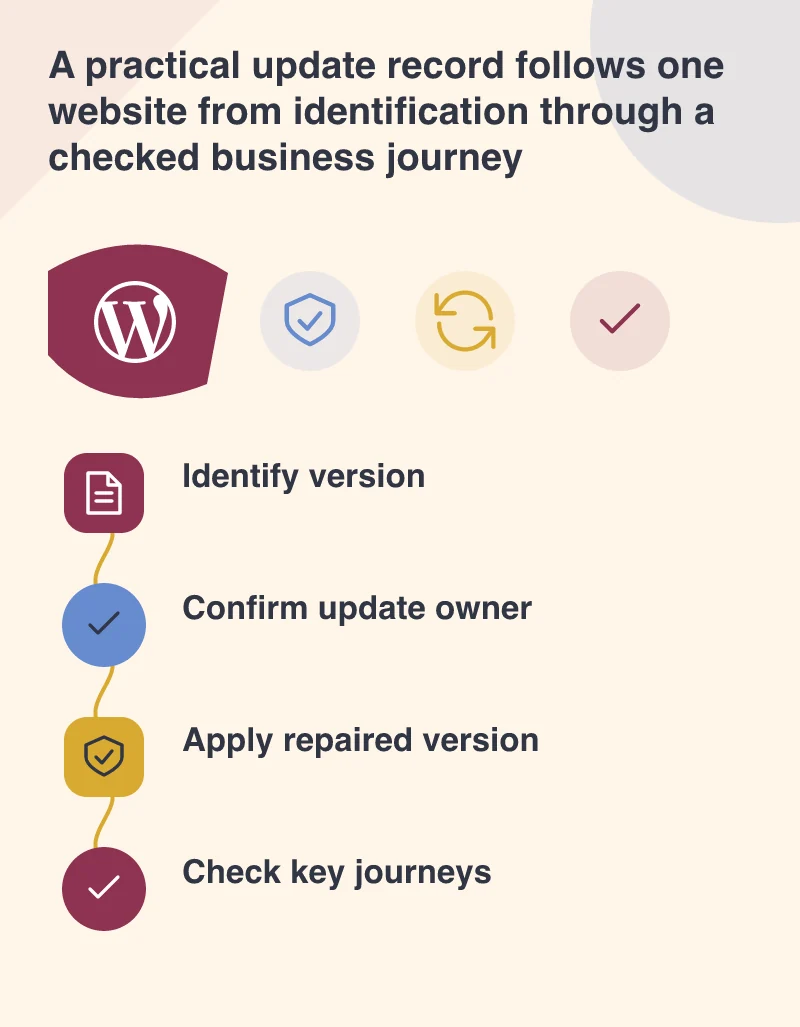
Keep the maintenance contact, installed version, backup location and urgent-notice route together. Confirm that the contact address is monitored and that an authorised person can access the hosting account if the dashboard is unavailable. Credentials belong in a secure access system, not in a publicly shared handover document. Named accounts also make it easier to remove access when a supplier or employee changes.
Ask the maintainer to record when the update completed and which business checks passed. If a plugin problem remains, name it and state what is being done. That report need not be long. It needs to distinguish installed software, verified behaviour and unresolved work so the owner can tell the difference between maintenance completed and maintenance merely discussed.
This disclosure concerns a specific flaw in specific versions. It does not establish that every older WordPress site shares it or that an unchanged homepage is safe. The owner does not need to diagnose the REST API themselves. They need a responsible person who can identify the installation, apply the relevant repair and show that the site can still do its job.