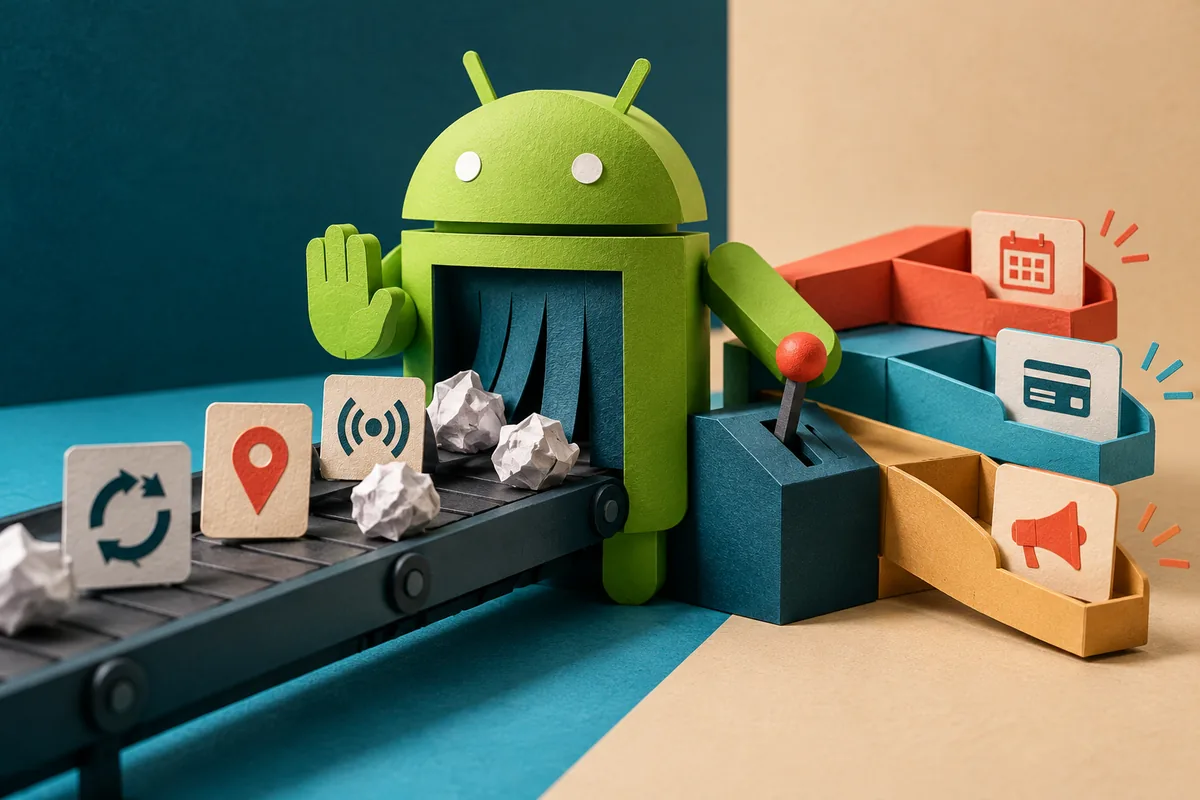
A delivery update is useful. An application repeatedly waking a phone to ask the server whether anything has changed may be a different story. Android O’s first developer preview, announced on 21 March, introduces background limits and notification channels. This is early software for developers, but it already gives product teams a useful discussion to have: which background activity does a customer actually need, and how should the app explain it?
Invisible activity still affects the experience
Google identifies background services, implicit broadcasts and location updates as areas affected by the new limits. It also introduces app-defined notification channels. These are preview changes, not a reason to assume every Android phone now behaves differently. They are a reason to give the development team time to test existing behaviour before a wider consumer release arrives.
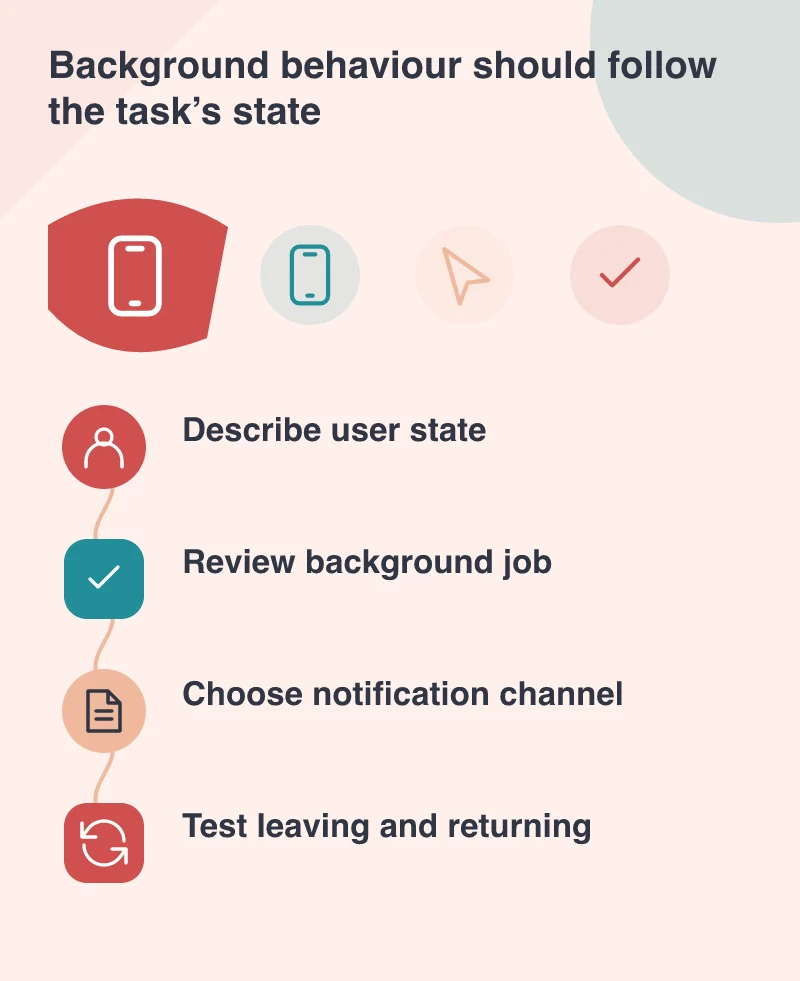
In a field-service app, imagine the jobs with different levels of urgency. A technician actively navigating to an appointment needs timely information. A customer opening a past invoice does not need that same location activity continuing afterwards. Writing down those states in ordinary language helps developers choose the right implementation and gives support staff a clearer explanation when somebody asks why the app uses battery or requests location access.
Design notification categories around the person
A notification is a request for someone’s attention, so the categories should reflect useful differences rather than internal department names. Appointment changes, payment confirmations and promotional messages are not interchangeable. Notification channels provide a technical structure, but the product team still needs to choose labels people understand and decide which events deserve to appear outside the application.
A helpful review begins with a week’s worth of sample events. Which ones require action? Which are merely receipts? Which can wait until the app opens? In the service-app example, a cancelled visit may deserve immediate attention while a monthly summary can live in the account screen. This exercise is valuable even before the preview is installed, because it reveals whether the notification plan respects the customer’s priorities.
Use the preview to find assumptions
The March announcement recommends testing an existing app on a device or emulator running the preview. A useful test session follows the actual work: sign in, start a task, switch applications, put the phone aside and return later. Record missing updates, confusing permission prompts and activity that continues after the task is finished. A screenshot of the first screen cannot reveal these problems.
Keep compatibility work separate from a rush to adopt every new API. The preview itself is still being stabilised, and a production release needs to remain reliable for people on older Android versions. Record the background jobs, map the notification categories and keep a few repeatable tests. That gives the app a clearer purpose now and the team a better starting point for the next preview.