Some website improvements barely announce themselves. A form becomes easier to read. A calculation stays crisp when the page is enlarged. A long label no longer makes the field beside it look misplaced. Chrome 109’s support for MathML Core and additional typography controls offers a useful January reminder: modern design is often about presenting information faithfully, not adding another visual effect.
Keep important information as information
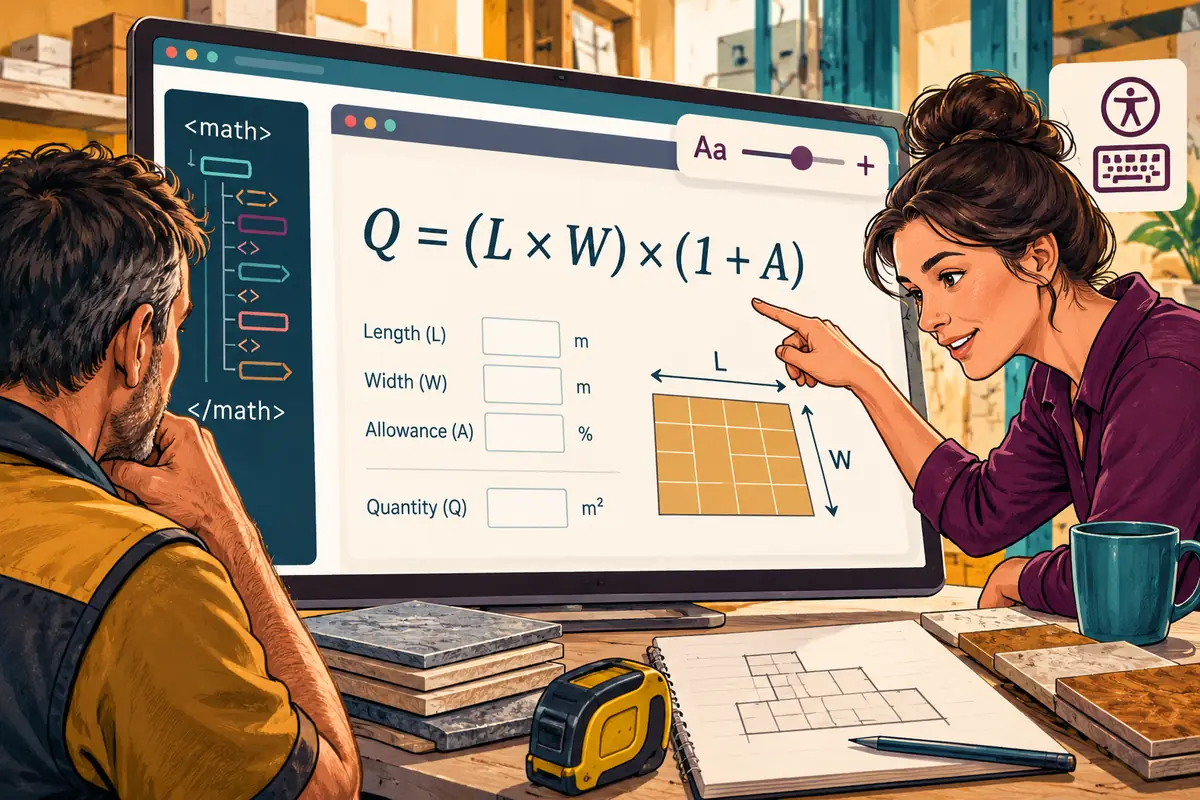
A manufacturer might publish a sizing equation, or a training company might explain a mathematical relationship. Saving the expression as a small image can seem convenient, but the result is difficult to enlarge cleanly and separates the visible content from its underlying structure. MathML provides a way to describe mathematical notation in the page itself.
The release announcement describes MathML Core as integrated with web styling and platform accessibility APIs. That is a capability worth evaluating, not a reason to assume every expression will be understood perfectly by every reading tool. An accessible page still needs meaningful surrounding text and testing with the browsers and assistive technology its audience actually uses.
Design the explanation beside the expression
Imagine a supplier showing how to calculate the quantity of material for a rectangular area. The formula is only part of the answer. Readers also need to know the expected units, whether an allowance is included and what to do with an irregular space. A beautifully typeset expression can still leave a customer unable to place the correct order.
Use a worked example whose inputs are clearly labelled as an illustration. Put the result next to the explanation, and keep product-specific rules in ordinary text. Where a calculation affects an order, give the customer a way to check the inputs before those numbers become a purchase instruction.
Let the spacing follow the reading task
Chrome 109 also adds the lh length unit, which follows an element’s computed line height. That makes it possible to express some dimensions in terms of lines of text rather than unrelated fixed measurements. A message field, for example, can be designed around the amount of writing a person is expected to enter.
This does not remove the need for responsive checks. Enlarged text, translated labels and browser font settings can all change the layout. The useful design question is whether the field remains recognisable, the label stays attached to it and the entered text remains easy to review. A compact layout is not automatically a usable one.
Evaluate the small details on a real page
Choose a demanding page rather than an empty component showcase: a quotation request with a formula, explanatory notes, validation messages and a long product name. Try it on a phone, enlarge the text and navigate without a mouse. Ask someone unfamiliar with the terminology to explain what the form is requesting.
Keep a fallback where the required capability is unavailable. For a technical expression, that may include an intelligible textual description instead of relying entirely on a particular rendering. The aim is a page that communicates the same meaning across circumstances. Browser improvements are most valuable when they help the reader finish a task with less interpretation, not when the technology itself becomes the main attraction.