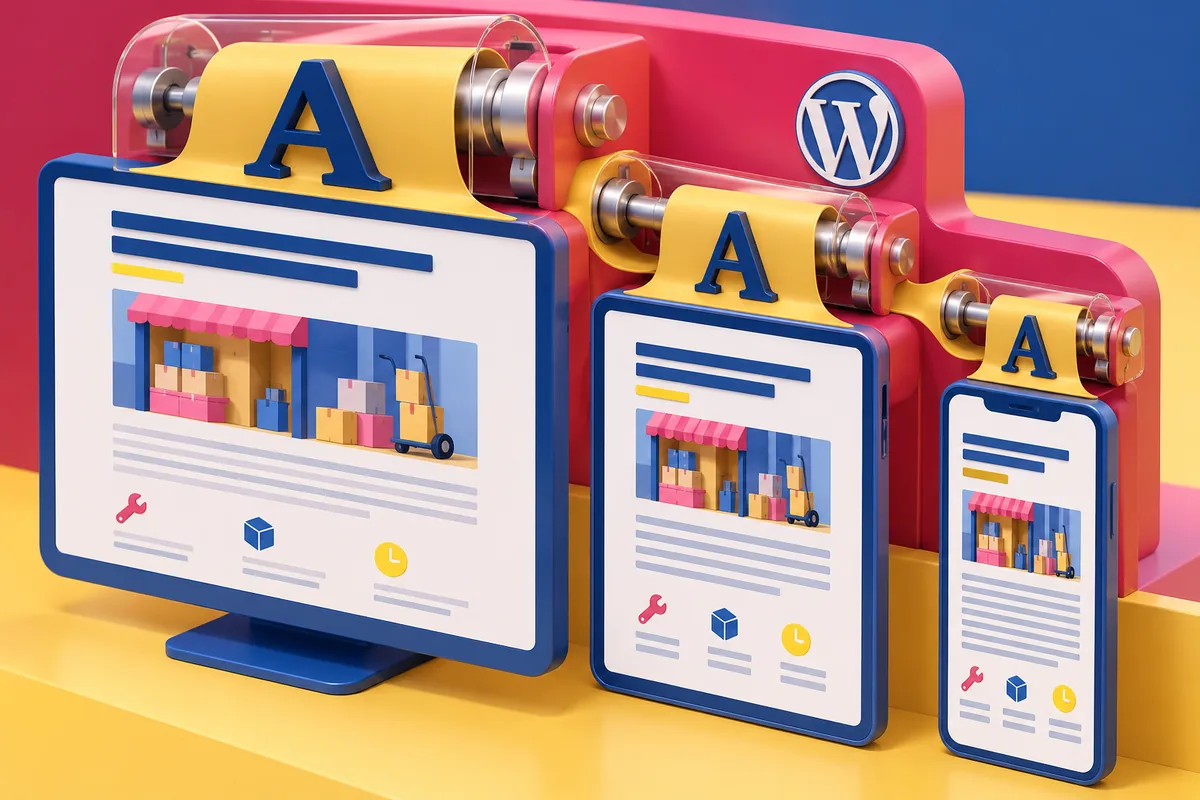
A striking desktop design can become a collection of tiny labels on a phone. The heading fits, the cards fit and the button fits. Reading the explanation now takes effort. The layout has adapted to the device while forgetting the person holding it. WordPress 6.1, released on November 1, includes fluid typography for developers working with block themes or theme.json. Font sizes can adapt within a range rather than jumping between fixed values. This is a useful tool, provided the range begins with comfortable reading.
Set the lower limit deliberately
Start with the smallest presentation your design permits. Read the body copy on an actual phone, including the less glamorous content: field instructions, image captions, opening hours and error messages.
Those details often contain the information someone needs to finish a task. Making them faint and tiny to create visual hierarchy is a poor bargain. Hierarchy can also come from spacing, weight and grouping.
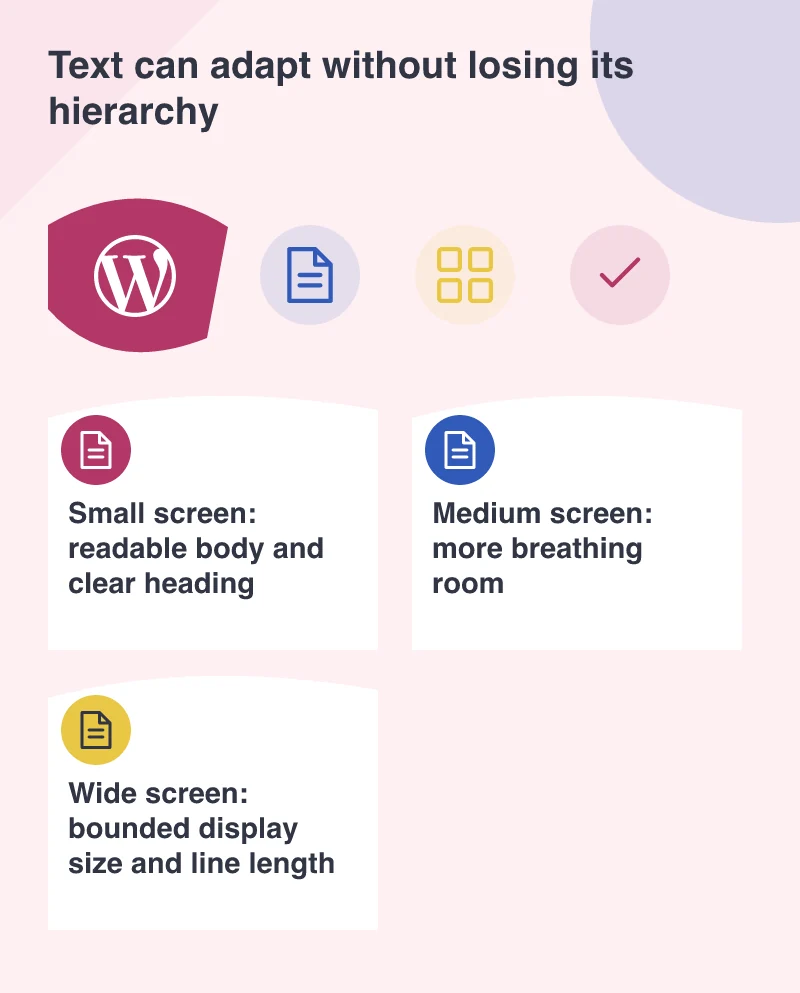
A heading may shrink considerably between a wide display and a narrow screen. Body text often needs a much narrower range. Do not apply the same proportional reduction to every piece of type simply because the system makes it possible.
Let the line break tell you something
Imagine a service page headed “Installation support for growing retail teams.” On a wide screen it may occupy two lines. On a phone it may need four. That is not automatically a defect.
Forcing it back to two lines by reducing the font can weaken the message and make nearby text harder to distinguish. A better response may be adjusting the heading’s measure, its surrounding space or the wording.
Fluid sizing does not decide these things for the designer. It provides the mechanism for a decision made with actual content. Test the longest plausible heading rather than only the neat title used in the initial mock-up.
Keep a small, understandable type system
Define a limited set of sizes with clear jobs: body, supporting text, section heading and display heading. Give editors choices that correspond to those jobs rather than an unexplained collection of numbers.
Review the design with browser zoom and a narrow viewport. The words should still be available without overlapping controls or being clipped by fixed-height containers. A card should grow when its content needs more room.
Line length matters on larger screens too. A paragraph stretching across an entire wide monitor can be tiring even when its font size is generous. Cap the reading column and let the surrounding layout use the remaining space.
A responsive type system should preserve confidence and clarity as the layout changes. Its success is visible when a visitor can comfortably read the details, recognise the next action and continue without pinching the screen to understand the page.