
A telephone number repeated on twelve pages is easy to change incorrectly eleven times. A course notice reused everywhere can become equally awkward if one page needs different wording. WordPress 5.0, released on 6 December, introduces the block editor and reusable blocks. These tools create an opportunity to organise repeated content more deliberately, provided the editing model is explained to the people who maintain the site.
Shared content needs a shared owner
A reusable block can represent a piece that should remain consistent across its uses. Start with a small candidate: a standard enquiry invitation or a notice with a clearly defined purpose. Name it so an editor can recognise what it does. A label such as General Box tells the next person far less than a name describing the content and where it belongs.
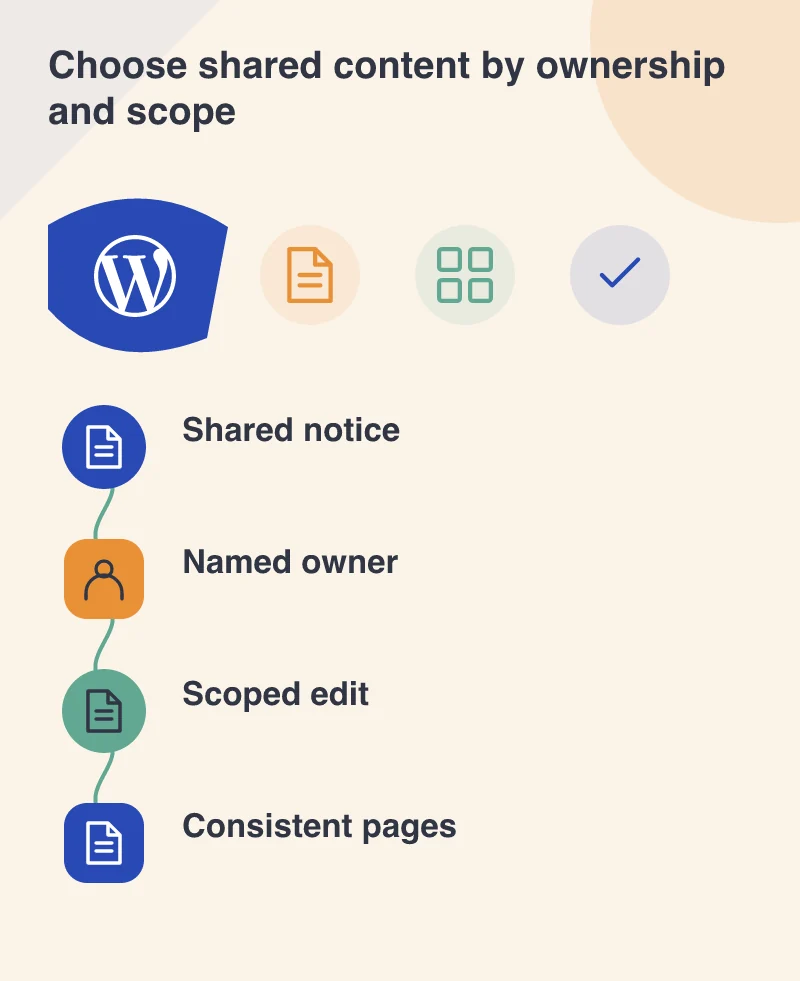
Imagine a training business with several course pages. A general accessibility contact may be shared, while the course date and venue must remain specific. Putting both into one reused piece makes a local edit unexpectedly affect other pages. Split the information according to its ownership and scope, rather than only according to the visual shape of the box.
Separate content structure from decoration
The new editor provides blocks for headings, paragraphs, images, galleries and other content types. Choose them according to meaning. A heading should describe a section, not merely make a sentence look larger. A link label should explain its destination. These decisions help maintain a readable page even when the theme or screen width changes.
Preview the result on a narrow screen and inspect long titles and captions. An editor should understand which controls alter the content and which alter presentation. Offering every styling option is not automatically easier. A carefully chosen set of options can protect consistency while leaving staff free to change the information that actually belongs to them.
Keep existing editing requirements in the decision
WordPress’s release announcement offers the Classic Editor plugin for sites that need the previous interface or plugins depending on it. It also recommends that users of assistive technology who encounter usability issues continue with Classic Editor. That is a reason to include real editors in adoption testing, rather than declaring readiness from a visual demonstration alone.
Test important existing material on a separate copy. Open an older post, make a small change and check the published result. Include shortcodes, custom fields and any editorial extension on which the business relies. Decide how those dependencies will be supported before converting large amounts of content.
Make the second edit easy
Write a short instruction for updating the first shared piece and then ask a colleague to do it. They should be able to identify whether the change affects one page or every use. If that distinction remains surprising, improve the naming and instructions before adding more shared pieces.
WordPress 5.0 makes a substantial change to content editing, but a useful rollout can begin with a modest improvement. Choose one repeated task, preserve its meaning and verify that staff can complete it confidently. A consistent site is easier to maintain when the system’s boundaries match the way the organisation actually owns its content.