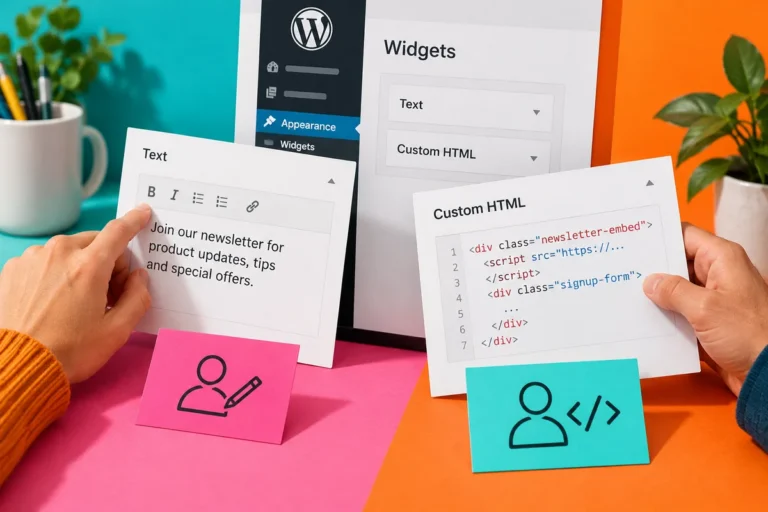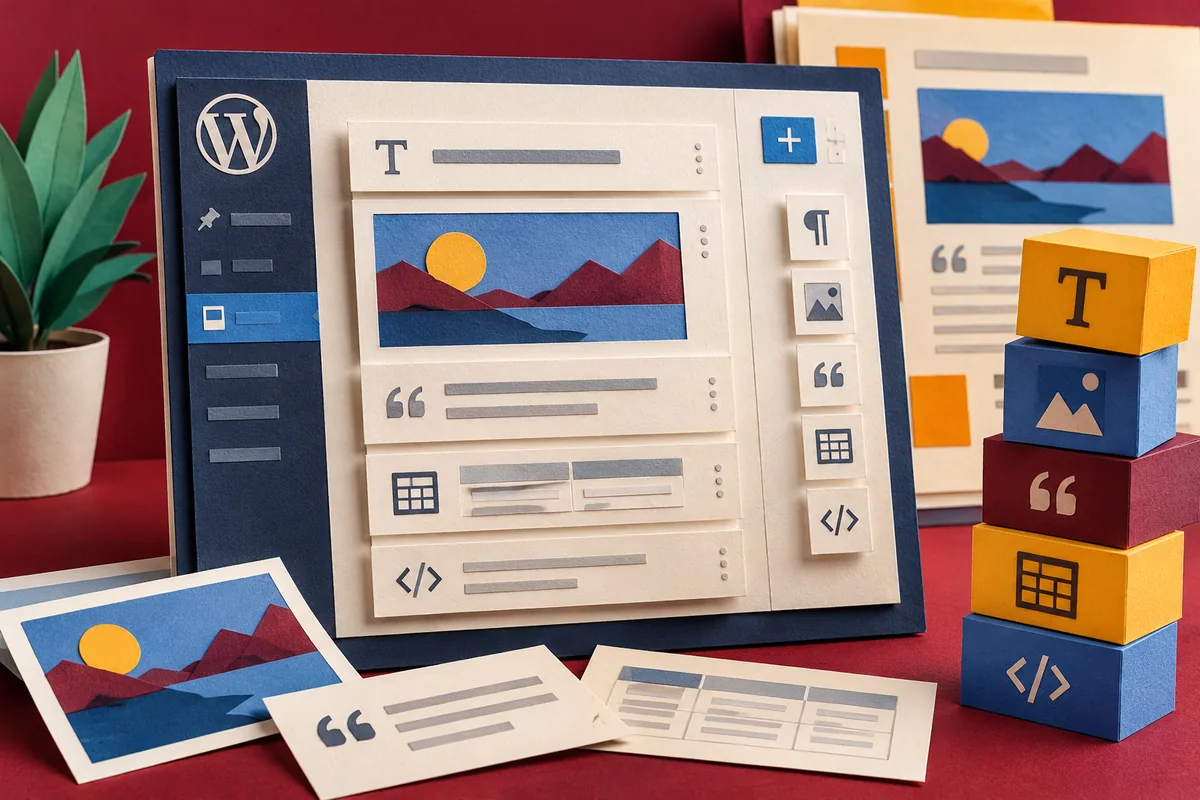
The WordPress dashboard has a new invitation: try Gutenberg. It arrives with WordPress 4.9.8, released on 2 August, ahead of the editor’s planned inclusion in WordPress 5.0. For an owner who just wants staff to update pages without breaking them, the sensible experiment is small and concrete. Pick a page that is awkward to edit today and see whether the new approach makes that work clearer.
Give the experiment a real job
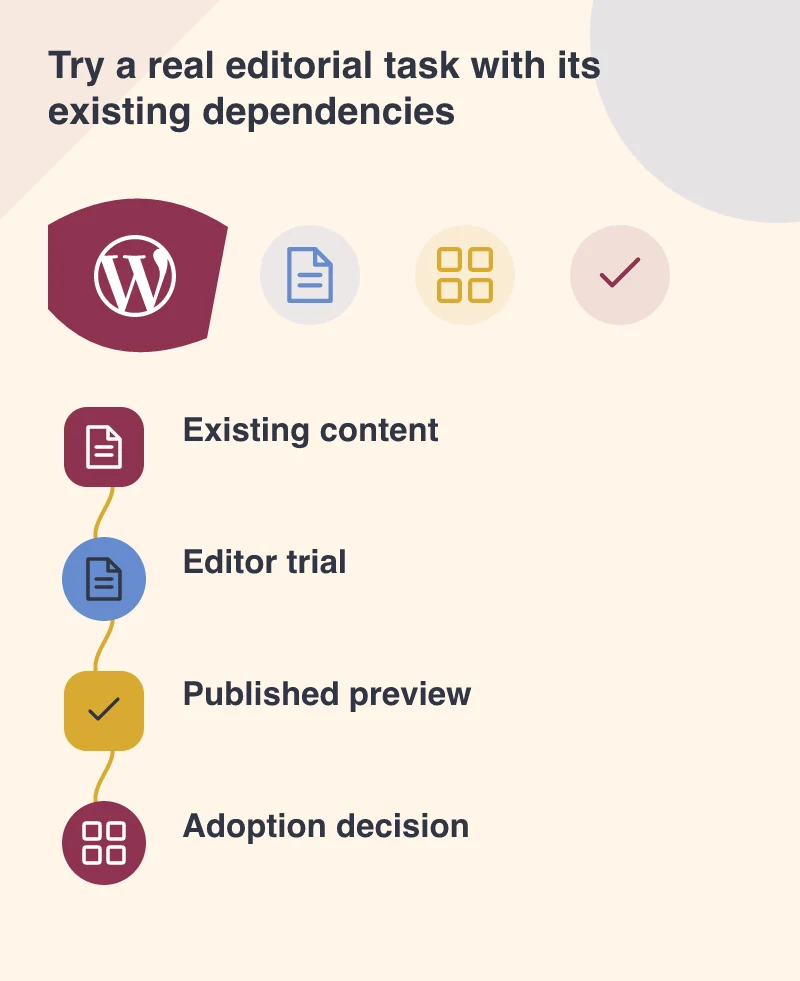
An empty post containing a heading and a photograph will demonstrate the basic controls. It will not reveal much about your website. Choose an existing article with a caption, a quotation, a table-like section or an embedded service. Recreate it on a separate test copy and ask the usual editor to make the changes they commonly need.
For example, imagine a training coordinator updating a course description with dates, a brochure and a registration link. The trial should establish whether those pieces remain understandable to edit and sensible to read. Do not judge success only by how closely a developer can reproduce a screenshot. The person responsible for next month’s update needs to be able to repeat the task.
Notice where the theme or plugin takes over
Blocks organise pieces of content, but a site’s styling and extensions still affect the result. A shortcode supplied by an older plugin may behave differently from a native piece of text or media. Record those dependencies instead of assuming the new editor will replace them automatically. A required form or catalogue integration needs its own compatibility decision.
Compare the editing view with the published test page at a narrow screen size. Long titles, wide media and unusual combinations can expose layout problems that a simple demo avoids. Confirm that links remain clear and headings express the article’s structure. A richer editing interface should not make the public page harder to read.
Let the actual editors assess it
Ask staff to work without a developer moving the mouse for them. Note the point where they hesitate, lose their place or cannot undo a change. Include the keyboard and any assistive technology they depend on. If the proposed editor prevents someone from performing their role, that is a substantive adoption issue, not resistance to a new look.
The 4.9.8 announcement describes an opportunity to test before the major release. It also describes how the invitation interacts with the Classic Editor plugin. There is time to identify the site’s requirements and decide a transition route. Testing should produce a record of what works and what needs attention, rather than pressure to activate a change everywhere immediately.
Keep the first decision modest
A successful trial might justify building a new article template or simplifying a repeated content pattern. It need not become a full redesign. Keep a backup, retain the original content and make sure test material cannot be mistaken for a live announcement.
At the end of the rehearsal, ask the coordinator to update the course a second time using only the instructions you have written. That repetition is revealing. If the task is clear, the experiment has found something useful. If it still requires a developer to rescue each edit, record the cause before expanding the rollout.