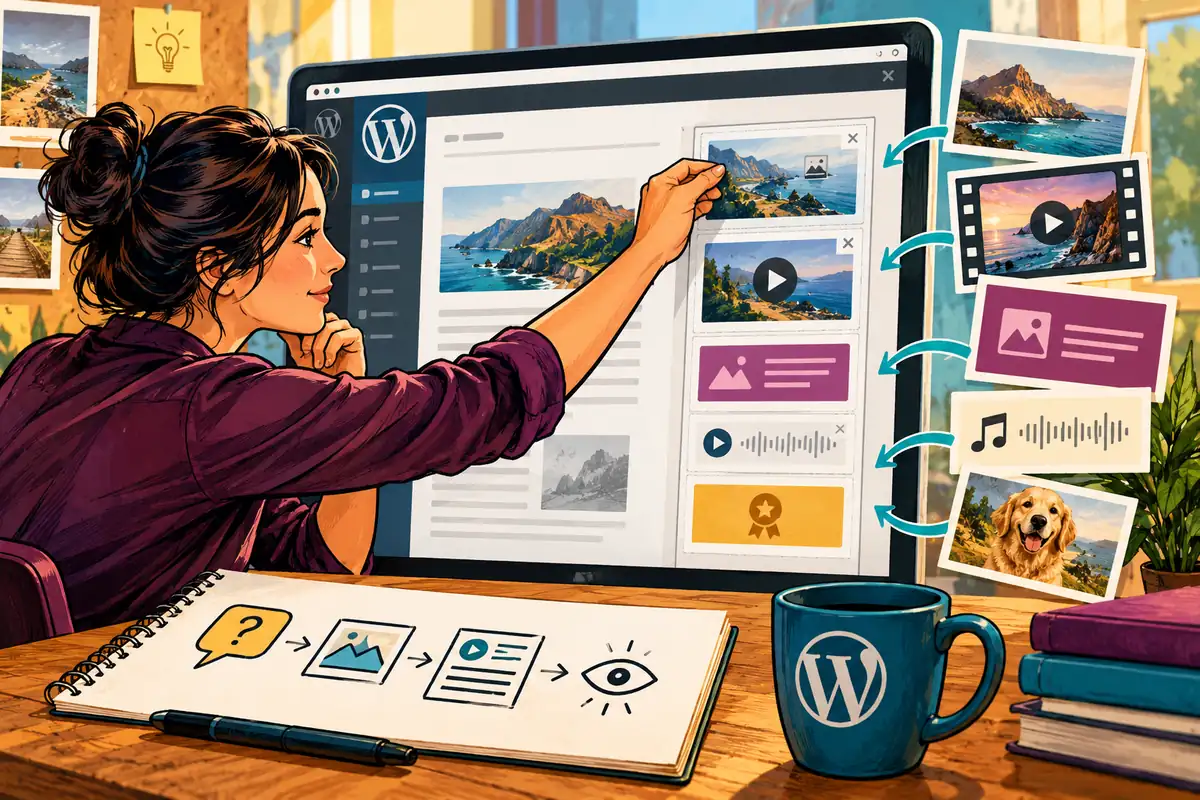
A sidebar can become a shelf for everything that did not fit elsewhere: a video, a badge, three promotions and a photograph that nobody remembers uploading. WordPress 4.8, released on 8 June, makes adding media to widgets much simpler. That is welcome for editors. It is also a good moment to decide what each piece of media is supposed to contribute to the page.
Easier publishing should mean clearer choices
The release introduces image, video and audio widgets, a visual editor for the Text widget and improvements to editing around links. Editors can therefore carry out more common changes without hand-writing markup. That convenience should reduce routine dependence on a developer, but it should not remove the site’s content rules. An easier upload button still needs guidance about the right image, the right file and the right place.
Imagine a music tutor using a short audio sample to answer a real question about a class. A large unrelated promotional video would compete with the timetable without helping someone choose. Ask the same practical question of each widget: what uncertainty does this remove for the visitor? If there is no clear answer, the new capability is a reason to simplify rather than to add more.
Give editors a usable media brief
A content handover can specify the purpose of an image, its intended display size and the information its alternative text should communicate. An audio or video item needs clear surrounding text so a visitor knows what will happen before selecting it. Where the spoken material contains essential information, provide an accessible written version instead of making listening the only way to understand the page.
The editing form should also distinguish a replaceable content image from a fixed brand mark. A tutor updating the term’s course poster should not have to wonder whether changing that library item will alter the site logo elsewhere. Consistent naming and a modest media-library routine can prevent these mistakes without adding a complicated approval process to every small change.
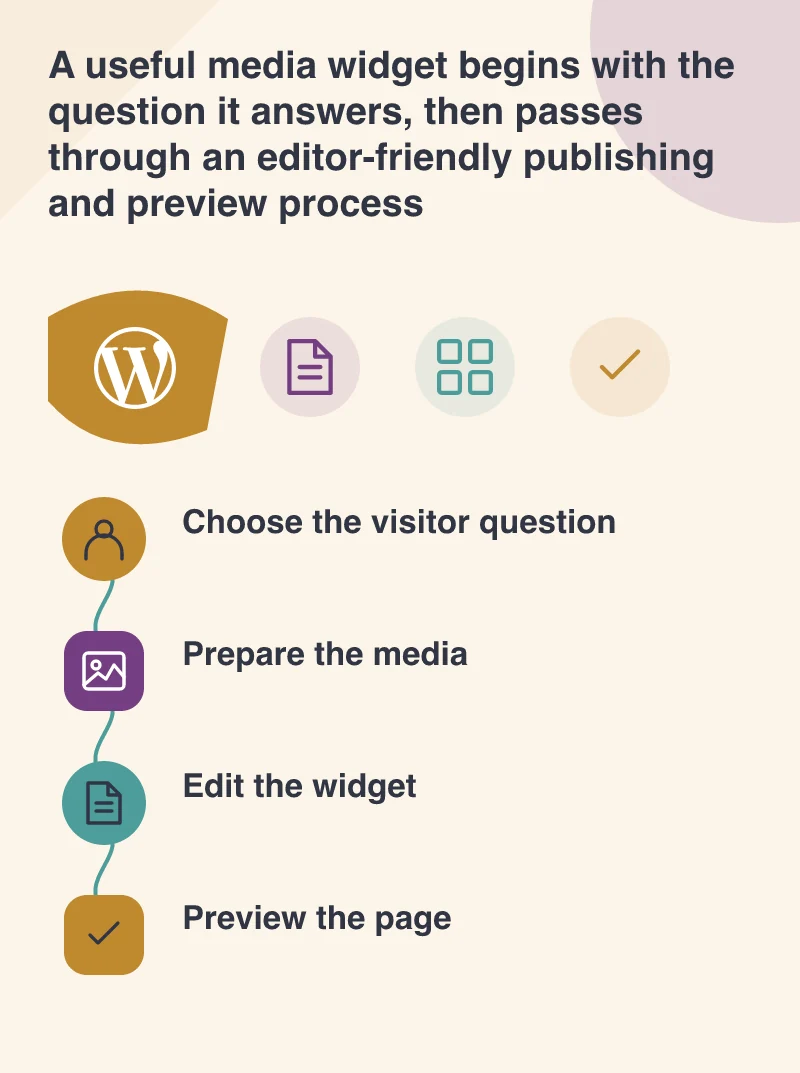
Preview the whole page on a phone
A widget that looks restrained beside an article on a large display may become a long stack below it on a phone. Check where a visitor encounters it, whether its heading makes sense in that position and whether the media adds an unnecessary download. Test the ordinary play and pause controls if the media is meant to be played, and avoid taking control away from someone simply trying to read.
The media controls should leave the business able to maintain its own useful material confidently. Try one representative change with a real content editor, preview the page at a narrow width, and check the links around it. WordPress has made the controls more approachable. The design work is making sure the result remains focused on the visitor’s reason for being there.