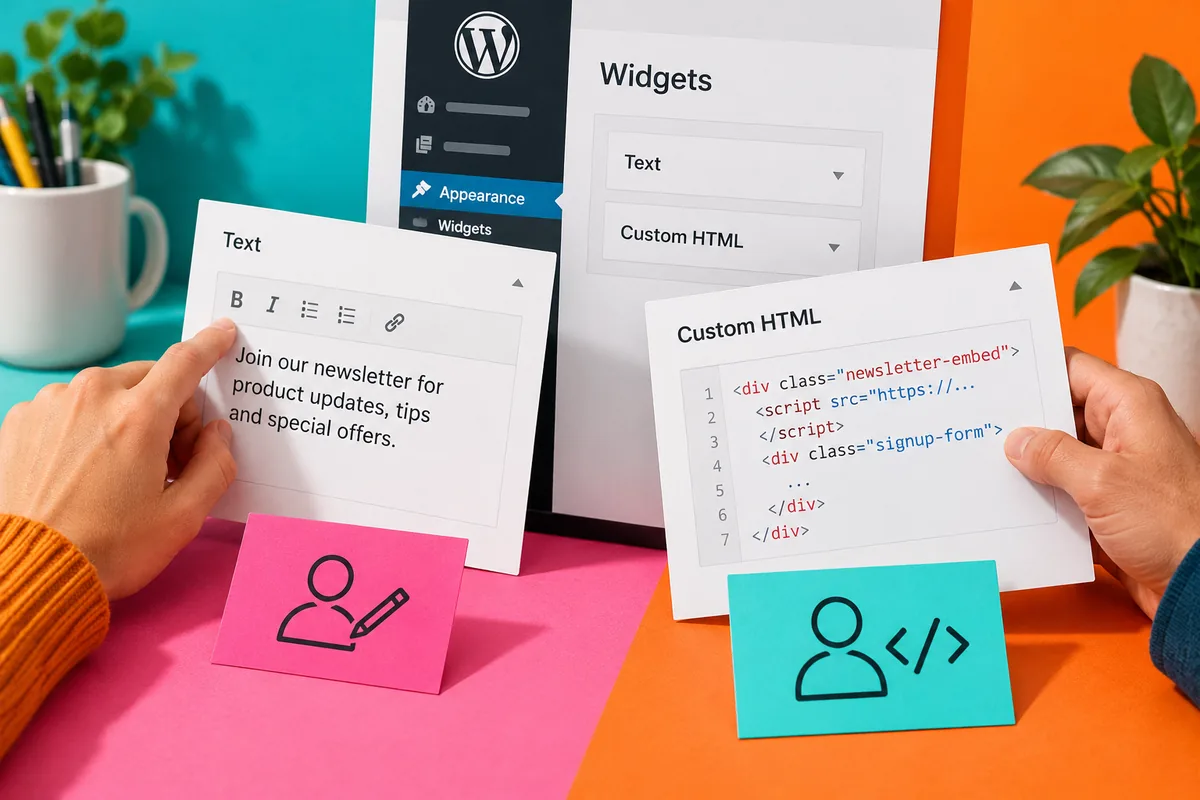
A business editor opens a text widget to change one sentence and finds a block of unfamiliar markup. Somewhere in that code is the wording they need, but an accidental deletion could break the whole panel. WordPress 4.8.1, released on 2 August, introduces a Custom HTML widget alongside fixes to the rich Text widget. It is a useful opportunity to make the difference between editable content and maintained code much clearer.
Different controls should mean different responsibilities
The release announcement identifies the new widget and rich-text fixes as notable maintenance changes. These controls support different kinds of work. A Text widget can serve ordinary formatted writing; a Custom HTML widget can hold markup that needs deliberate handling. Neither choice alone explains who should edit a newsletter embed, a tracking snippet or a small layout supplied by a developer.
Imagine an association website where the office team changes event notices while a developer maintains an external registration embed. Put the notice in a control designed for normal writing and label the embed’s purpose clearly. The goal is not to deny editors useful control. It is to keep a routine wording change from becoming an unplanned code-editing task.
Document the snippets that matter
For each maintained snippet, record what it does, where it came from and what the business can safely change. An external embed may load resources or depend on a provider’s service. A copied block of code should therefore have a reason to remain on the page, not merely a history of always being there. This is also a good time to remove obsolete experiments from a staging copy after confirming they are no longer needed.
When a field really does require code, provide a tested example and a recovery route. Keep a copy of the last working value in the appropriate project material. Avoid placing credentials or sensitive information in a public widget. The fact that something is entered through an administrator screen does not make its resulting page source private.
Try the next ordinary change
A good handover test asks an office editor to update a real notice without guidance from the person who built it. Watch which labels cause hesitation and whether the preview makes the result clear. Check the public page after saving, including at a narrow width. If an editor has to choose between several nearly identical widgets, the naming or content structure probably needs attention.
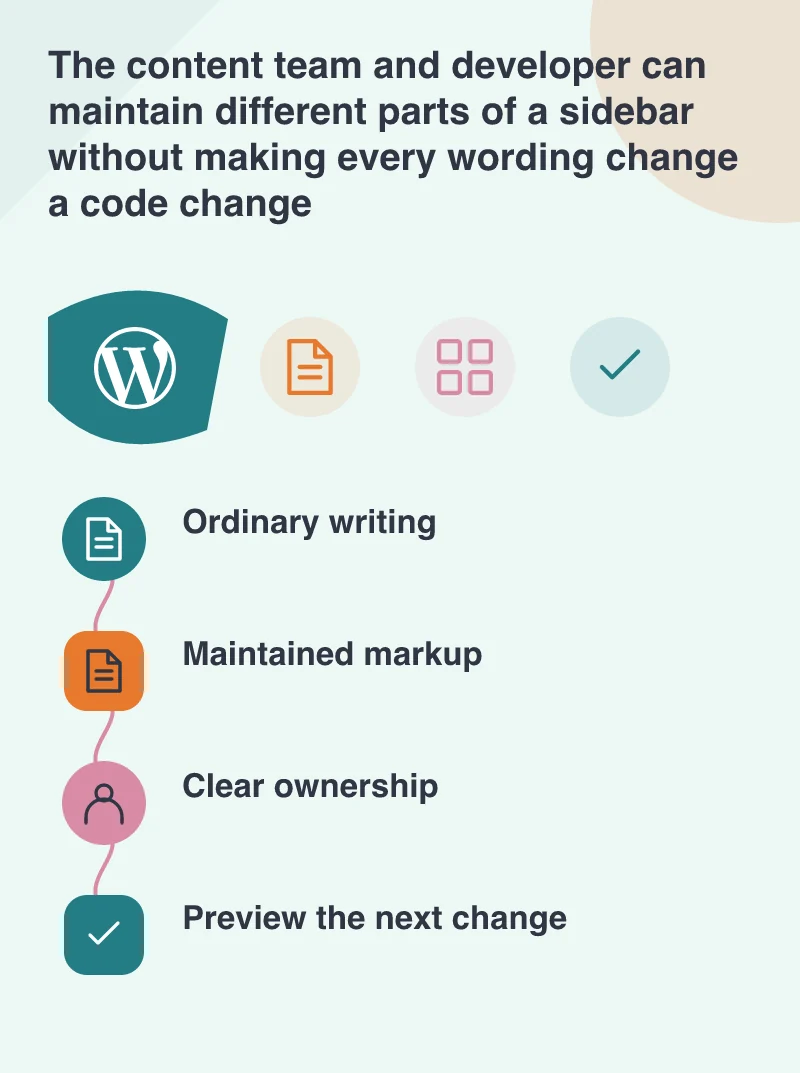
The August release is a small software update with a useful design implication: simple editing depends on clear boundaries. Keep normal content in normal writing controls, identify the code that needs specialist maintenance, and make both understandable in the backend. That leaves the business more independent for everyday changes while giving the developer a defined set of integrations and snippets to look after.