A business owner receives a screenshot of a proposed change and says it looks fine. Later, on the live website, the longer page title wraps badly and a menu item has disappeared below it. WordPress 4.9, released on 16 November, improves the Customizer workflow with design drafts, preview links, locking and scheduling. The opportunity is a better design conversation before visitors become the first people to test the change.
Review the website, not just a picture of it
A preview link lets reviewers explore a proposed Customizer change rather than judge a single frozen view. A draft can remain separate from the published appearance, while locking helps prevent simultaneous edits from overwriting one another. These are improvements to the Customizer’s workflow, not a promise that every change made by a theme, plugin or external system belongs to the same draft.
For a professional practice planning a change, a review might include the homepage, a long service description, the contact page and a news article. Ask the reviewer to follow the navigation rather than only inspect the first screen. The question changes from “Do you like this colour?” to “Can a prospective client find the relevant service, understand it and reach the enquiry form?” That gives feedback a useful purpose.
Make approval specific enough to act on
A design preview does not automatically make a review productive. Send a short brief explaining what changed, which pages need attention and which decisions remain open. Tell reviewers whether the wording is final. Otherwise they may spend their time correcting a temporary headline while missing the navigation behaviour that actually needs approval. Keep feedback attached to the page and action it concerns.
Scheduling is useful when a change belongs to an event or campaign, but the clock is only one dependency. The team must also know whether images, destination pages and contact details are ready. An attractive announcement scheduled for Monday is incomplete if the page it links to is still a draft. List those dependencies with the design review so the intended launch moment is realistic.
Separate routine editing from risky code changes
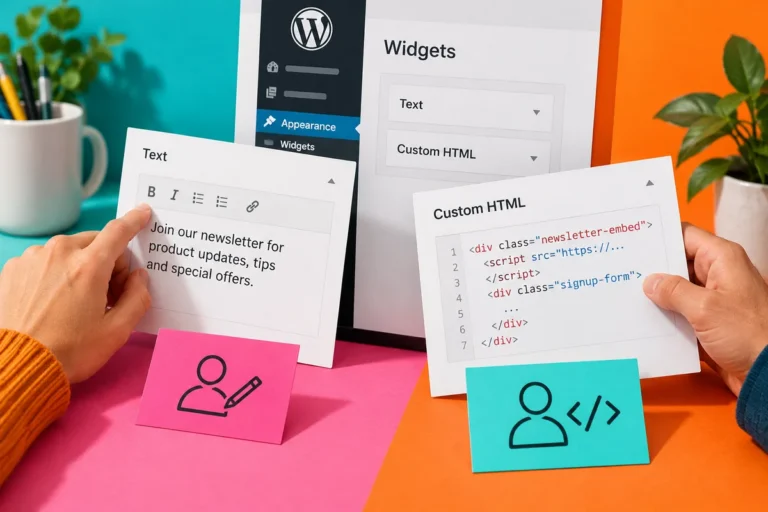
WordPress 4.9 also adds code-editing checks and warnings intended to reduce mistakes. They are helpful safeguards, but they do not replace a tested development workflow. An office editor choosing a logo or changing an approved colour should not need to modify theme code. A developer changing behaviour should still use an appropriate test environment and maintain a recoverable copy of the work.
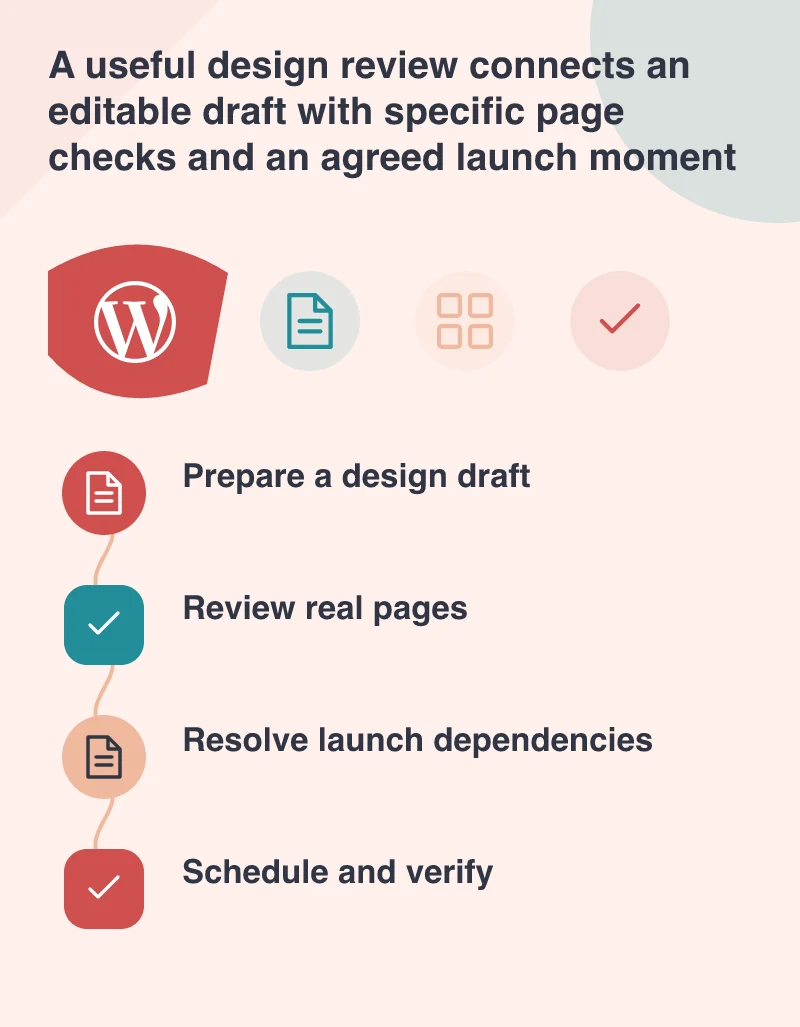
Try the new review routine with one modest design change. Save the draft, send a focused preview brief, collect page-specific feedback and check the important routes before scheduling. After launch, confirm that the published version matches the approved one. The benefit is not merely another convenient dashboard feature. It is a clearer agreement between the people deciding how a site should look and the people responsible for making that appearance work.