A website handover should leave a team able to publish its next useful page, not simply admire the pages already built. WordPress 5.6’s December release adds another opportunity to improve that working relationship. Its new default theme, block patterns and media improvements are interesting because they can make ordinary content work more understandable for the person who will maintain the site.
A starting layout can carry good decisions
Released on 8 December, WordPress 5.6 includes the Twenty Twenty-One theme, more block patterns and layout flexibility, and improved support for adding video captions through a post or page. These features address different aspects of publishing, but they meet in a shared question: can the editor produce a coherent result without rebuilding the design each time?
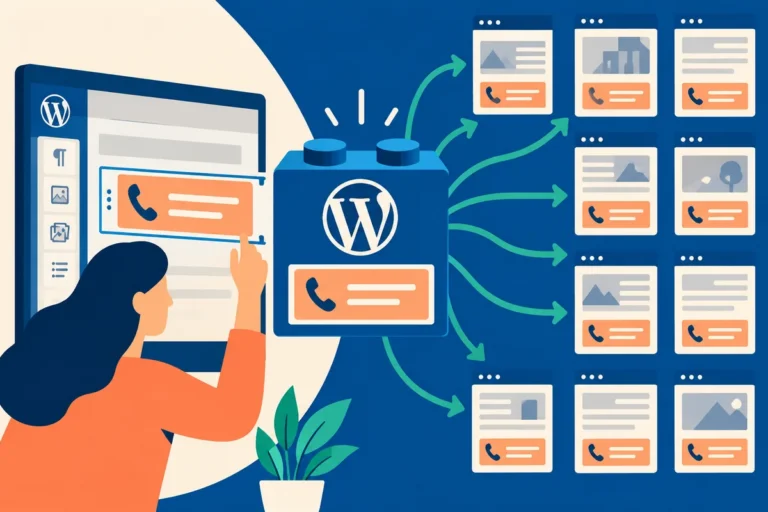
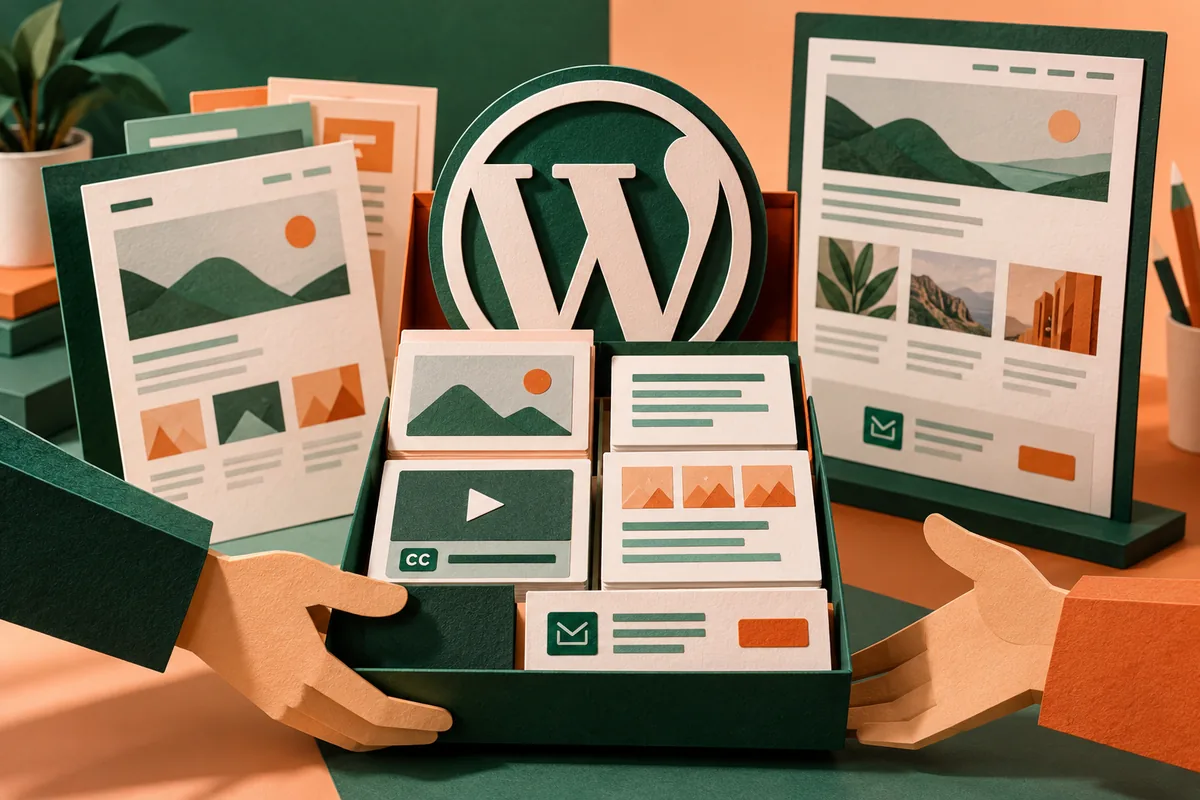
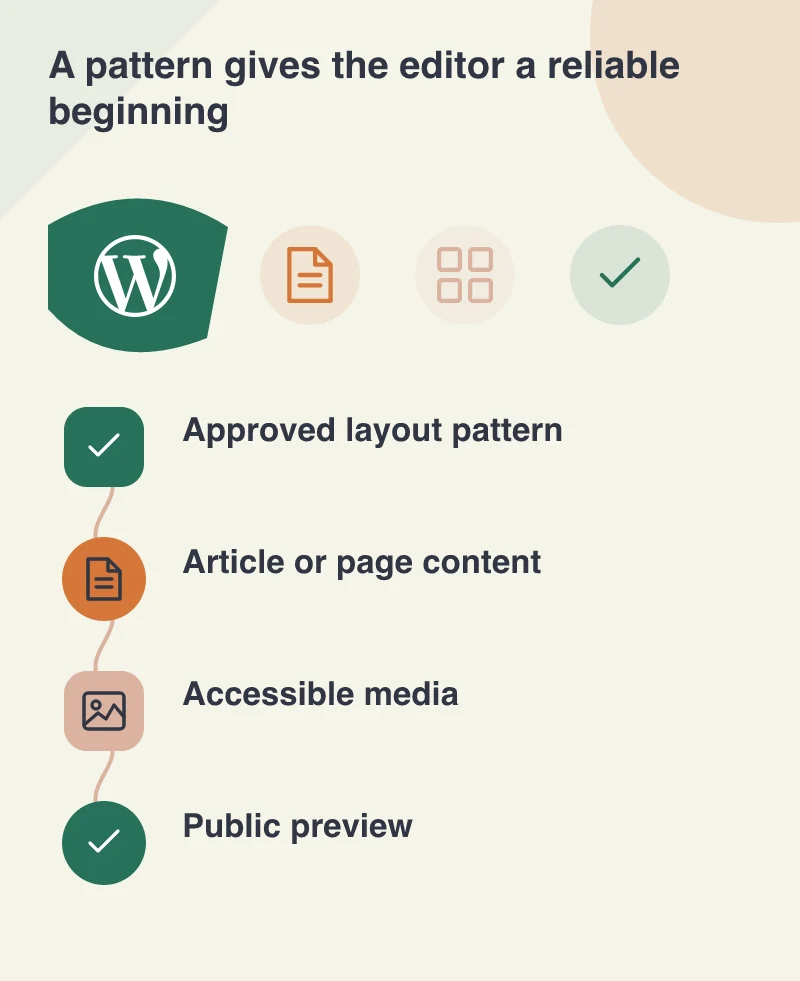
A useful pattern gives someone a beginning that already reflects the site’s visual decisions. It should still be obvious which words, images and links need to change for the new page. A template full of unexplained placeholders is not much of a handover.
Build patterns around actual content
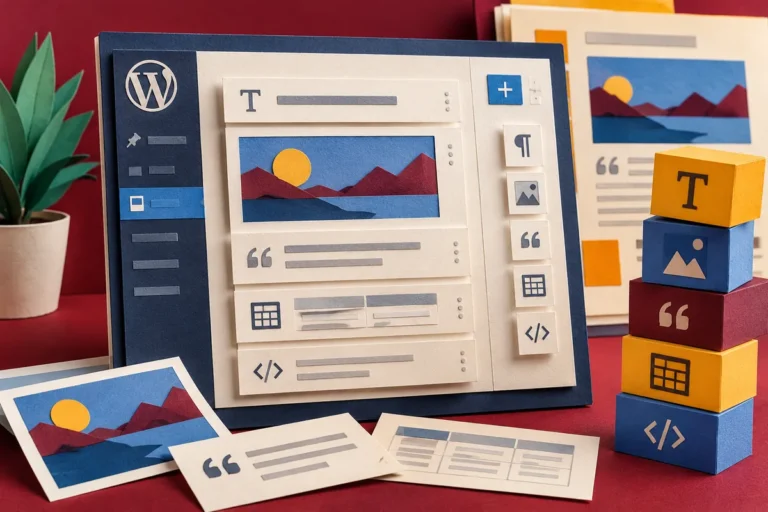
Imagine a studio publishing a project note. It needs an introduction, a set of images, a description of the problem and a way to contact the team. That is a recognisable editorial task. A pattern can organise those pieces without requiring the editor to remember the spacing and hierarchy from an earlier page.
Test it with an ordinary title and an unusually long one. Replace the demonstration photograph with a real image of a different shape. Remove an optional section. These variations reveal whether the pattern is resilient or merely a carefully arranged screenshot.
Treat accessibility as part of publishing
Caption support is useful when the team has captions to upload and knows when they are needed. The same is true of alternative text, link wording and heading structure. A theme can provide a sound foundation, but the choices made while editing still affect whether people can use the content.
Include those choices in the handover rather than presenting accessibility as an invisible technical setting. An editor should understand why a descriptive link helps and why choosing a larger-looking heading solely for its visual size can damage the page’s structure.
Rehearse the next page together
Ask the future editor to create a draft from the pattern while the developer observes. Let them select media, change a link, preview the page on a phone and correct a mistake. Any point requiring an undocumented workaround deserves attention before the project is considered easy to maintain.
The benefit of December’s release is not confined to a new theme or another set of controls. It can support a clearer agreement between design, development and content work. A successful handover gives the team enough freedom to keep the website useful, with enough structure that each new page still feels as considered as the first.