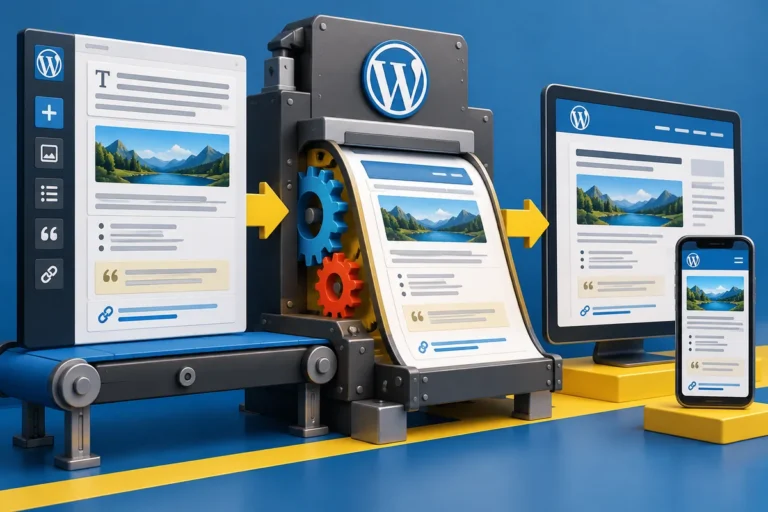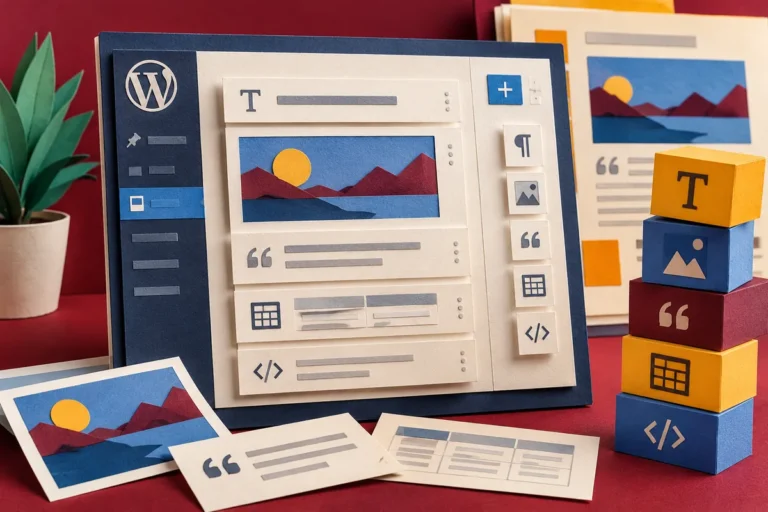
A release preview can sound like something only a developer should inspect. Yet a website’s most revealing test may be an editor trying to replace a photograph, move a section or correct a button label before a deadline. The WordPress 5.4 beta period gives businesses a chance to discover those everyday difficulties on a test site, where a mistake does not become a public page.
A preview is an invitation to test
The 25 February beta announcement kept a clear boundary: WordPress 5.4 was still under development and was not recommended for a production site. It described further block-editor fixes and work around the Site Health score on the dashboard. The final release was then planned for 31 March, leaving time for feedback rather than requiring an immediate live upgrade.
That makes February a useful planning window. A developer can prepare a protected copy of the site, while the people who manage content identify the tasks worth exercising. A list based only on installed plugins misses the publishing habits that have grown around them.
Bring yesterday’s difficult page
Choose an existing page that contains more than plain paragraphs. It might combine a banner, two columns, a customer quotation and several calls to action. Ask an editor to make the sort of change they would normally request from a developer. Watch where they hesitate and where the resulting preview differs from what they expected.
Repeat the exercise with media replacement and a longer heading. Real content reveals weaknesses that a neat demonstration rarely shows. A design that works only when every title has the same length is expensive to maintain, regardless of how attractive the initial screen looks.
Keep content and layout responsibilities clear
The block editor offers a shared language for putting content together, but a business still needs decisions about what can vary. Agree which page elements editors should freely change and which visual relationships the theme should handle consistently. An editor should not have to recreate spacing and colours by eye whenever a new article is published.
If the site uses custom blocks, test their controls alongside the standard ones. Check the editing screen, the saved result and the public preview. These are separate views of the same content, and an integration can behave correctly in one while being confusing in another.
Turn the trial into a useful handover
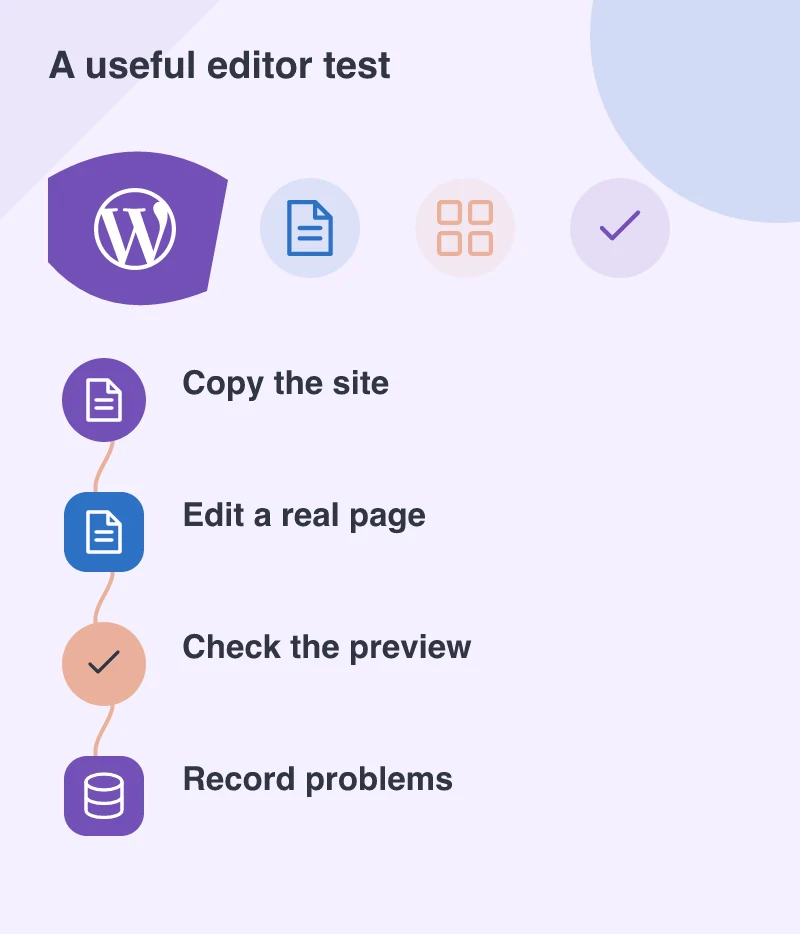
Record problems as short steps that another person can repeat. Include the page, the block involved, what was changed and what actually happened. That is far more actionable than saying the new editor feels different. Developers can then separate a genuine compatibility issue from a training need or an existing layout weakness.
The outcome of beta testing does not have to be a dramatic redesign. It may be a small list of theme adjustments, a safer publishing process and a clearer explanation for editors. Those are worthwhile results because they reduce the friction between having something useful to say and putting it on the website accurately.