
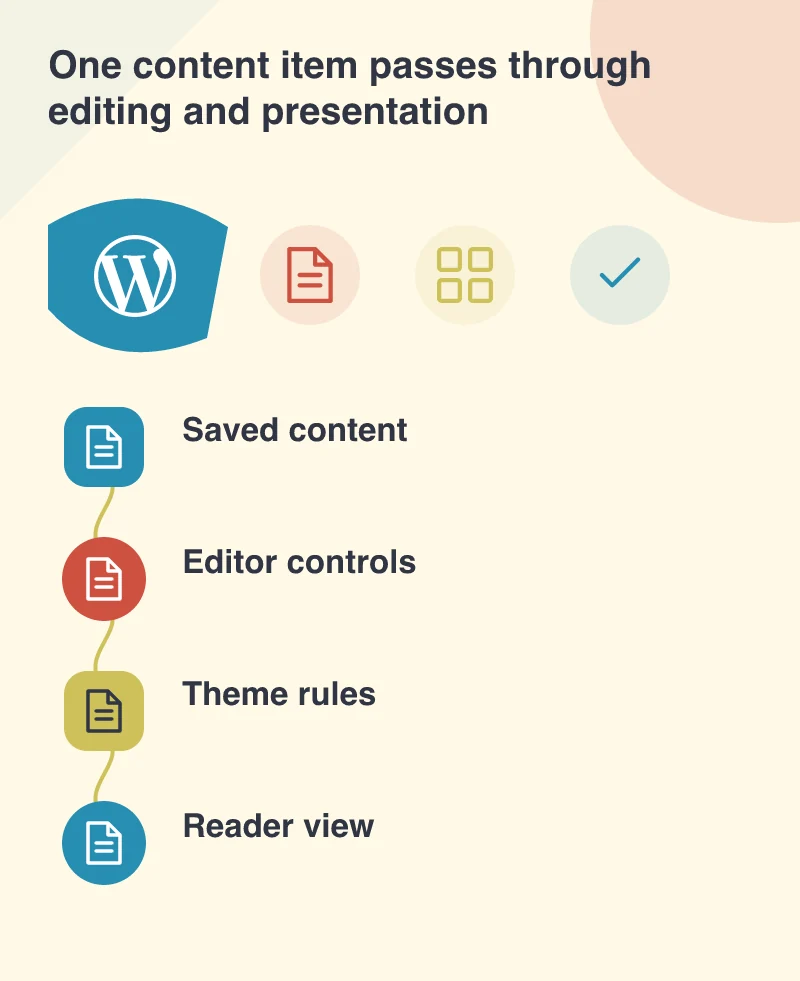
An editor should not have to publish a page repeatedly to discover how it will look. WordPress 5.0.3, released on 9 January, includes block-editor refinements and related fixes to bundled themes. The detail about themes is worth noticing. Content editing has two sides: the controls used by staff and the rules that present the saved result to visitors. Updating one side does not automatically repair a custom implementation of the other.
Choose a page with enough variety
Open a representative article on a test copy. Include a long heading, a captioned image, a list and a link that wraps onto another line. If the business uses quotations or reusable content, include those too. Compare the editing view, preview and public page at a phone width as well as a desktop width.
Imagine a small publisher whose editor carefully crops an image to preserve a person’s face. If the public template applies a different crop, the final result can undermine that work. The problem is not solved by telling the editor to remember an invisible rule. The theme should make the intended behaviour predictable or explain the limitation where the decision is made.
Update the parts you actually use
The 5.0.3 announcement notes block-related improvements in bundled themes and asks users to update them. A custom theme needs its own review; it does not inherit every presentation change simply because WordPress core is newer. Identify the active theme and any child theme before assuming that a bundled-theme update applies to the public site.
Keep compatibility work focused. A spacing repair does not require replacing the entire design. Record which block styles are missing or inconsistent, then make a small set of deliberate changes. Staff need a reliable relationship between the content they enter and the page they publish, not a fresh collection of unexplained design controls.
Treat a slow editor as a working problem
The release includes performance work alongside bug fixes. If staff report that typing or selecting blocks feels slow, reproduce it with their actual document and extensions. A clean sample post may behave differently from a long article with many blocks. Review browser behaviour and the installed components before blaming the person’s computer or the whole editing approach.
Use an editor account matching their permissions and watch the task without taking over. Is the delay in opening the document, typing, saving or loading a preview? Those observations lead to different investigations. They also help distinguish a technical delay from a control that is simply difficult to find.
Give staff a small, dependable set of examples
Save a few approved content examples that show how the site’s common pieces should be used. Explain when a caption is needed, which heading level starts a section and how to link to a file. Good examples reduce the amount of layout work required for every new article.
After applying updates, ask an editor to make a normal change and review the public result together. Keep the feedback specific to the task. The January maintenance release is a chance to close small gaps in daily publishing, so the website feels less like an experiment every time someone needs to correct a sentence.