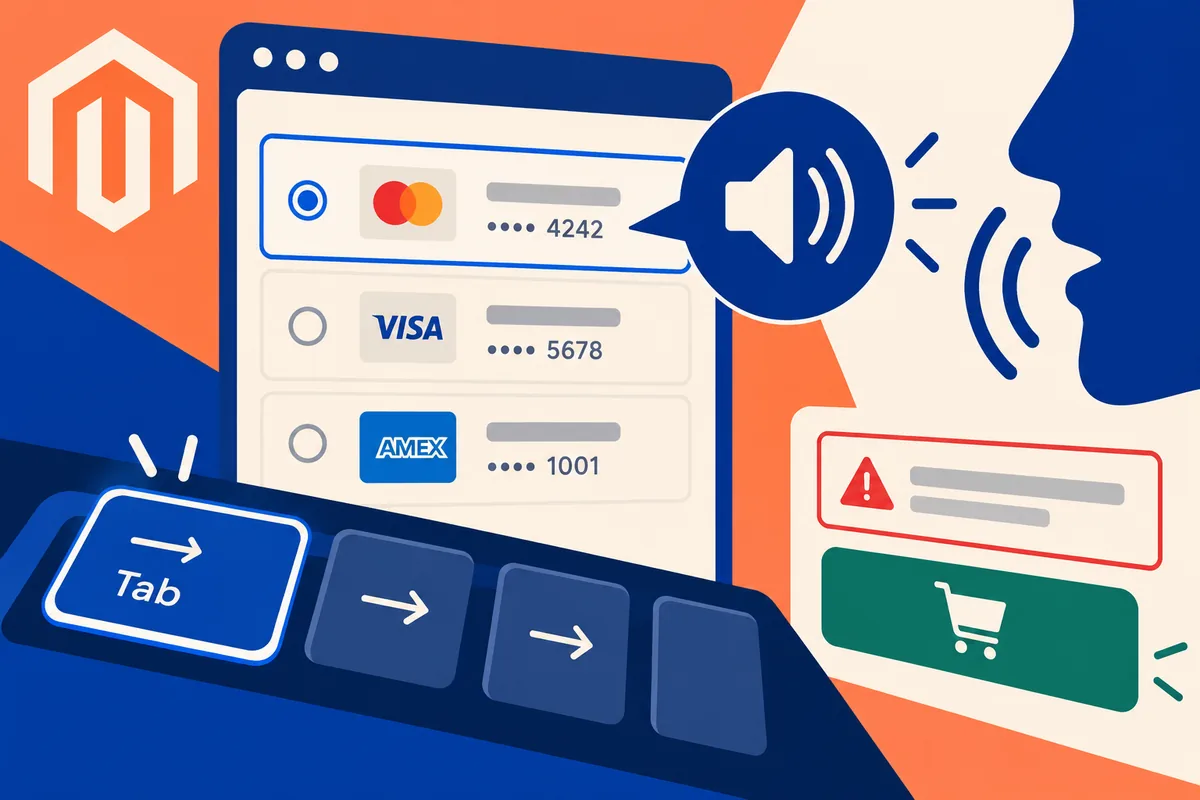
A returning customer opens checkout and finds a choice of saved cards. Visually, the icons may seem obvious. For someone using a screen reader, an unlabelled control can turn that shortcut into a guessing game. Magento 2.3.2, released on 25 June, records a fix for the accessible label of a vault-saved card type. It is a small changelog item with a direct connection to whether a person can finish buying.
Name the choice in a way the customer can use
A payment choice needs an understandable name and enough non-sensitive context to distinguish it. Review the actual output of the checkout and any payment extension rather than assuming the core fix covers a custom implementation. The business should be able to explain what the customer is selecting without pointing at an icon.
Imagine a buyer with two permitted saved payment methods. Ask them to identify the intended one using the interface’s text and announced labels. Do not use genuine card details in a test environment. The objective is to verify the meaning and operation of the controls through the payment provider’s supported testing facilities.
Walk through checkout without the mouse
Move through the page using the keyboard. Focus should be visible, follow a sensible order and reach the controls needed to continue. Check what happens when validation fails. If an address is missing, the person needs to locate the problem and understand the correction without searching the whole page for a coloured border.
Use suitable assistive technology as part of a real review. An automated audit can identify some missing information, but it cannot establish that the whole interaction makes sense. Listen to how a payment choice is presented and observe whether a quantity or address update is communicated. The exact installed checkout, including extensions, is the relevant subject.
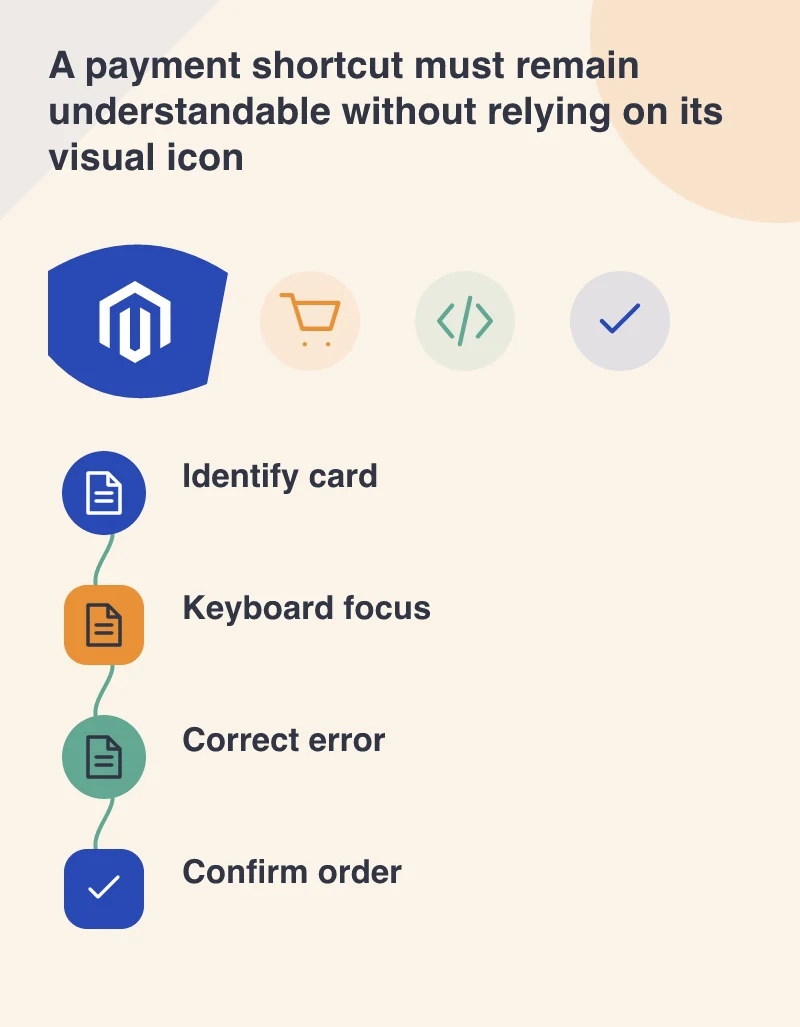
Do not remove meaning to make the screen cleaner
Minimal design can become less usable when labels are replaced by placeholders or icons alone. A placeholder disappears after typing and may fail to explain a field’s purpose when someone reviews their entry. Keep essential labels and instructions visible or otherwise properly available. Concision should remove repetition, not the information required to act confidently.
The 2.3.2 tagged changelog also includes a tablet-width correction on the customer login page. That is another reason to test the surrounding journey on actual narrow screens. A returning buyer may need to sign in before the saved payment option appears; an accessible payment control cannot compensate for an unusable route to it.
Make checkout changes earn their place
Give every added field or component a clear purpose. If a marketing widget competes with payment or delays the controls, question whether checkout is the right place for it. Keep promotions understandable and let a customer recover from an expired code without losing their other information.
For the maintenance release, test representative transactions on a safe copy and review the payment extension’s compatibility. Then make the accessibility checks part of future checkout changes. The standard is practical: a customer should know what they are selecting, correct a mistake and finish the order using the interaction method they rely on.