
The words supports GraphQL can conceal a large difference between a working product query and a complete purchase. Magento 2.3.1 is available this month. Its tagged QuoteGraphQl schema includes an operation for creating an empty cart for a guest or signed-in user. That is a concrete capability a developer can inspect. It should lead to a more detailed question before a merchant approves a separate storefront: which operations does this proposed journey actually require?
Name the operations behind the screen
A shopping-cart screen looks like one feature. Behind it are several operations: establish a cart, add an item, select an option, change a quantity, apply an address and calculate an amount. Payment and order placement introduce more. Write these down separately. An API that provides one operation does not establish that the remaining ones are implemented through the same interface.
Imagine a merchant selling a jacket in several sizes. A product card may be able to display a photograph and price while the next step needs variant selection and stock validation. The prototype should demonstrate the chosen size reaching the cart correctly. A screenshot with a convincing Add to Cart button does not prove that relationship.
Read the installed schema, not the architecture label
GraphQL exposes a schema describing available data and operations. Review the schema for the exact Magento version being used and the extensions installed with it. The 2.3.1 tagged source’s createEmptyCart operation is a specific example; it is not evidence that every desired checkout operation can be inferred from that one declaration.
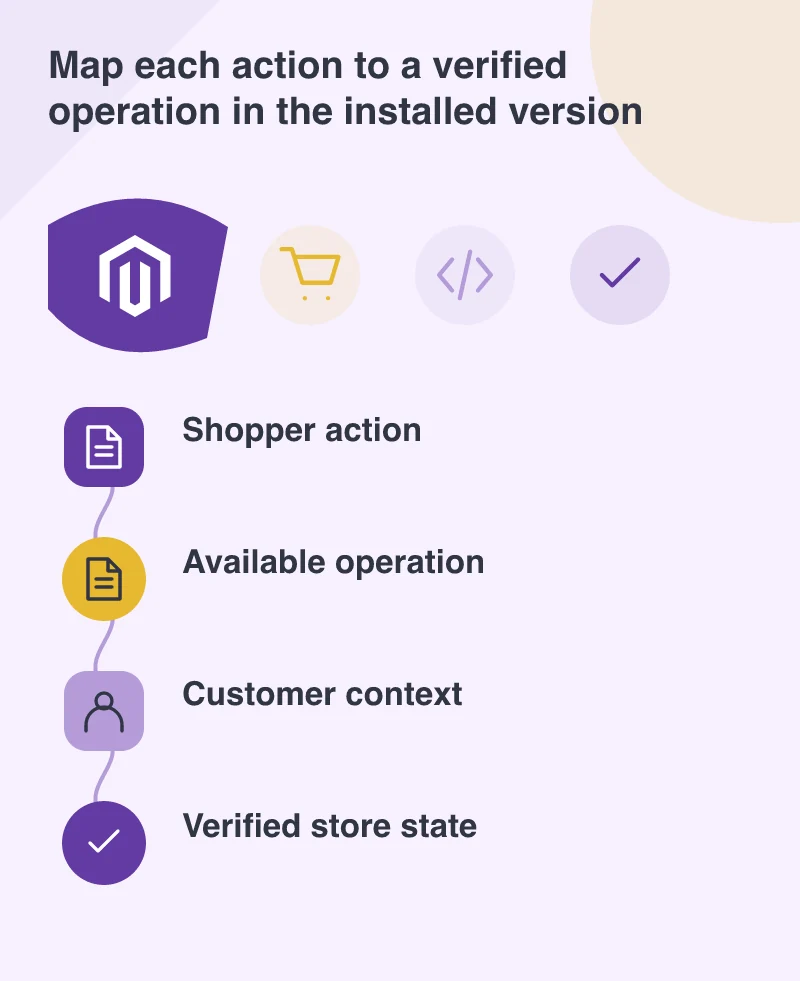
Build a capability map with the developer. For each business action, record the supported interface, required customer context and any custom work. Some tasks may use another existing API or a controlled handoff to a different checkout route. Those can be deliberate design choices, provided their effects on the shopper and maintenance team are understood.
Keep account and price context intact
Guest browsing and an authenticated customer can require different answers. A cart identifier is not a replacement for proper access controls. Ask how the frontend establishes the current account, how requests are authorised and where customer-specific prices are calculated. Secrets that belong on a trusted server should not be placed in public browser code for convenience.
Test two different users and a signed-out session. Try an expired login and a stale cart reference. The interface should recover without revealing another customer’s information or silently discarding the buyer’s work. These cases are easier to specify before the visual design makes assumptions about an uninterrupted, always-signed-in journey.
Estimate the missing steps openly
A useful project estimate identifies supported operations, integration work and unresolved questions. Distinguish a demonstrated capability from one expected in a future release. If a critical operation is missing, the merchant can choose a supported alternative or wait, rather than discovering the gap after the storefront has been built around it.
Keep a small executable trial alongside the design. Show a real test request, its response and the resulting store state for each important step. Headless commerce can give a team more freedom over presentation. That freedom is practical only when the contract between the interface and the commerce engine is explicit enough to build and support.