
Renaming a category feels like a merchandising task. It can also affect addresses, menus and the information sent to search engines. Magento 2.2.6’s September release includes changes concerning category URL rewrites, product URLs in sitemaps and scheduled sitemap generation. These are easy to overlook beside the visible catalogue. For a store receiving visitors through search and older links, they belong in the same conversation as the product descriptions.
A product has more than one route into the store
A shopper may follow a category, search the store, open an email campaign or arrive directly from a search result. The product must make sense at the end of each route. If the buying journey is tested only by clicking from the home page, an old category link or an incorrect sitemap address can go unnoticed.
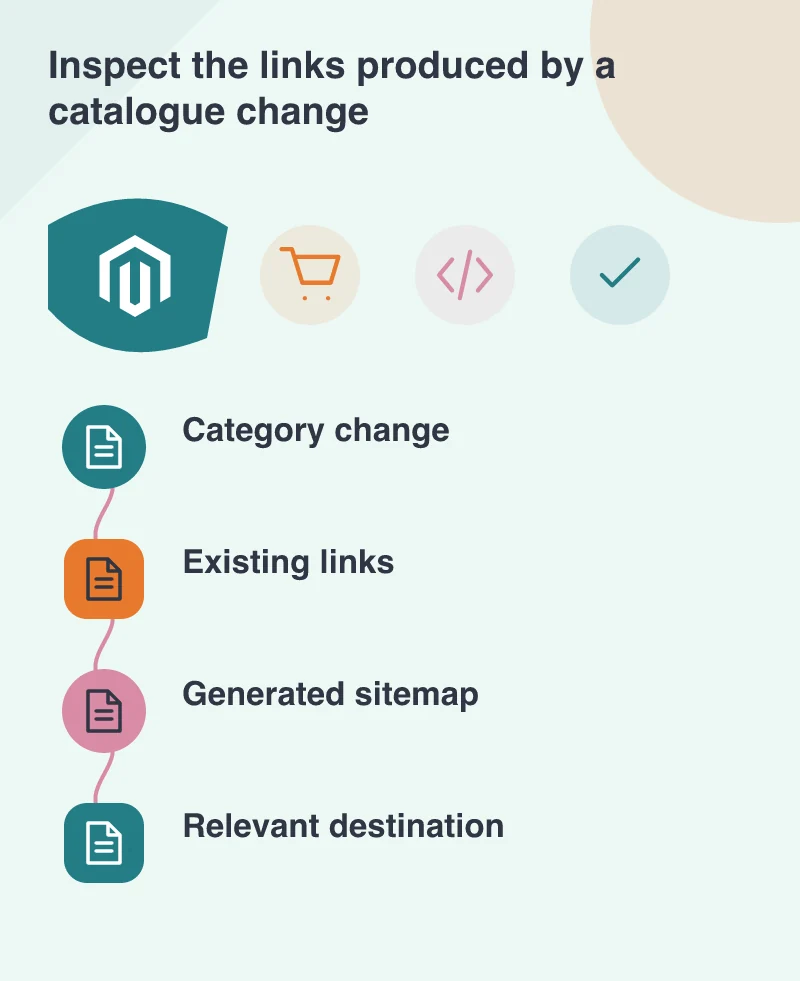
Imagine a homeware shop moving a set of lamps into a newly named collection. Keep a few sample product and category URLs before editing. After the change, try those old addresses and the new navigation. The desired result is a relevant destination with the intended product information, not simply an absence of visible server errors.
A sitemap is an output, not a guarantee
The tagged 2.2.6 changelog records fixes concerning incorrect product URLs in a sitemap and scheduled sitemap generation. On your installation, confirm what the scheduled job produces. Open the resulting file, inspect representative URLs and check that it changes when expected. The presence of a sitemap configuration screen does not prove that a fresh file is being generated.
A sitemap helps describe URLs you want discovered; it does not force a search engine to index or rank every entry. Keep removed products, redirects and canonical addresses consistent with the store’s intended catalogue policy. A development team can explain those signals without asking the merchandiser to become responsible for every technical setting.
Test the awkward names and store views
Use names with the punctuation and characters your real catalogue requires. Include a product appearing in more than one category and, where relevant, more than one store view. Check the resulting links rather than assuming that a clean example named Test Product represents the whole store. Saved sample cases make future updates easier to assess.
Do not change every URL merely to make the catalogue look more orderly. Established links have value to people who saved or shared them. If a change is necessary, record the intended redirect and verify it with an ordinary browser request. A redirect to the nearest relevant product or category is easier to understand than sending every retired address to the home page.
Give merchandising and maintenance a shared check
Before deploying 2.2.6, review custom URL, search and catalogue extensions on a representative copy. Then repeat the selected link and sitemap checks after deployment. Keep that work separate from an unrelated catalogue reorganisation where possible; it is easier to investigate a change when the expected addresses are documented.
The merchandising team should be able to say which pages matter, while the developer verifies how those pages are delivered and advertised to crawlers. One short list shared by both teams can cover a renamed category, a removed product and a changed store view. That is a practical way to prevent a tidy-looking catalogue from leaving broken routes behind it.