
The shortest command in an upgrade guide is rarely the whole upgrade. Magento 2.3 is now available, and the platform’s 29 November CLI guidance explains that an existing installation needs dependency adjustments as part of moving to it. For a merchant, the important translation is simple: the store is an assembled system. Its extensions and external libraries must fit the intended version together.
Know what the store is made of
Composer manages PHP packages and their version relationships. A Magento project can include the core platform, paid modules and custom requirements in that relationship. An old constraint may prevent a compatible update, while loosening requirements carelessly can introduce an unintended package. Have the maintainer explain which files and versions will change, rather than treating dependency resolution as background noise.
Imagine a store with an accounting connector maintained by a separate vendor. The storefront may need no visible alteration, but the connector still needs a supported route to the new platform version. Ask the vendor about the actual installed release. A general statement that its product supports Magento does not answer whether that particular copy supports 2.3.
Rehearse the complete installation
Use a representative copy of the store with the intended server environment. Protect customer information and disable live messages, payment capture and external order transfers in the test environment. An upgrade rehearsal should not create a real shipment simply because a copied integration retained its production credentials.
Save the starting package definitions and resolved versions. Record the steps needed to reach the intended state and keep the resulting changes under review. Magento’s guide describes an automated script and a manual approach for dependency adjustments; choose the appropriate supported process rather than inventing a series of commands in response to each error.
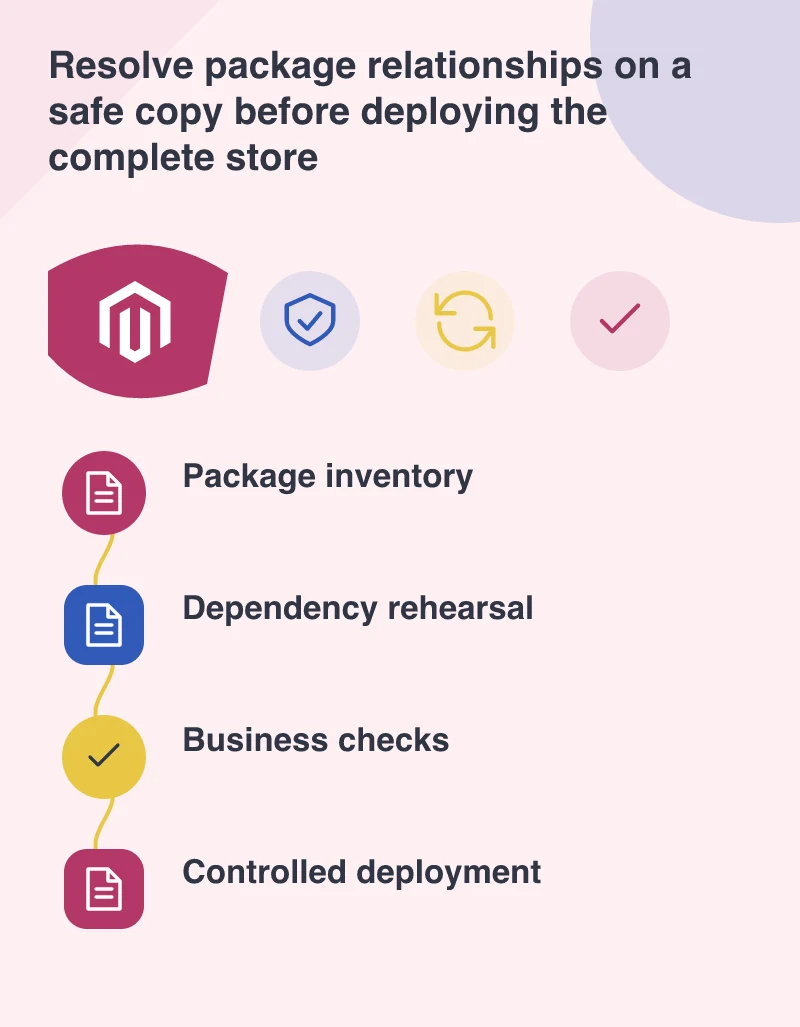
A successful command is the midpoint
After the code and database steps, verify the parts that carry business meaning. Check prices for relevant customer groups, a representative promotion and shipping options for a real service area. Use an approved payment test method. Confirm that the resulting order reaches the correct administration and integration states, including the detail needed by fulfilment staff.
Run background and scheduled processes too. A store can display products while a failed job prevents an export or refresh. Give each check an observable result. Saying that cron looks fine is less helpful than confirming that a particular scheduled task completed and produced the expected output on the test copy.
Choose a recoverable launch window
Agree how orders arriving during deployment will be handled. A database restored from an earlier backup can discard transactions accepted afterwards, so recovery planning needs more than keeping a zip file somewhere. The deployment owner should describe when the store pauses work and how the final decision to reopen is made.
Keep unrelated design changes out of this release where practical. Review the actual package differences and retain the rehearsal notes for the person operating the live change. The payoff is a predictable deployment with known dependencies and a clear verification route, rather than an update that happens to work once on a developer’s machine.