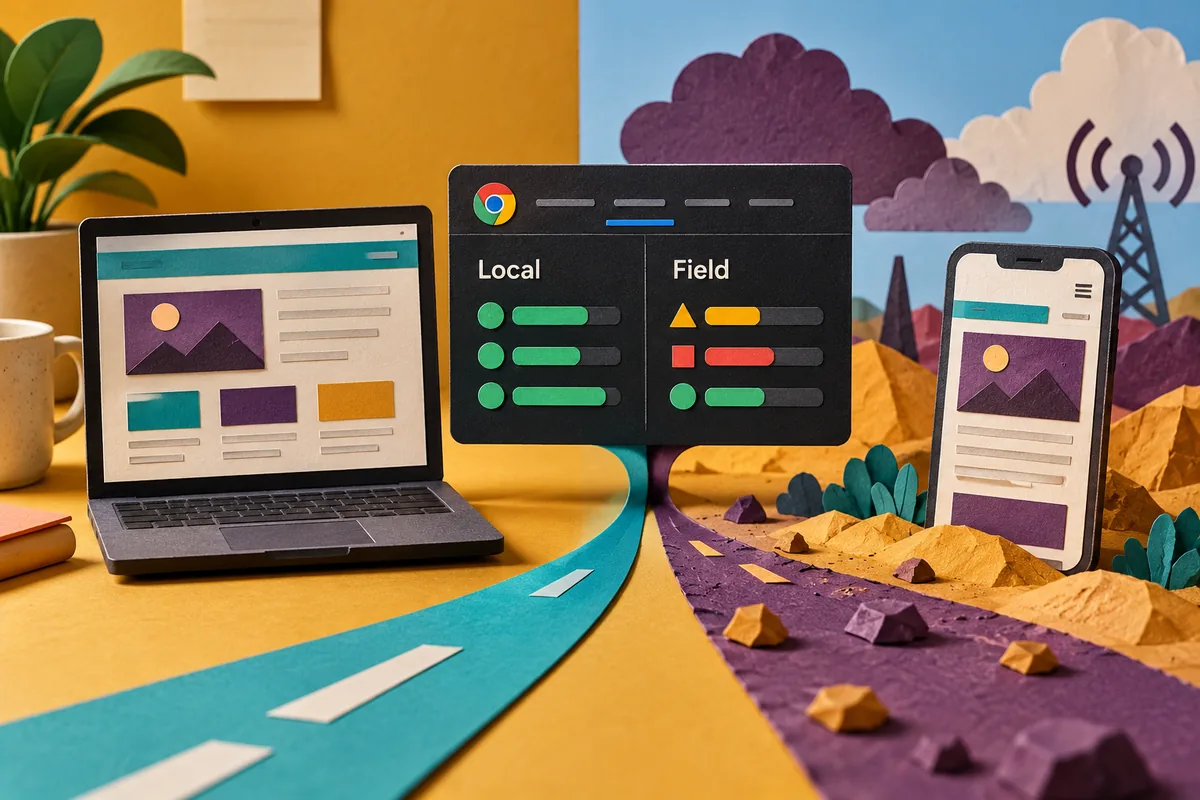
The developer’s computer shows a quick page. The field report suggests some visitors have a slower experience. Neither result has to be wrong. Chrome’s September DevTools update puts live local Core Web Vitals beside eligible real-user data, making that comparison easier to begin. The value is not a new number to display in a report; it is a better way to ask which circumstances the team needs to reproduce.
Establish what each measurement represents
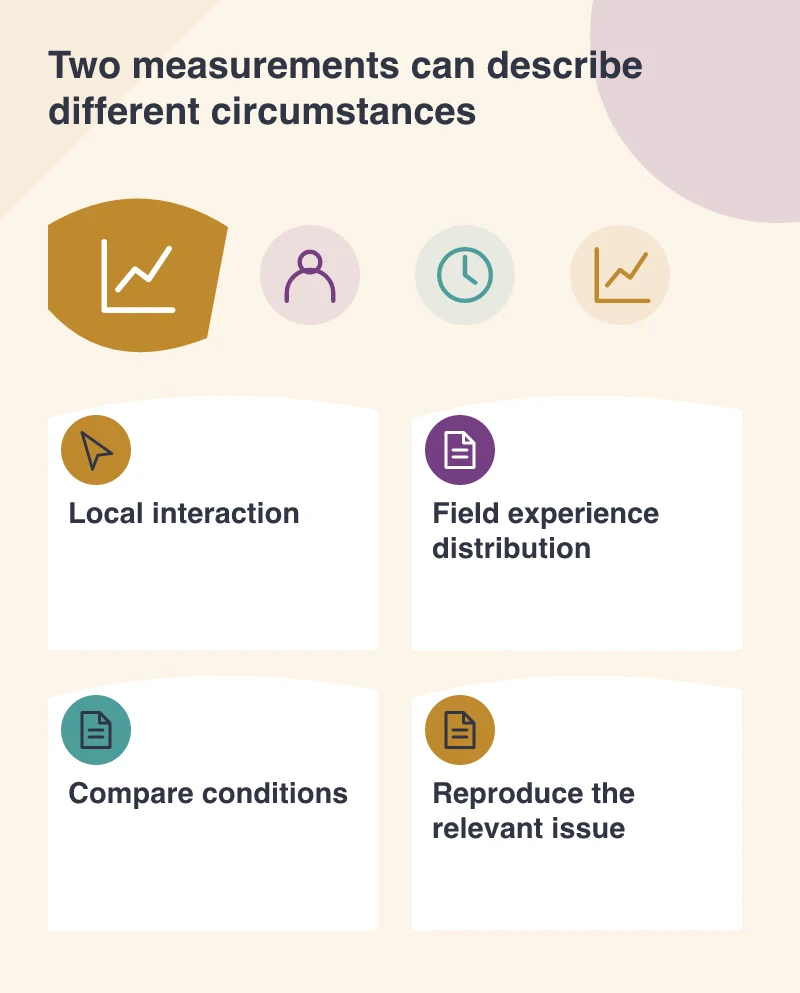
A local result describes a particular run on a particular environment. The field data described in the announcement comes from CrUX and represents an aggregated period of eligible real visits. Those views can differ because the people, devices, network conditions and states of the page differ.
Check the scope shown by the tool. A page-level view and an origin-level fallback are not interchangeable, and some sites or URLs may not have enough eligible information. An unavailable field result is not evidence of excellent performance or a reason to invent a representative number.
Reproduce a visitor condition deliberately
Choose a page and task that matter to the business. Compare the local viewport, device capability and connection with the circumstances suggested by the available field evidence. Then follow the task, including interactions after the initial load. The problem may appear only when a mobile navigation opens or a later component becomes active.
A throttled environment is a useful investigation aid, but it is still a model. Where practical, check a representative physical device as well. Record the settings used so a later comparison can distinguish an actual improvement from a faster test machine or a different scenario.
Examine the metric in context
Largest Contentful Paint, Cumulative Layout Shift and Interaction to Next Paint describe different aspects of the visit. A slow main image, a moving button and an unresponsive filter should not all produce the same development brief. Use the observation to identify the relevant event or resource.
Also notice whether the page’s layout changes between device types. A mobile page can have a different largest content element or introduce a control absent from the desktop layout. Testing the desktop composition at a smaller width without using its mobile interactions can miss the issue the visitor actually encounters.
Keep the comparison in the release record
Save the conditions, the page state and the reason for the chosen fix. After making a controlled change, repeat the local task and observe the appropriate field information over its normal collection period. Do not expect an aggregated dataset to become a real-time confirmation of today’s deployment.
Putting field data beside the test helps connect diagnosis with the audience’s experience. The best outcome is a precise explanation of a problem and evidence that the intended change addressed it. A performance discussion becomes more useful when the team can say whose experience is represented, which action was slow and why the proposed remedy fits that action.