
A site owner can spend a whole meeting discussing a speed score without asking whether the page answers the visitor’s question. Google’s April clarification about page experience is a useful correction to that habit. It explains that there is no single page-experience signal and that search still aims to surface relevant content. A fast, empty answer is not a complete SEO strategy.
Begin with the reason someone searched
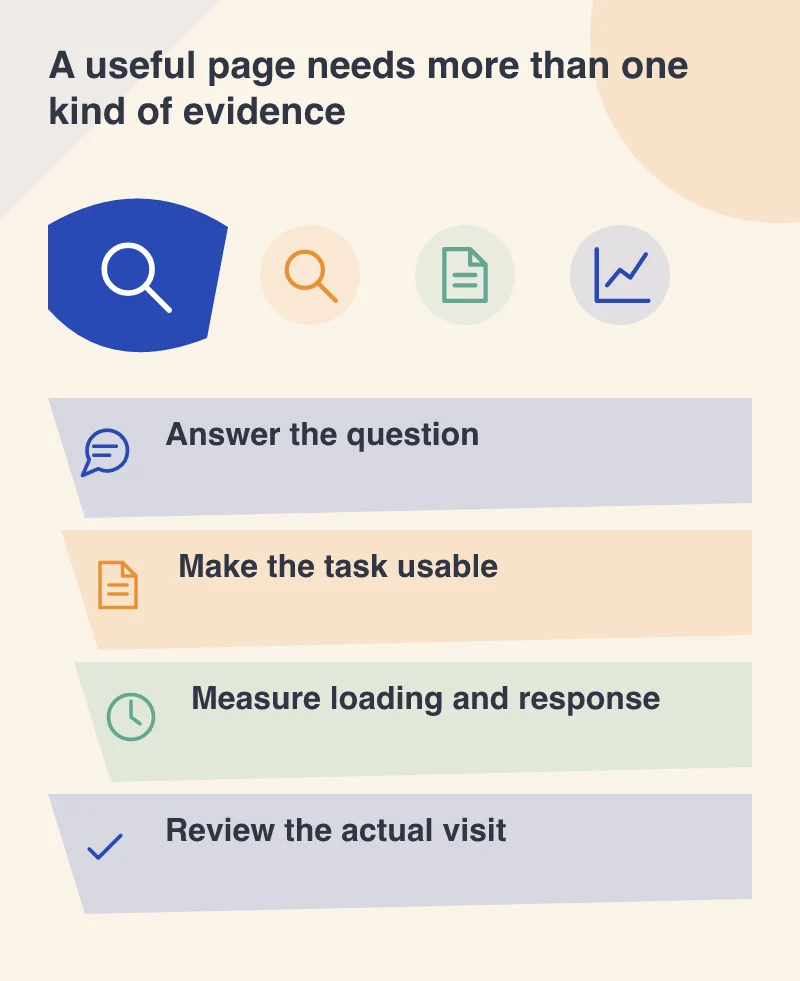
Consider a customer looking for the warranty on a particular product. A page that loads quickly but hides the warranty behind a sales form has not met that need. Before changing technical settings, check whether the answer exists, whether it is accurate and whether the route from a search result makes sense.
That review should include the title, the introduction and the information hierarchy. The page needs to tell a reader they are in the right place without making them interpret a marketing slogan. Where a claim needs evidence or a condition changes the answer, explain it near the claim rather than in a distant footer.
Use performance measurements for the question they answer
Core Web Vitals can help a team examine important parts of a page’s experience. In April 2023, the established trio remains Largest Contentful Paint, First Input Delay and Cumulative Layout Shift. They address loading, the delay before handling an initial interaction and unexpected visual movement. They do not establish that the content is useful or the business offer is clear.
A lab test such as Lighthouse is also different from measurements collected from real visits. A controlled run can expose a heavy resource or blocked work, while real-user evidence describes the circumstances of actual visitors. Compare like conditions when testing a change, and avoid treating one unusually good or poor run as the whole story.
Improve the moment that is actually failing
If the main image appears late, inspect how it is delivered and prioritised. If a button shifts while the page loads, reserve the appropriate space for incoming content. If a menu seems unresponsive, investigate the work competing for the browser’s attention. Specific observations create a much better brief than asking someone to make the score green.
The same principle applies beyond speed. A full-screen interruption, difficult navigation or a form that is awkward on a phone can undermine an otherwise useful page. Watch a complete task, not just the first screenshot, and include people who do not already know where the controls are.
Connect the technical work back to the reader
Record the issue, the change and the evidence used to assess it. Then repeat the original visitor task: can someone find the warranty, understand its conditions and reach the appropriate next step? A successful improvement should be explainable in those terms as well as through a diagnostic report.
Search guidance does not promise that a particular score or isolated fix will secure a ranking. Keep performance work, clear content and usable design in the same conversation. Each contributes something different, and none benefits from being mistaken for the whole page.