
The homepage looks quick in a demonstration, but the product page moves under the customer’s finger. An article is readable until an embed appears. The contact form opens slowly because it loads several unrelated services first. These are the pages that deserve attention as Google’s April announcement revises the page-experience rollout towards mid-June. Extra time is most valuable when it is spent on specific friction people can actually feel.
Read the revised timetable as it stands
Google’s 19 April announcement describes a gradual rollout beginning in mid-June and provides more detail about the available reporting tools. It changes the planning context previously announced for May. A team reviewing the work this month can adjust its schedule accordingly, without assuming that a future ranking change will happen all at once.
The announcement also keeps content relevance in the picture. Page experience should be considered alongside the information a visitor needs. Removing useful content simply to simplify a test result can solve the wrong problem.
Find the template behind the complaint
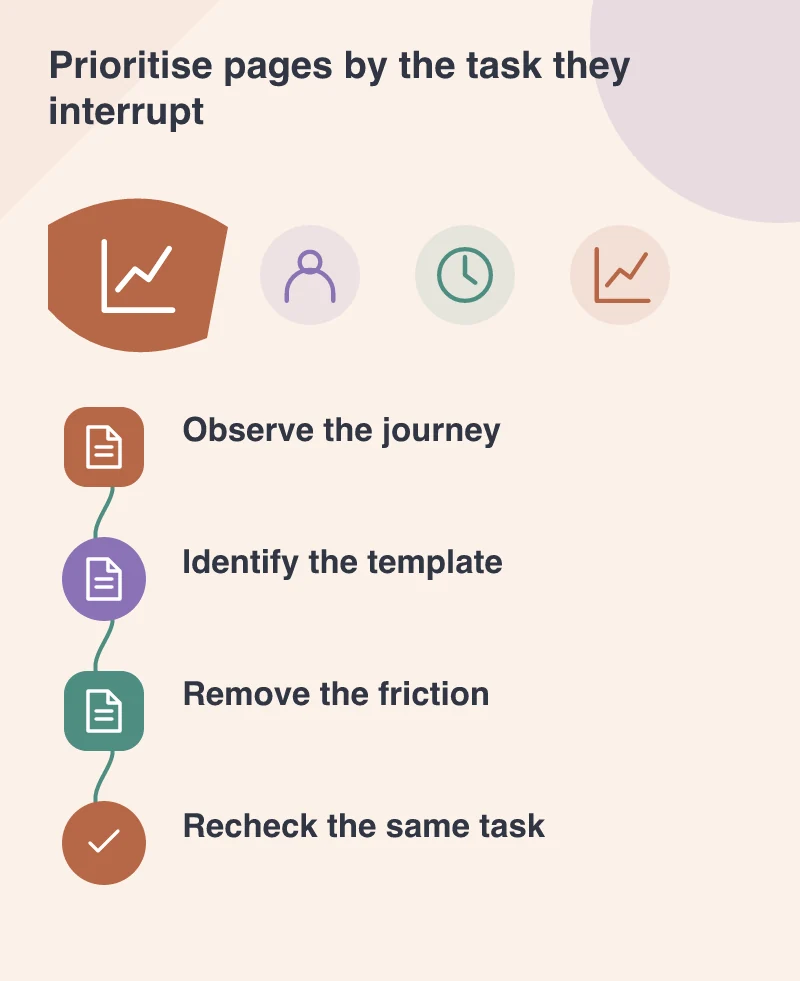
Imagine a shop where customers report that the delivery selector is difficult to use on a phone. Open the relevant product page under constrained conditions and watch the control as images and messages arrive. The problem may be a late layout change rather than a slow initial server response. Its cause will not be explained by a homepage result.
Group similar pages by template, then identify a representative example for each. That gives the developer a reproducible target and lets the business understand the scope of the fix. A single change to a shared component can be more valuable than separate cosmetic adjustments across many URLs.
Keep the three 2020 signals distinct
Largest Contentful Paint, First Input Delay and Cumulative Layout Shift describe different aspects of experience. A large hero image can affect the appearance of the main content. A busy script can delay the first response. Unreserved space can make the page move. The worklist should name the behaviour rather than merging all three into a general speed task.
Use controlled diagnostics to investigate and field information to understand real visits where it is available. Record the conditions. A different device profile, page variant or tool version can change a result without indicating that the same customer problem has returned.
Make the next release easier to assess
Ask for before-and-after evidence tied to the affected task. The developer should be able to show what changed and why that change addresses the problem. The designer should know which layout decisions keep the page stable. The editor should know which image and embed choices preserve those decisions during ordinary publishing.
Give a troublesome template one understandable improvement, then compare the result under the same conditions. A stable control or an earlier product image is something the whole team can recognise. The revised timetable provides room to make those changes steadily.