
A page can appear quickly and still feel awkward. The main photograph may arrive late, the first tap may seem ignored, or a banner may move the button just as a customer reaches it. Google’s May introduction of Core Web Vitals gives teams a clearer way to discuss those different experiences, without reducing every performance conversation to the total number of seconds a page takes to finish.
Three signals with distinct jobs
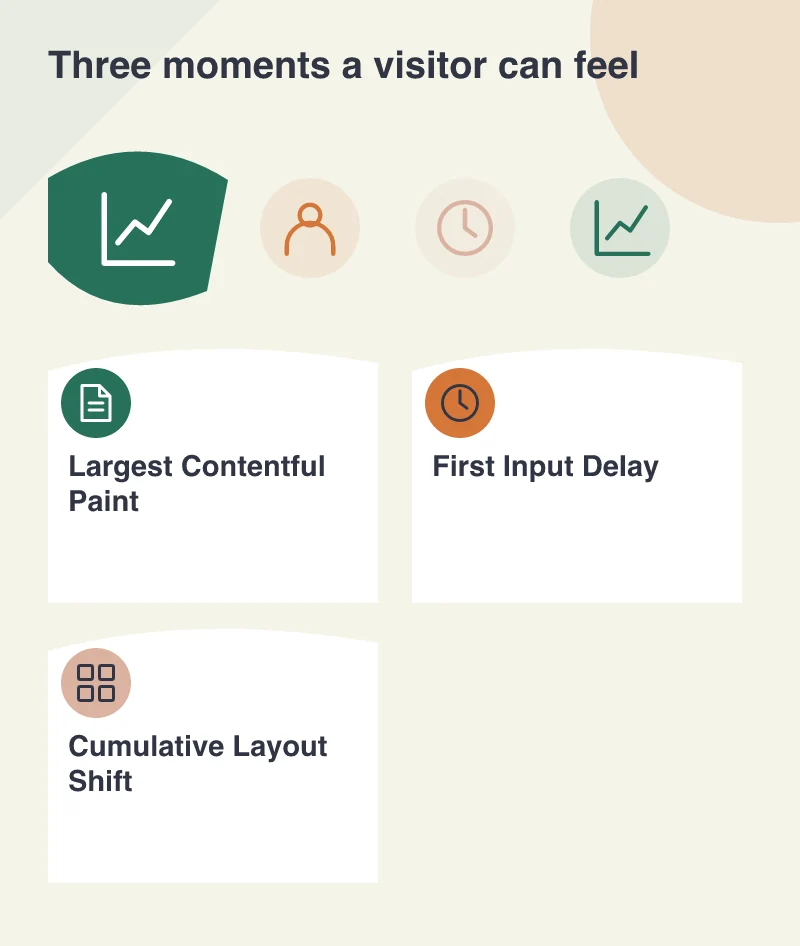
The 2020 set comprises Largest Contentful Paint for the appearance of main content, First Input Delay for the response to an initial interaction and Cumulative Layout Shift for unexpected movement. These are related to different parts of a visit. A site can therefore improve one while still creating a problem in another.
That is helpful for a business manager reviewing a redesign. Instead of asking for a generally faster website, they can ask which part of the customer’s experience is being improved. The metric becomes a shared description of a problem, rather than a number that only a developer understands.
Look at a product page through the customer’s eyes
Consider a clothing shop. A visitor needs the product photograph and size choices before deciding what to do. If a large decorative banner competes with that information, the page’s loading priorities may not match the task. Optimising the main image and the resources needed to display it is more meaningful than polishing an element the shopper barely notices.
Now try selecting a size while the page is still busy. Heavy scripts can delay the response even after content has appeared. Then watch whether reviews, promotional messages or late images shift the controls. These observations identify different causes and require different fixes.
Use real visits and controlled tests together
Google’s announcement describes field-measurable signals alongside lab diagnostic tools. Field measurements describe experience across actual visits; a controlled test helps a developer reproduce and investigate a particular condition. Neither should be casually substituted for the other. A clean test run does not establish how every device and connection behaves.
Start with representative page types rather than a single convenient homepage. A shop may have a fast landing page and an expensive product template. A publishing site may introduce movement only on articles with advertising or embeds. Grouping results by template makes the improvement work easier to prioritise.
Give performance a place in design decisions
Reserve space for images and embedded elements, limit unnecessary scripts and agree which content deserves early attention. Those choices begin while the page is being designed, not only after it has been delivered for testing. Adding a performance budget to a feature discussion makes trade-offs visible before the page accumulates avoidable work.
Bring these three questions into design reviews: can visitors see the important content, act when they are ready and keep their place while the page settles? The measurements help locate friction. A healthy result is evidence about an experience, rather than a promise of a search position or a sale.