
A content-management system rarely works alone. A Joomla site may depend on an enquiry extension, a gallery, a language tool and a template built at a different time. Joomla 3.7.3, released on 4 July, addresses security issues as well as bugs. For a business owner, the practical task is to get the repair applied while keeping that wider collection of moving parts understandable.
Know what the installation is made of
Joomla’s announcement identifies information-disclosure and cross-site-scripting fixes and recommends prompt updating. It also lists fixes involving calendars and menus. A release notice gives the reason to act; it does not describe the exact state of a particular business website. Before relying on a reassuring message from the dashboard, somebody should know the core version, the extensions installed and who supplies their updates.
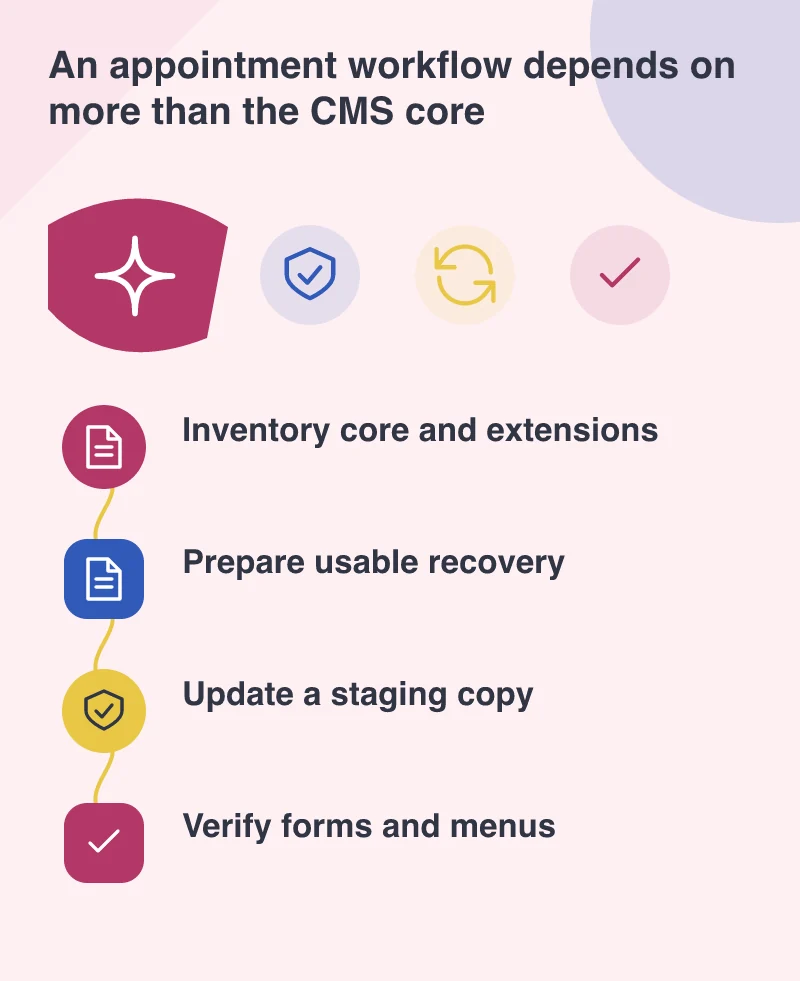
An extension inventory need not become a lengthy procurement document. Record the name, purpose and update source of each important addition. Mark the forms and workflows that depend on it. If nobody can explain why an old extension is still present, investigate it on a test copy rather than deleting it from the live site and hoping no page uses it. This reduces uncertainty when an urgent maintenance task arrives.
A backup should be something you can use
Files and database content belong together in a recovery plan. A copy that cannot be located or restored is not much comfort during a failed update. Agree where the backup is kept, who can restore it and how recent the saved content needs to be. For an active enquiry site, understand what would happen to submissions received after that copy was taken.
Picture a property agency using a contact extension and a calendar. On a staging copy, apply the relevant updates and try a normal appointment request. Check the confirmation, any notification to the office and the saved record. Then open the menu on a narrow screen and review a calendar date. These checks follow the site’s business dependencies instead of treating every extension as an unrelated technical detail.
Finish with evidence someone can understand
The maintenance note should distinguish work completed from work still waiting. “Core updated, appointment form checked, gallery extension awaiting supplier confirmation” is more honest and useful than a blanket statement that everything is secure. No update report can guarantee that a website has no vulnerabilities, but it can accurately show what was repaired and what was verified.
A recurring review of extensions also helps when staff or suppliers change. Keep licence ownership, support contacts and the purpose of custom modifications with the site’s handover material. July’s security release calls for action now; the longer-term benefit is a website whose maintenance no longer depends on somebody remembering years of small additions. That makes the next update easier to organise and easier for the business to trust.