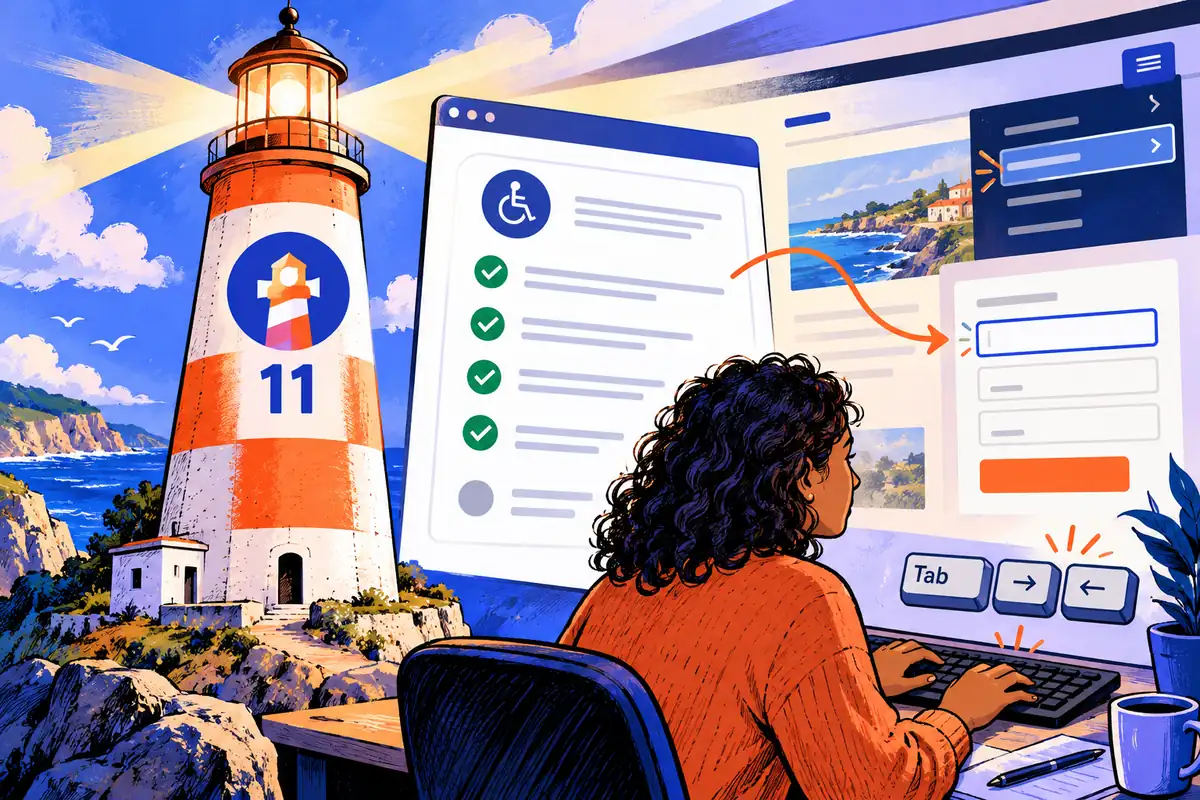
A report can show a perfect accessibility score while a person still struggles to complete a form. Lighthouse 11’s August update makes that distinction more visible, adding and reweighting automated checks and giving manual review a clearer place in the report. For a website owner, the important question is not whether the number looks reassuring, but what was actually tested.
Read the result as evidence with a boundary
Automated tools can identify many useful issues, including problems with labels, roles and relationships between elements. A report turns those findings into something a team can investigate and repeat. That makes Lighthouse valuable during development and maintenance, especially when the same important pages are checked after changes.
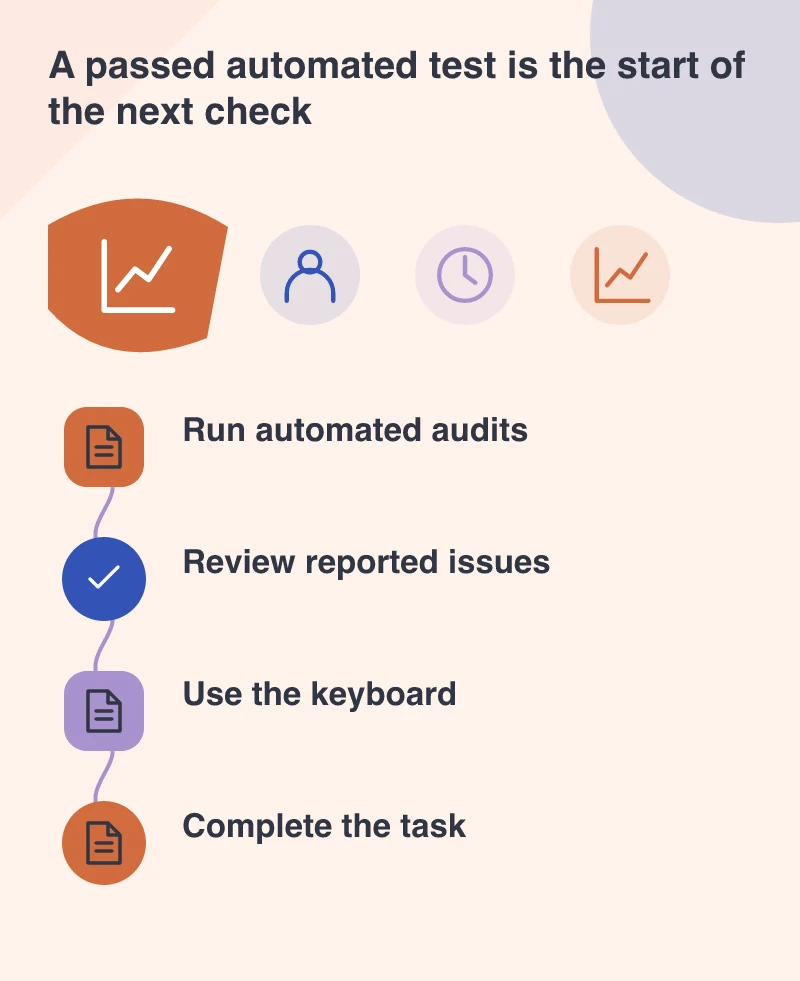
The update explicitly reinforces that passing automated audits does not guarantee accessibility. A machine cannot judge every aspect of a meaningful reading order, an understandable instruction or a task completed with assistive technology. A score should be reported alongside its scope, rather than converted into a universal claim about the website.
Try the important journey without a mouse
Choose a practical task such as opening navigation, finding a service and completing an enquiry. Move through it with a keyboard. Notice whether focus is visible, whether controls occur in a sensible order and whether an open menu or dialog can be closed without getting stuck.
Do not stop after confirming that each button receives focus. Check what the person is told when a field is required, when an entry is rejected and when the form succeeds. The explanation should be attached to the relevant task, not appear somewhere a keyboard user is unlikely to encounter.
Review the content that makes the interface understandable
An image may have alternative text and still be described poorly. A link may have an accessible name while its wording gives no useful clue about the destination. Inspect those choices in context. A reader should not have to memorise surrounding paragraphs to understand a list of identical links.
Use ordinary language for instructions and errors. A field asking for a business email should explain any genuine restriction before the person submits it. If an error occurs, identify the correction without discarding information the visitor already entered. Those decisions affect accessibility and general usability at the same time.
Keep a record that another person can assess
Save the tool version, the pages tested and the relevant results, together with the manual tasks performed. When a score changes after an audit-tool update, investigate the reported checks before assuming the site itself became better or worse. Test conditions and scoring rules can change the comparison.
Lighthouse 11 provides stronger automated assistance, not a substitute for understanding a visitor’s experience. A useful review ends with specific findings and corrections: a labelled control, a reachable dialog, an error someone can fix. Those are more informative outcomes than a number displayed without any account of the work behind it.