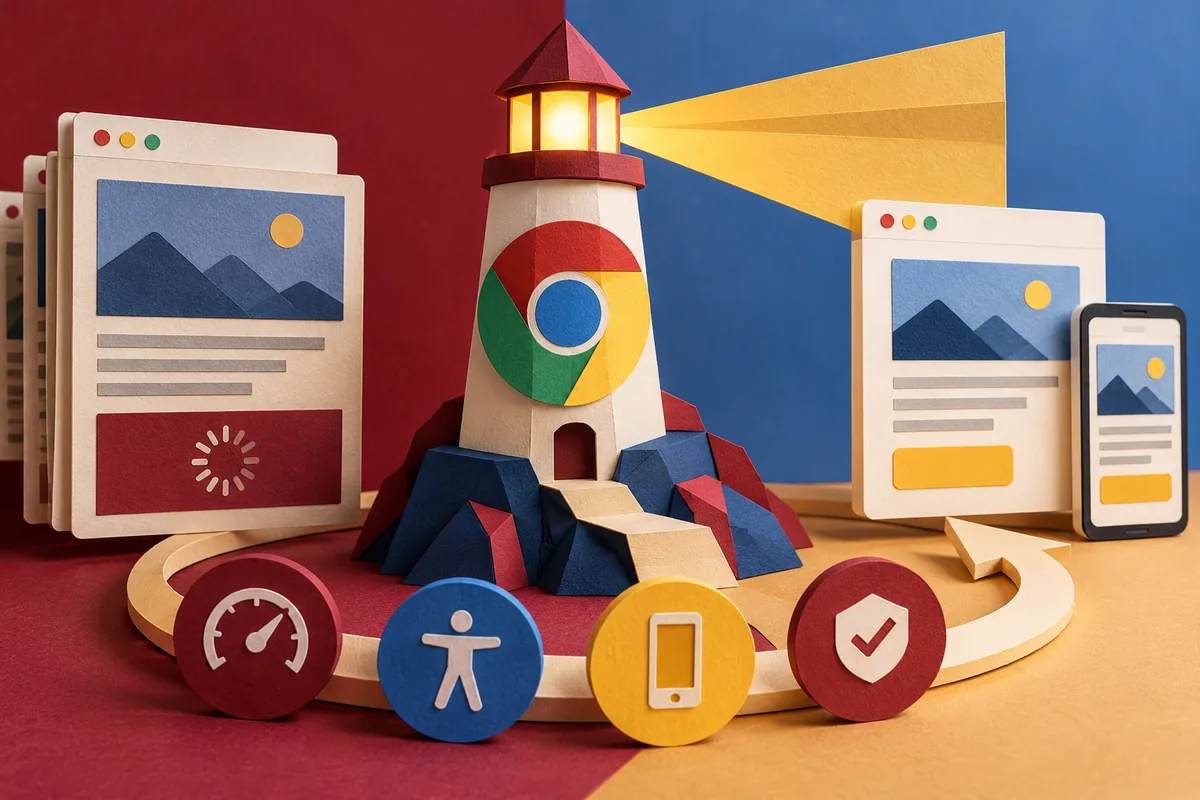
A slow page can feel like several different problems. The first screen may take too long to appear, a button may not respond when expected, or a visitor may discover that a useful feature fails without a connection. Chrome 60’s July stable release puts Lighthouse-powered audits within easy reach in DevTools. The useful next step is to connect those technical findings with something a customer is trying to do.
Read the categories as different questions
The Chrome 60 DevTools notes describe audits for progressive web apps, performance, accessibility and best practices. Those categories look at different aspects of a page; one aggregate number does not describe the whole experience. The tool runs tests and points to failures that a team can investigate. It does not know whether a product description answers the customer’s question or whether a delivery promise is commercially sensible.
Start with a representative page rather than only the homepage. For a parts supplier, imagine a product detail page reached from search. The business task is to find a dimension, check the part and request a quotation. A useful audit review asks which of those steps is delayed or obstructed and which finding could plausibly account for it. That creates a clear reason to make a change.
Choose an experiment you can explain
Suppose the page ships a large photograph to a small screen. Preparing an appropriately sized version is a more focused experiment than changing the theme, host and image system in the same afternoon. Keep a record of the initial page and test conditions, make the image change, then run the check again. The comparison becomes easier to interpret when only one relevant part has changed.
The same approach applies to a resource that blocks rendering or a script that does work before the visitor can use the page. An audit can provide a lead; the browser’s network and performance tools help investigate it. Removing a dependency without testing the quotation form could improve one measurement while breaking the purpose of the page. Every optimisation needs a short functional check alongside the technical result.
Do not let a report replace a person
An automated accessibility check is helpful, but try the page with a keyboard as well. Follow the focus order, open the form and read the labels. A tool can find some failures while missing whether the instructions are understandable. Similarly, an offline audit does not decide which business information is safe to show from storage. Those remain design and operational decisions.
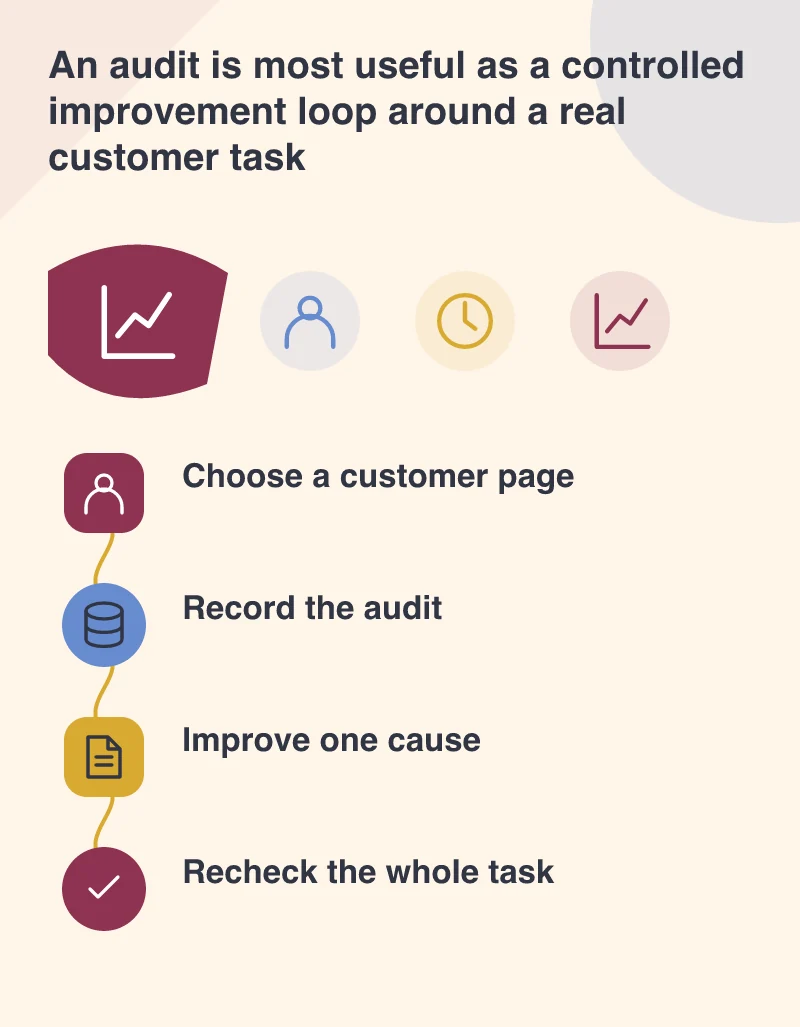
Keep the Lighthouse routine small enough to repeat: choose the customer journey, save the test conditions, investigate one finding and verify the journey afterwards. Keep the report with the change so future work has a useful baseline. The score can show progress within that comparison. The outcome a business cares about is a page that lets its visitor do the intended job with less friction.