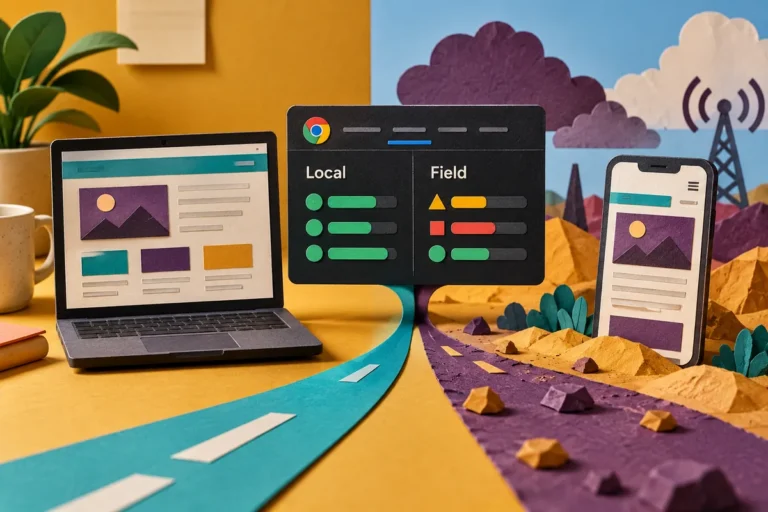
A familiar warning disappears from a performance report and a new insight takes its place. Has the website improved? With Lighthouse 13, that question needs a careful answer. The reporting advice has changed, while the release explicitly leaves the performance scoring calculation unchanged.
Read the score and the advice as different layers
The October 10 announcement explains that older non-scored performance audits are being replaced by insights shared with the DevTools Performance panel. Those insights can make investigation more coherent. They do not turn the presence or absence of an individual warning into a direct measure of speed.
For a business reviewing an agency report, ask which measured result changed and under what conditions. A new label is not evidence that a customer can read the page sooner or interact with it more comfortably. The evidence should connect the report to a specific part of the experience.
Keep comparisons fair
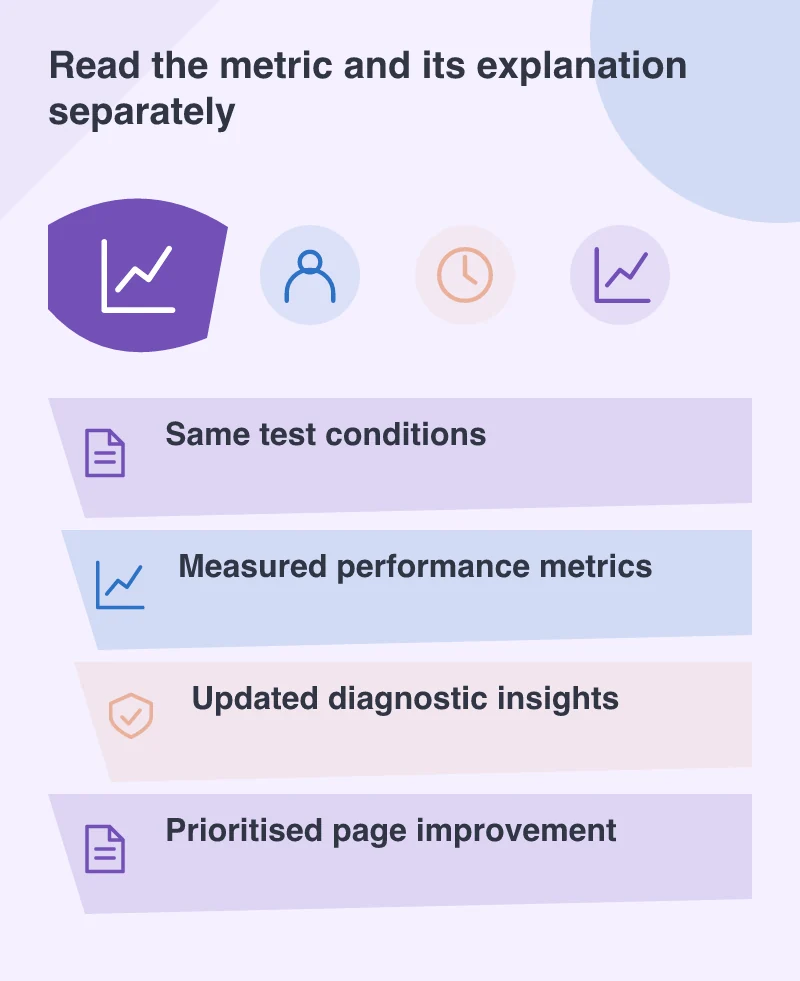
Record the tested route, device profile, tool version and relevant environment. A development preview and a production page can behave differently. So can a quiet test and a run affected by background work. Repeat enough to understand variation rather than celebrating one attractive screenshot.
Imagine a product listing whose images arrive late. A useful report identifies the image-related delay, explains the proposed change and compares the same journey afterwards. It should not replace that story with an unexplained movement in the overall score.
Update automated reporting deliberately
Lighthouse 13 removes the old audit identifiers from its JSON output. A reporting script that expects them may produce blank sections or misleading summaries after an upgrade. Review those integrations as part of the tooling change, rather than assuming a successful command means a valid business report.
The release also changes the minimum Node version for the command-line tool. Pin a known working audit environment and document when it changes. Keeping the measuring tool understandable is part of keeping the website’s performance history useful.
Keep the before-and-after report with a short record of the deployed change. If a later release regresses the same route, the team can inspect the earlier decision and its evidence. A performance history becomes useful when it explains changes, rather than merely storing a sequence of scores.
Turn an insight into a customer benefit
Choose a small number of concrete improvements. Reduce work that delays the important content, stabilise a shifting area or remove a script that blocks an essential interaction. Explain which page or task each change is expected to help, then verify it.
Lighthouse is valuable because it helps locate work worth doing. Its score is a signal, and its insights are a route into the details. A mature performance review uses both while keeping the customer’s page experience at the centre of the decision.