
A shop may depend on an extension whose name nobody remembers until an upgrade stops checkout. Magento 2.4.8’s October beta is an opportunity to improve that situation before a production decision is needed. The useful first task is an inventory of the store’s dependencies, with a clear connection between each technical component and the business work it performs.
Begin with the functions the business cannot lose
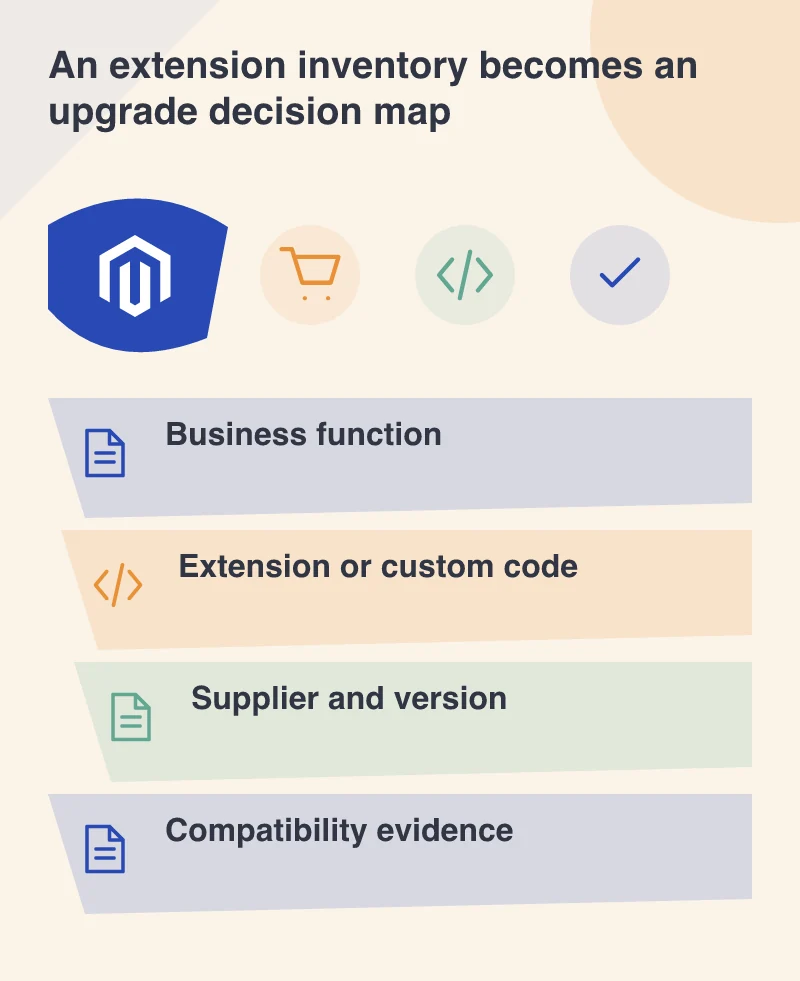
List the important jobs: taking payment, calculating shipping, searching products, exporting orders, applying customer prices and publishing content. Then identify which installed extension, custom module or external integration supplies each one. The same component may support several jobs, while one customer journey may depend on several suppliers.
That map is more useful than a list of package names alone. It lets a store owner understand why a component matters and helps a developer choose representative tests. Include abandoned or rarely used features too; an extension can remain part of the code and dependency graph even when nobody actively remembers using its interface.
Record the version and the responsible supplier
Keep the installed version, source, support contact and any local modifications with the inventory. If code has been changed directly, identify that fact before assuming the supplier’s normal upgrade instructions cover it. A small undocumented edit can alter the work required more than an unchanged large module.
Ask for compatibility information relevant to the actual target and environment. A general statement that an extension supports Magento is not enough to establish readiness for a particular release. Distinguish a supplier’s confirmed position, your own test result and an assumption that still needs investigation.
Use the beta in a separate environment
A beta is a testing milestone, not the final production baseline. Create an appropriate isolated environment and keep real payments, customer messages and fulfilment systems out of the experiment. Record the build and configuration so the result can be repeated.
Test the business journey attached to each dependency rather than merely checking whether installation succeeds. A shipping extension needs representative addresses and methods; an order export needs a recognisable test order reaching the right safe destination. Errors should be associated with the operation that exposes them, not filed as a vague statement that the upgrade failed.
Turn the findings into a manageable plan
For each dependency, record whether it can remain, needs an update, requires custom work or has no confirmed path yet. Assign an owner and a next check to unresolved items. This makes the scope visible without pretending the beta review has settled the final release decision.
A dependency map gives the business a clearer view of the store architecture and the work an upgrade requires. The business can see which functions are ready to test and which still depend on someone else’s work. That preparation remains valuable even if the eventual deployment date or target version changes.