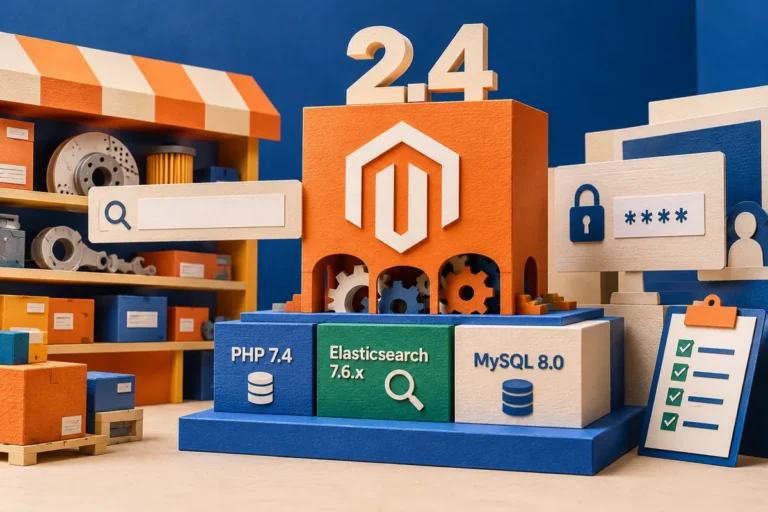
An upgrade estimate arrives with a long list of extensions to replace. Some are essential. Others were installed for a campaign nobody runs anymore. Adobe Commerce 2.4.4’s April release, including the move to PHP 8.1 and further headless capabilities, makes compatibility work necessary. It also offers a good moment to stop treating the existing extension list as a complete statement of what the business needs. The better starting point is the job each extension performs. A newer version of an unused feature is still an unused feature, with another dependency attached to it.
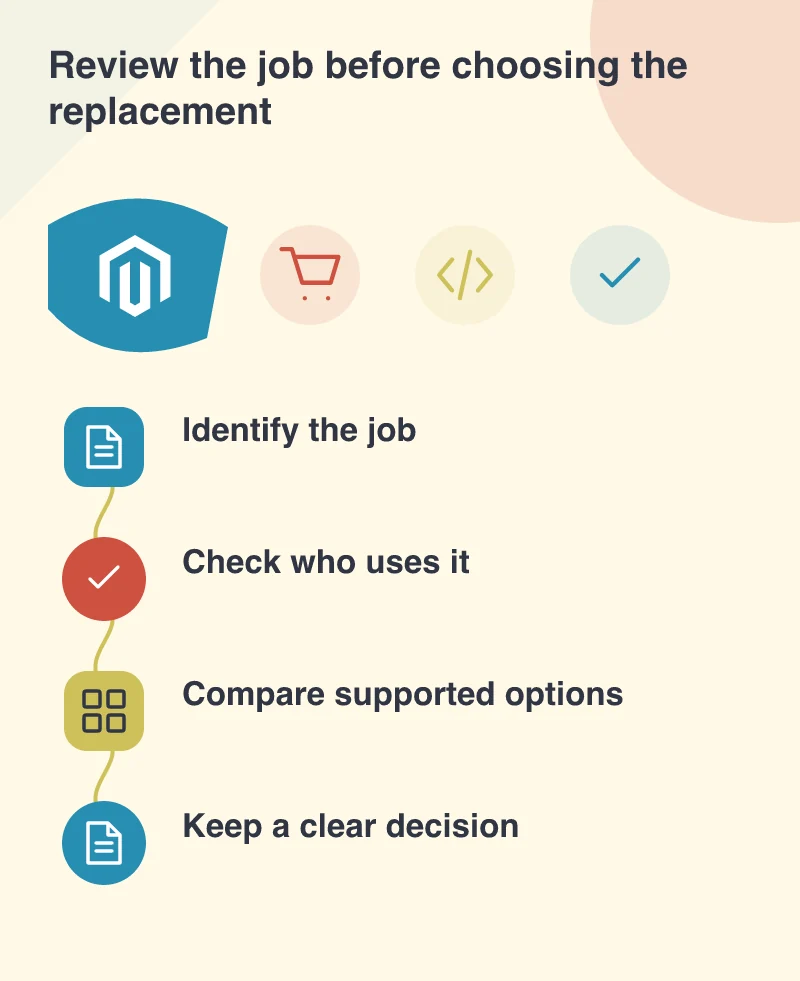
Ask who would notice if the feature disappeared
Take a store that once added a specialised product-comparison tool. Before reproducing it, ask the sales and support teams whether customers use it and what decision it helps them make. Inspect the current interface and the data it requires. A control can remain visible long after the process around it has changed.
Do the same for apparently small integrations. A background export used by the warehouse may be more important than a prominent promotional component. Business ownership helps identify that difference. The review should produce named responsibilities and concrete use cases, rather than a vote on which packages look familiar.
Prove a simpler path on real products
Where the platform or another supported component can perform the job, compare the resulting experience using representative products and orders. Check the exception that originally justified the custom work. If a special pricing rule matters to trade customers, a standard discount demonstration is not enough to prove that the replacement is suitable.
Be equally willing to simplify the process itself. An internal workaround may exist because the old website could not present information clearly. A better product model or a clearer administration screen can sometimes remove the need for a complicated frontend feature. That is a business decision to make with the people doing the work.
Leave a reason for what stays
For every retained extension or custom behaviour, record the purpose, supported version and acceptance check. Give the developer a clear example of what must continue to work after the upgrade. Keep retirement decisions too, so a removed feature is not accidentally requested again without its history being understood.
The release’s new capabilities should be assessed on their own documented terms. Do not turn a vendor’s general performance or scalability claim into a forecast for a particular store. The store’s catalogue, integrations and implementation still determine the result.
An upgrade can leave the store simpler to operate if it removes duplicate or unused extensions. Keep a reason for every dependency that remains. When someone next asks why a package is installed, the answer should describe a current business job rather than the history of an old build.