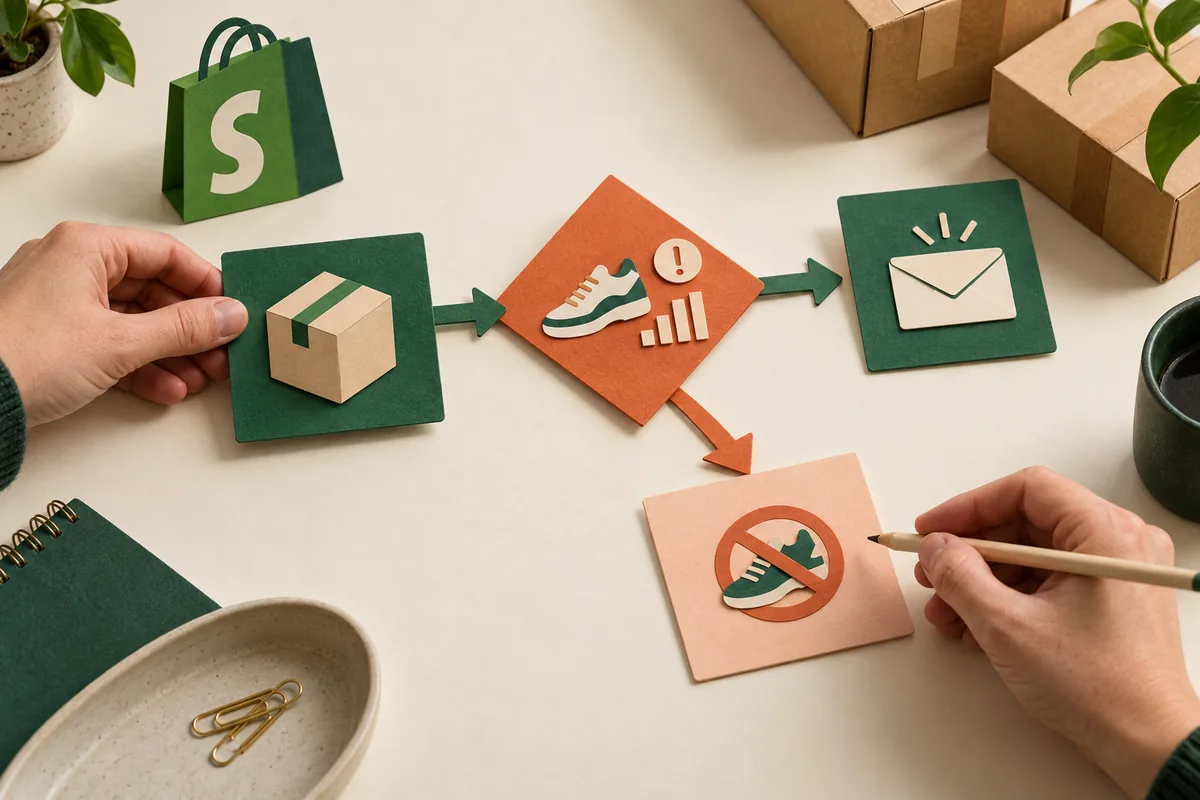
“Let us know when this range needs attention” sounds simple until three people explain it differently. Which products count, what condition matters and who should receive the notification? Shopify’s Winter ’26 tools let Sidekick draft Shopify Flow automations from natural language for review in the editor. The useful starting point is a routine the business can explain clearly enough for somebody else to check.
Describe one job with a finish line
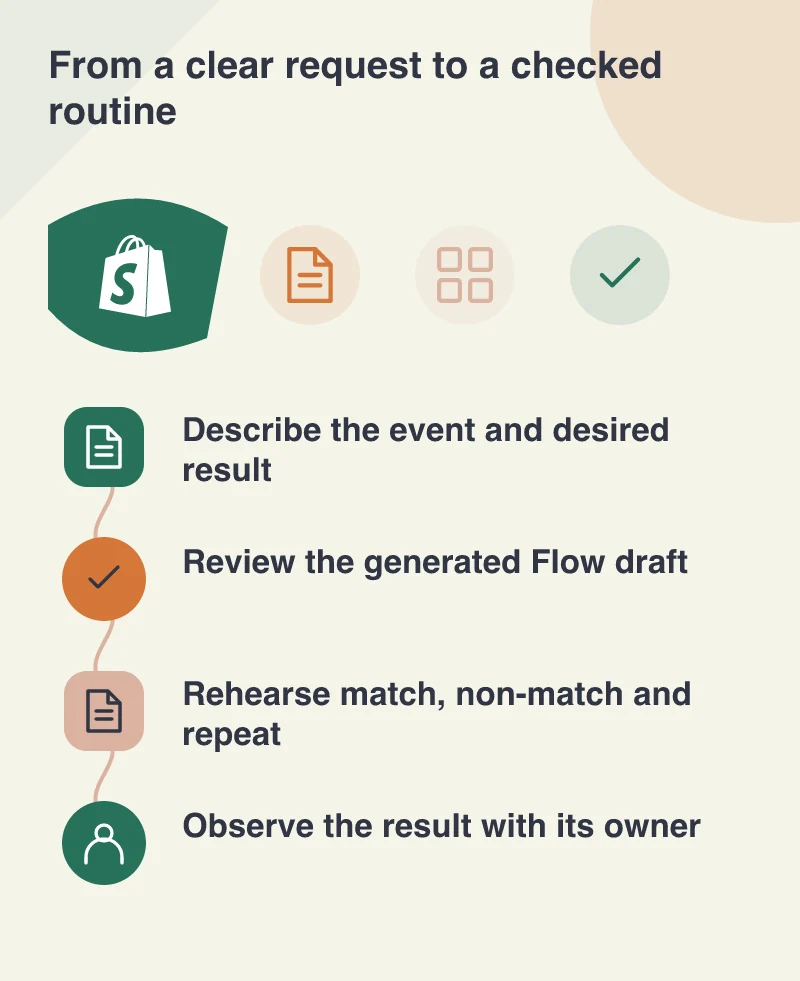
Choose a small internal task, such as notifying the stock owner when an agreed inventory condition is met. Define the relevant products, the event that starts the check and the person expected to respond. Include an example of a situation that should do nothing, because that often reveals the boundary of the rule.
Write the expected result as a sentence the operations team understands. The notification should contain the item identity, the condition that triggered it and a useful next action. A workflow is easier to evaluate when success means a particular job was handed to the right person, rather than a collection of boxes lighting up.
Read the draft as carefully as the prompt
Inspect the generated trigger, conditions and actions in Flow before activation. Ask a colleague to trace a sample item through it. If the prompt meant a specific range but the draft selects the entire catalogue, that difference needs to be resolved while the workflow is still a draft.
Check the information each action uses. A missing value should have a deliberate outcome, and a message should identify the relevant item without exposing unnecessary data. Natural language can make the first draft easier to create; it does not settle the store’s definition of a sensible operational rule.
Rehearse the cases that interrupt a neat demo
Try a normal match, a non-match and the same event arriving again. Then consider a value changing between the trigger and the action. Decide what the team should see and how a repeated notification is recognised. Keep the initial trial narrow enough that these outcomes can be inspected.
Flow test runs let you inspect a path with real store data without running actions that make changes, such as sending an email or adding an order tag. Internal steps that prepare data can still run. Treat that preview as a rehearsal, then distinguish it from any controlled live check agreed with the receiving colleague.
Give the routine an owner after launch
Name who can change the workflow, who reviews an unexpected result and where the working explanation is kept. Include a way to stop the automation and continue the task manually when necessary. These are part of handing over a useful feature, not paperwork to leave until somebody reports a problem.
A successful first routine gives the team a model for the next one: clear input, checked conditions, an observable result and a person responsible for the outcome. That is a practical way to make AI-assisted automation valuable in everyday operations, with the business still able to explain what happens.