
A website’s address can look like a small setting until it appears in thousands of links, image references and external connections. WordPress 5.7, released in March, makes moving from HTTP to HTTPS more straightforward within core. That is welcome, but a business still needs to consider the complete route through its website rather than treating the visible change in the address bar as the whole migration.
The release removes a piece of manual work
WordPress 5.7 includes a simpler transition from HTTP to HTTPS and updates database URLs when the supported switch is made. The release also introduces a Robots API and lazy loading for appropriately dimensioned iframes. These changes are useful platform capabilities; they do not establish that every hosting arrangement or third-party integration is already configured correctly.
A developer should confirm the secure hosting configuration and the application’s understanding of it before making the live transition. The aim is one consistent public address and a reliable way to reach it.
Follow a visitor from an old link
Imagine a service business with old links in directory listings, emails and printed QR codes. Start from an existing HTTP address and check where it leads. The visitor should reach the corresponding useful page rather than an error or an unexplained detour to the homepage.
Then browse through the site. Open images, downloads and embedded content. A page may load securely while a resource still uses an old reference. Testing the journey reveals those inconsistencies more clearly than checking only the homepage’s padlock.
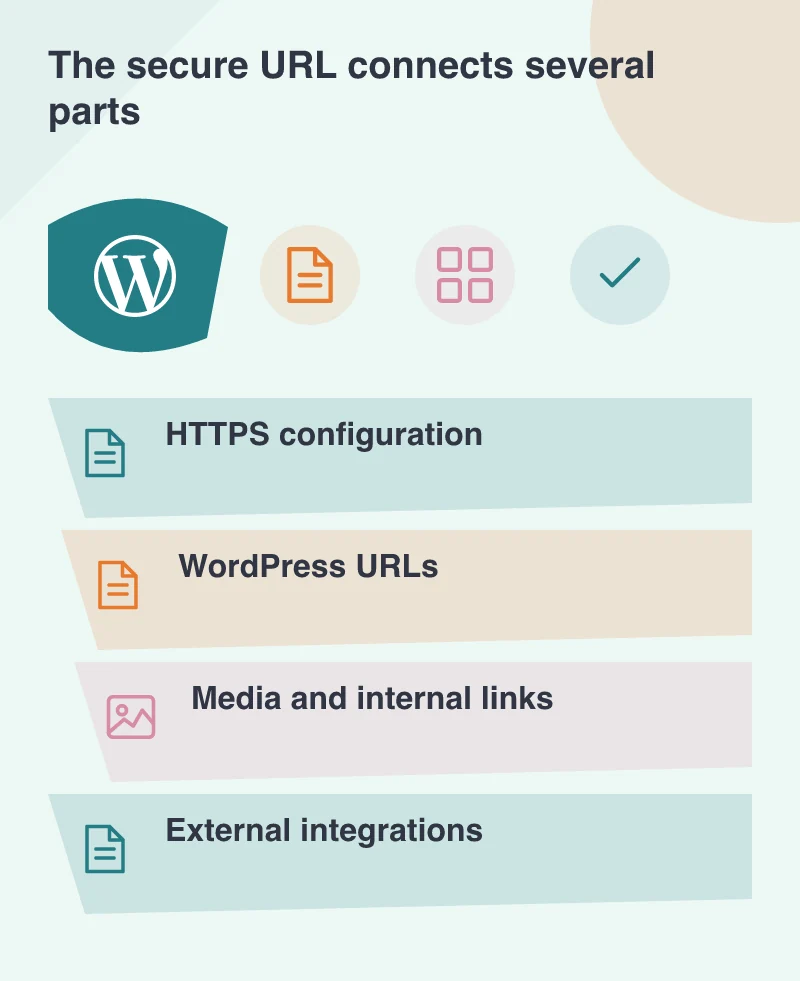
Remember the services that call back
Forms, payment systems, sign-in providers and external publishing tools may store a callback or website address separately. Review the relevant supplier settings and supported test routes. An integration can continue using an old value even after WordPress’s own database URLs have been updated.
Keep secrets and production transactions out of ordinary testing. The purpose is to confirm the route and state handling, not to generate real customer activity. Record any external configuration changed so another team member can understand how the connection now works.
Give the change a clear acceptance check
Verify administration access, content editing, form delivery and the important customer actions after the transition. Look for redirect loops and broken media. Keep the prior configuration and a recoverable backup available through the maintenance window so the team has a known response if an essential dependency behaves unexpectedly.
The acceptance check is a recognisable customer journey through a consistently secure address. Follow an old link, read the service page and complete the enquiry. The simpler WordPress operation saves manual work; this end-to-end check establishes whether the website and its supporting services agree on the result.