
The end of a platform’s support period is a deadline on a calendar, but a merchant’s real concern is whether the next store will let the business keep trading. Magento 1 reaches its announced support boundary in June 2020. For a team planning or completing a move, the difficult questions are usually less about the appearance of the new homepage and more about the information and routines that keep orders moving.
Treat the replacement as a changed system
Adobe’s migration guidance had already described the move to Magento 2 as work requiring planning around functionality, cost and timing. The support deadline makes that preparation urgent; it does not turn the migration into a simple update button. Existing extensions, integrations and custom behaviours need to be considered in the replacement’s context.
Begin by separating what the business genuinely uses from what the old site merely contains. An abandoned extension or unused custom field does not automatically deserve a new implementation. Carrying every historical decision forward can make a fresh store more complicated before customers have even seen it.
Give data a business owner
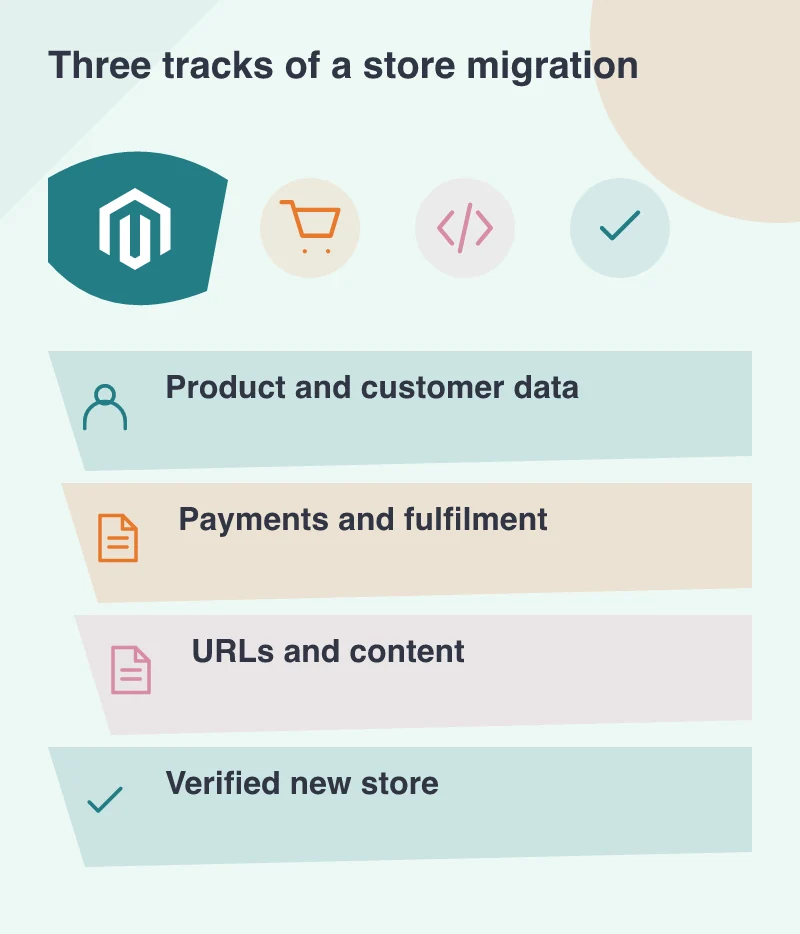
A specialist retailer might have configurable products, trade customers and several delivery rules. Someone needs to verify what each record means after migration. Counting products is useful, but it does not prove that variants can be ordered correctly or that customer groups see the intended information.
Prepare a small reference catalogue with ordinary and difficult examples. Include an out-of-stock item, a discounted product, a product with options and a customer whose account has special handling. Comparing those examples gives commercial and technical people a common set of checks instead of separate assumptions about what successful migration means.
Rehearse the working day
Ask the operations team to process a test order through the replacement. They should be able to find the payment state, allocate the right items, produce the required documents and communicate with the customer. Check cancellations and changes as well as the cleanest successful order. Those exceptions are part of normal retail work.
The same rehearsal should include the website editor and customer-support team. A new platform is not fully handed over while every product correction requires a developer. Clear permissions, ordinary content tasks and documented escalation routes help the team operate confidently after the launch.
Protect the route into the store
Review existing product and category URLs, important content and the links that bring people to the site. Where addresses change, plan purposeful redirects to corresponding information. Sending every old address to the homepage may be convenient to implement but is a poor explanation of where a particular product or guide has gone.
A support deadline is a reason to make decisions visibly and carefully. Keep the migration record, rehearsal results and unresolved items together. The objective is a replacement that the business can maintain and customers can use, with fewer hidden dependencies than the system it is replacing.