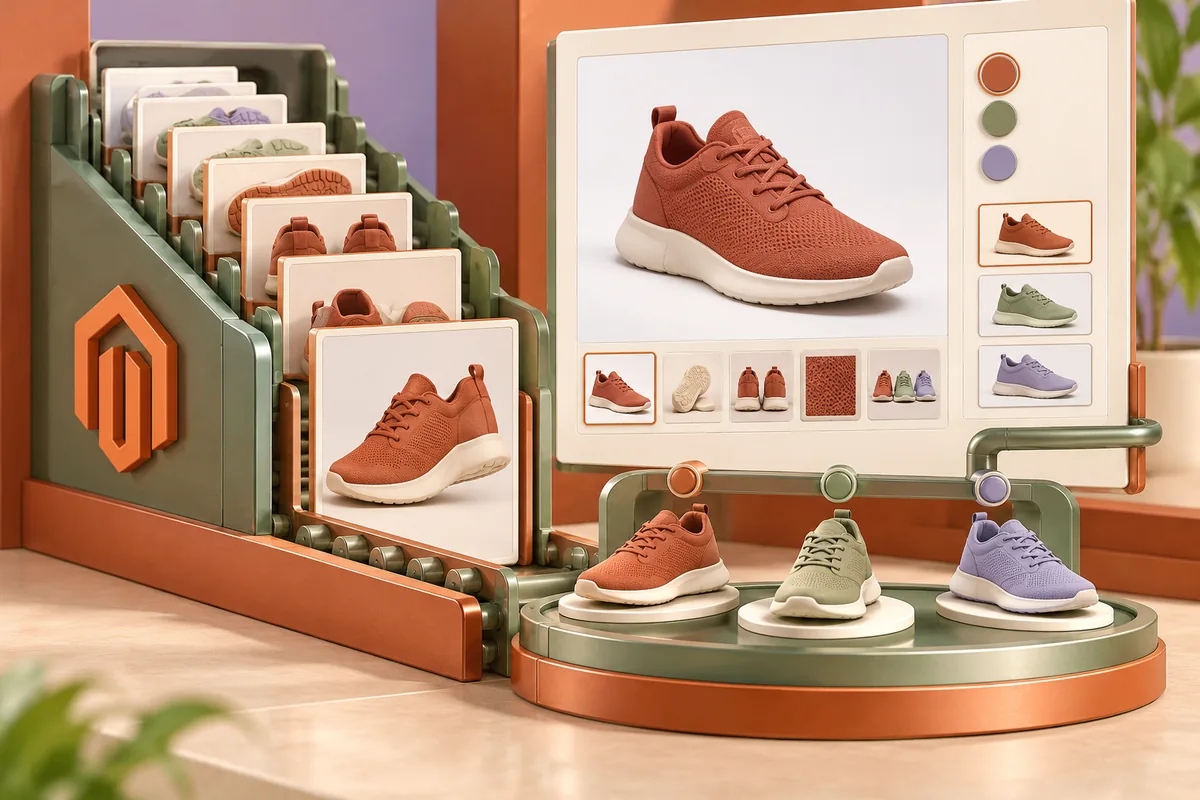
A product gallery is not just a place to fill with photographs. It answers questions about shape, finish, size and the version someone is about to buy. Magento 2.3.3, released on 8 October, includes a fix concerning image order for configurable products with more than ten images. That is a useful reminder to inspect the catalogue as a buyer sees it, especially where several variants share one product page.
Give the sequence a reason
The first image should establish what the product is. Later images can show details, context and differences that matter to the purchase. Upload order alone is not an editorial plan. Decide what each image contributes and remove repetitions that make the shopper work harder without adding information.
Imagine a furniture product offered in several finishes. A room photograph may communicate scale, while a close-up explains the surface. If the images appear in a confusing order, the buyer may mistake an optional finish for the selected one. Captions, option labels and the image relationship should work together rather than asking colour alone to carry the distinction.
Test the selected variant
Choose every important option on a representative product and observe the gallery. Confirm that the displayed images and labels correspond to the intended item. Then change the selection again. A custom theme or gallery extension can affect the result, so verify the installed combination after an upgrade rather than assuming the platform fix governs every implementation.
Test products with both a small and a large image set. The 2.3.3 tagged changelog records the ordering issue for a larger configurable-product gallery. A tidy example with two photographs would miss that case. Use realistic catalogue entries in the test set and retain their expected sequence so the merchandiser can check it again later.
Make photographs usable on a phone
Open the gallery at a narrow width and try the controls with ordinary touch interaction. A thumbnail should be large enough to identify and select. The main image should load at an appropriate size without pushing essential options far beyond reach. Check how zoom opens and closes, including what happens when the device orientation changes.
Provide meaningful text where an image conveys information needed to choose. Avoid treating alternative text as a place to repeat a long list of search phrases. A shopper needs to understand the feature or distinction the image represents. Where a visual detail cannot be conveyed adequately through a brief label, explain it in the product description too.
Keep the catalogue manageable for the next upload
Give the editorial team an image checklist covering naming, intended sequence, selected variants and required explanations. Separate a source photograph from the optimised files delivered by the store. Staff should not need to guess which version to upload or manually recreate every size used by the theme.
A new gallery effect is worthwhile only if it improves the decision. Before adding one, see whether better source photographs, clearer ordering and correct variant relationships would answer the problem more directly. The best product page lets a buyer recognise the item they want and understand the option they are choosing, with less uncertainty left for the checkout.