
A customer calls about an order. The support agent opens the commerce admin, then a spreadsheet, then a separate fulfilment tool to understand what is happening. The missing feature may not be another customer-facing page. It may be a small, well-placed piece of information in the staff workspace.
Design around a repeated decision
Adobe Commerce Admin UI SDK 4.2.0 adds a V2 extension point with more granular permission controls, including grid columns, order-view buttons and mass actions. The July 28 release applies to the stated Adobe Commerce environments. It is a useful opportunity to consider focused improvements to daily operations.
Start by watching a repeated task. Which record does the person open, what do they look up elsewhere and what decision follows? A small status column or contextual action can be more valuable than a separate dashboard that staff must remember to visit.
Keep the source of the information clear
Imagine a support team checking whether a custom item has entered production. Showing that status beside the order could save a lookup. The interface should say where the information comes from and whether it is current, rather than making an external status look like a native order fact.
Include a useful empty state. “No production record found” means something different from “Production service unavailable”. Staff need that distinction to decide whether to investigate the order or wait for the connection to recover.
A link to the authoritative record can help a specialist continue the investigation. It should supplement the concise status, not replace it with another unexplained icon.
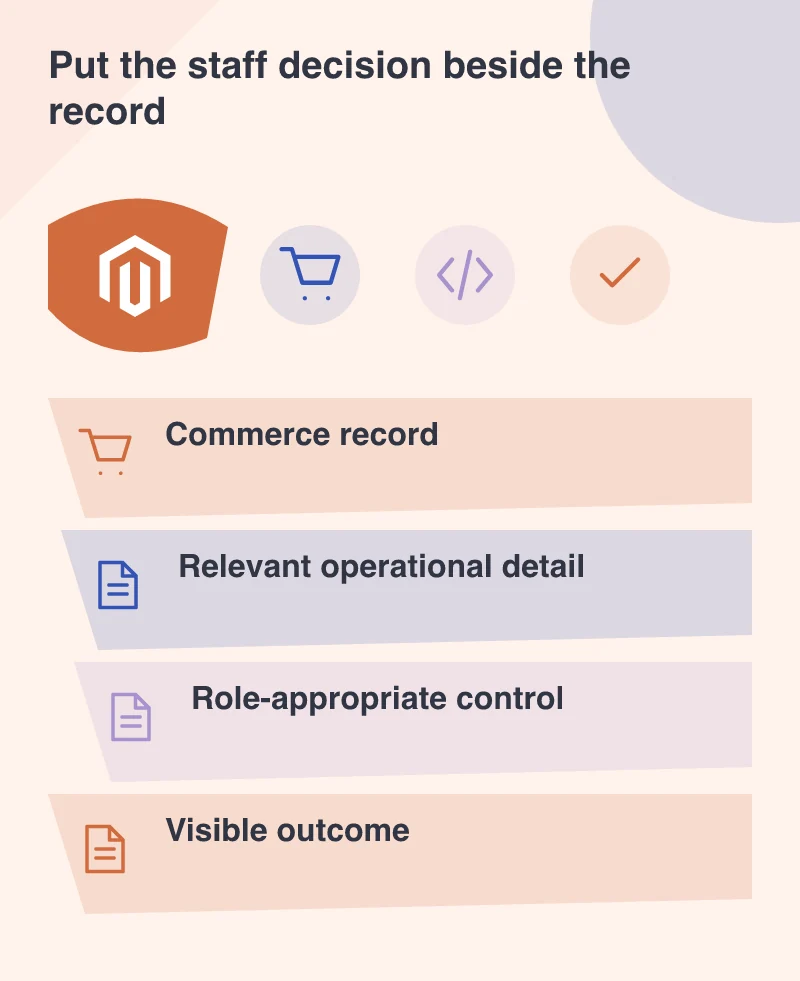
Make permissions part of the workflow
A person who can inspect an order may not be authorised to change fulfilment information. Design read and action permissions separately. Hiding a control visually is only one part of the implementation; the underlying action must enforce its own boundary.
Explain consequential actions before they run. A useful button label says what will happen, and the result makes clear whether the change succeeded. If the action works on several selected orders, make the scope visible before the staff member commits.
Improve one task before building a command centre
Choose a frequent, well-understood workflow and give it a clear owner. Measure the practical result through observation: fewer context switches, a clearer answer or less duplicate entry. Do not invent a broad productivity claim from a promising demonstration.
A good commerce admin feels like a workspace designed around the people using it. It brings relevant context closer to the decision while respecting the person’s authority. That is a worthwhile part of a commerce project, even when customers never see the screen.