
A surveyor opens a job on a phone, walks into a building with poor reception and needs the notes to remain available. That everyday problem is more useful than a debate about whether a browser app counts as a real app. Chrome 109 brings the Origin Private File System to Android this month, giving developers another way to manage an application’s own working files.
The useful part is the private workspace
Origin-private storage belongs to the website’s origin. It is different from inviting an application to browse all the files on a device. Chrome’s announcement also distinguishes this capability from file picker methods that are not available through the Android implementation described here. A product team should therefore describe exactly what its app stores, rather than promising general access to the phone.
For a document tool, this could mean keeping an unfinished scan or a work file inside the application. It does not, by itself, provide document recognition, an offline interface or a cloud backup. Those remain separate parts of the product. Treating a storage API as a complete offline solution is how a convincing demo becomes a confusing field experience.
Give every file an understandable status
Imagine an inspection app with a checklist and a photograph. The person completing the job should be able to tell whether the photograph exists only on this phone, has been queued for upload or is already stored on the server. A small, persistent status beside the job is more useful than an optimistic success message that disappears.
The application also needs a sensible response when the same job changes elsewhere. Automatically replacing the server’s copy with an older local file is rarely what the user intended. A conflict screen can show the two versions, explain which changes belong to each and let an authorised person choose. That is product design, not a detail the storage layer will settle.
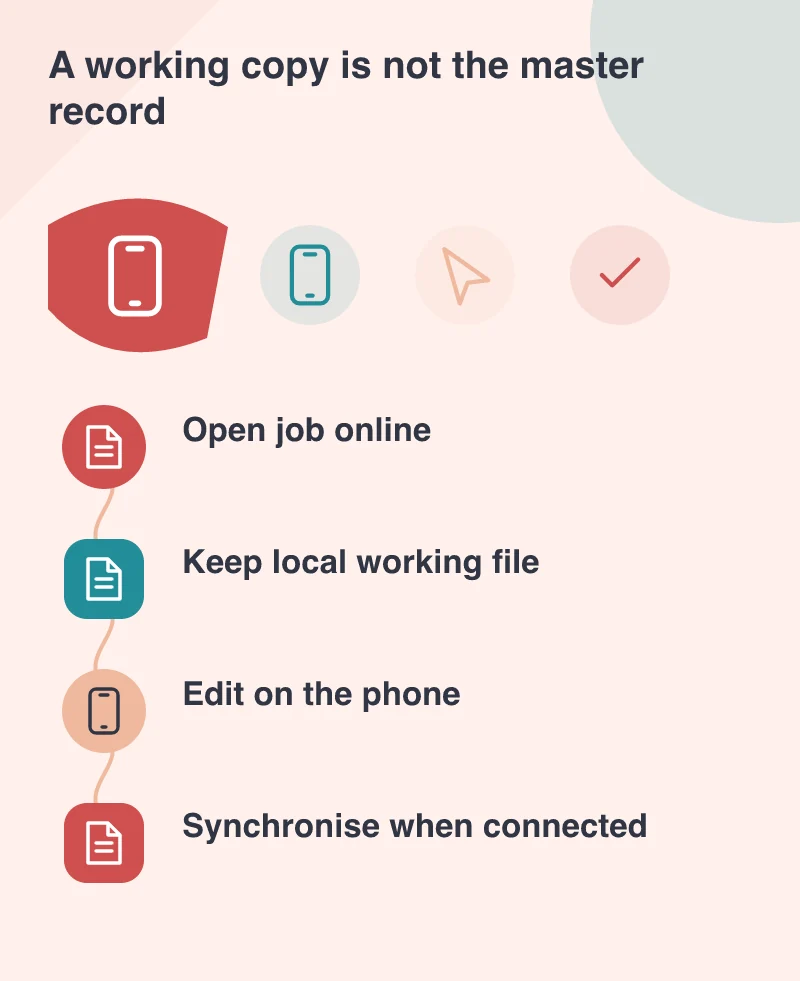
Decide what deserves to stay on the device
Keeping every downloaded attachment forever creates a different problem. Plan which files are cached temporarily, which are deliberately saved for a job and which must be removed after sign-out. Give users a way to understand the space being used and to remove completed work without deleting the server’s record.
Sensitive documents deserve particular attention. A shared phone, a lost device and a browser with cleared site data are ordinary operating conditions, not exotic edge cases. The business should decide what information is appropriate for local storage and explain the limitations to the people using the app.
Test the trip through a bad connection
A practical trial starts online, loses connectivity during an edit and reconnects after another device has changed the same record. Also test closing the app, restarting the phone and running short of storage. Watch the user’s understanding of each state as carefully as the technical result.
Browser capability still varies, so an unsupported device needs a clear alternative. A smaller online workflow may be a better fallback than a broken promise of offline access. The strongest case is a particular task made more resilient, with a defined storage policy and a visible synchronisation model, rather than to claim that every native application can now be replaced.