
A returning customer does not always want to begin at the homepage. They may want to reorder supplies, open a saved list or check the next appointment. Chrome 84’s arrival this month includes app-icon shortcuts for common web-app tasks. It is a small capability with an attractive promise: make a familiar action easier to reach without turning the application into a maze of special routes.
Choose tasks from repeated behaviour
A shortcut should represent something people actually return to do. In a service portal, that might be viewing upcoming bookings or starting a new request. In a trade catalogue it might be opening a saved order list. A shortcut to a promotional page may satisfy an internal campaign but offer little lasting value to the customer.
Keep the choice focused. A short list of recognisable actions is easier to understand than a second copy of the entire navigation. Labels should describe the destination in ordinary language so a person can choose confidently from outside the main interface.
Arriving directly changes the design problem
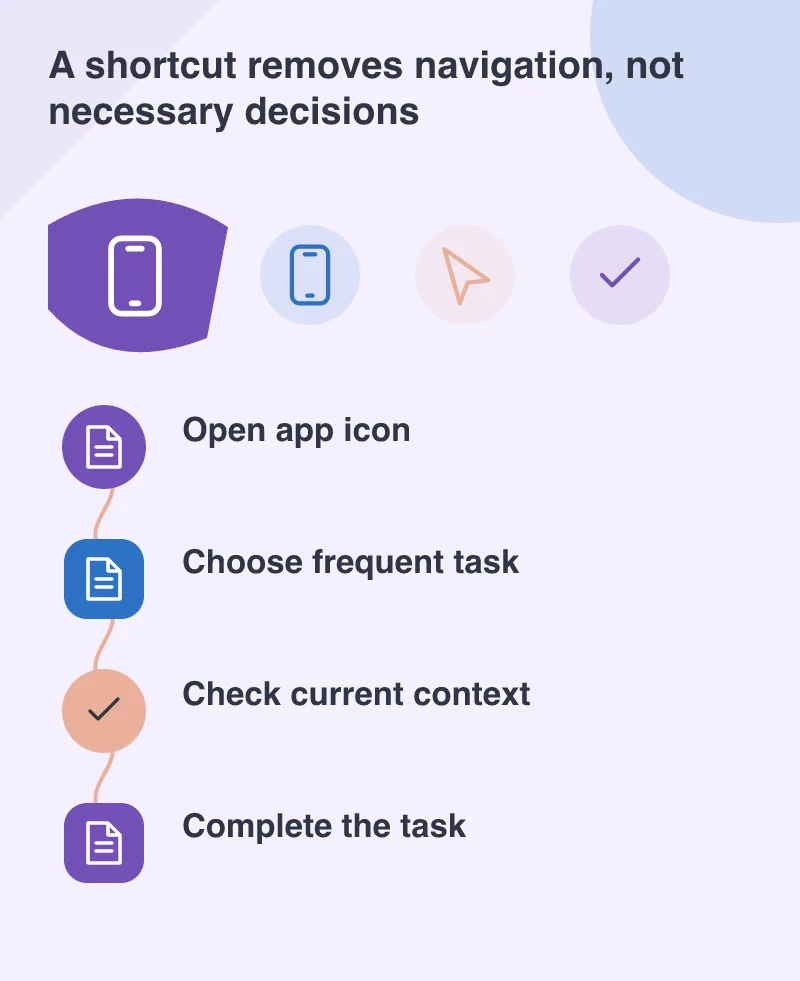
A page opened through a shortcut needs enough context to stand on its own. If it requires a signed-in account, the sign-in route should return the customer to the intended task afterwards. If the relevant list is empty, the page should explain how to create one rather than displaying an unfinished state.
Test direct entry after time away from the app. Session state, available stock or appointment information may have changed. Removing a few navigation steps does not remove the need to confirm important details before a purchase or booking is submitted.
Keep the ordinary web route complete
App-icon shortcuts are a browser capability, not a promise that every device exposes the same interface. The normal navigation and useful URLs still need to work. Someone using a browser without the enhancement should be able to reach the same customer task through an understandable route.
That is one reason to design the task before adding the shortcut. If a route is clear, accessible and independent of a particular entry point, it can serve links, bookmarks and navigation as well. The enhancement then improves convenience rather than hiding a weakness in the underlying application.
Check whether the shortcut earns its place
A useful review can be modest. Watch someone who already knows the service try to return to their most common action. Ask whether the shortcut label matches their expectation and whether the destination saves a meaningful step. Also test the same journey with the ordinary navigation so neither route becomes neglected.
July’s browser release offers another way for progressive web apps to fit into a person’s routine. The strongest implementation is unlikely to be the most elaborate one. It is the one that recognises a repeated intention, opens the right place and lets the customer continue without wondering how they arrived there.