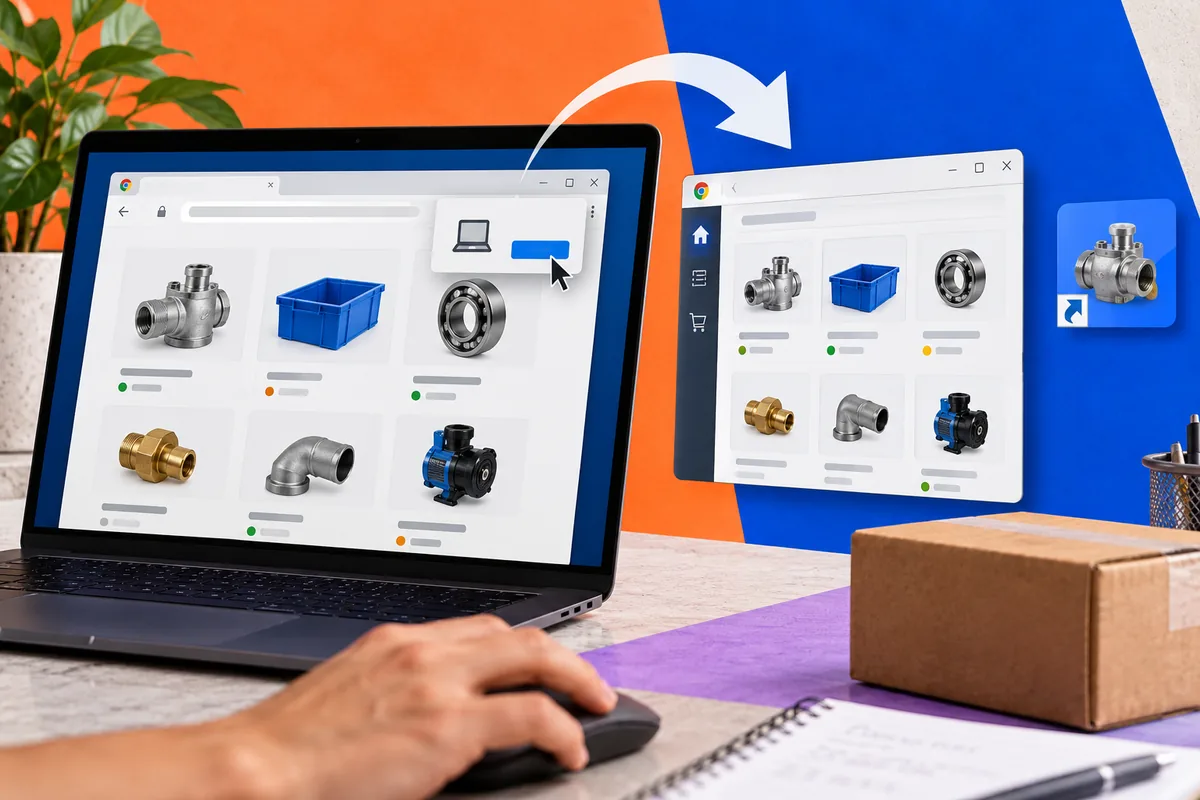
A website in its own desktop window can be convenient. That does not mean every website needs an install button. Chrome 70 brings desktop Progressive Web App installation to Windows this month, giving suitable web experiences a route into the Start menu and an app-like window. Before adding another prompt, identify the reason someone would return often enough for that shortcut to deserve a place on their computer.
A repeated task is a stronger starting point than a badge
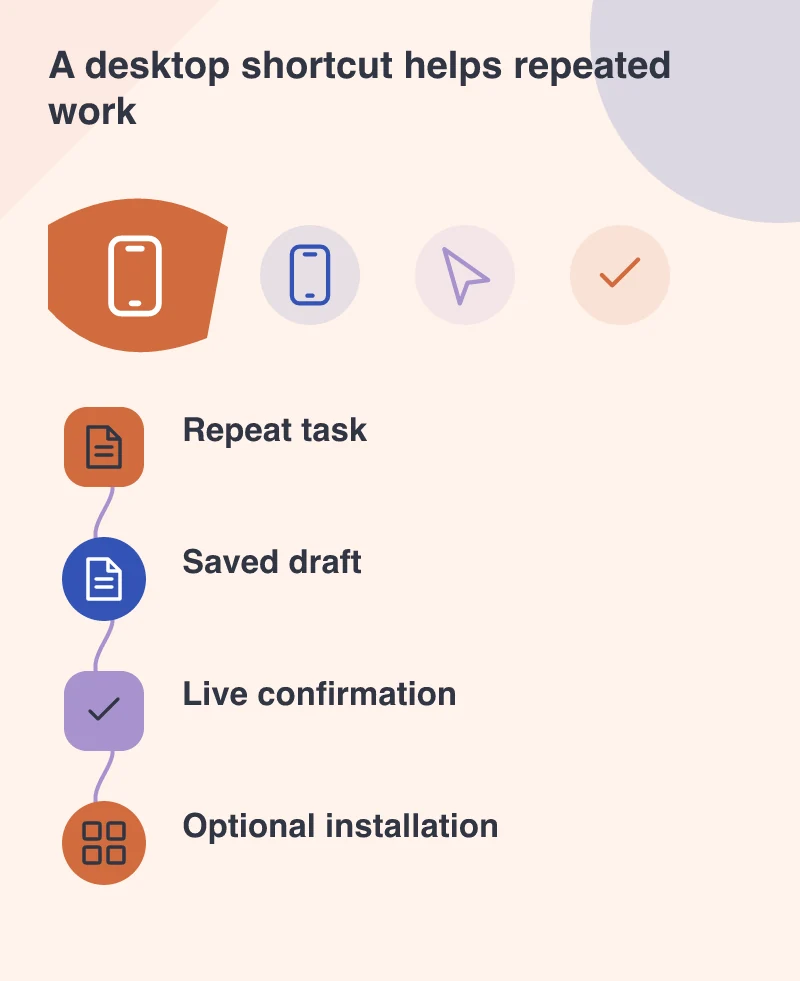
A customer who visits a company profile once is unlikely to need a desktop shortcut. A trade buyer checking a catalogue each morning may have a different need. Imagine a portal where an approved buyer checks availability, assembles a draft order and returns to it during the day. Opening that task directly could be worthwhile if the experience is clear and reliable.
Installation does not improve an unclear ordering process. Start with navigation, product information and the ability to resume work. If the normal browser experience is frustrating, moving it into a separate window can make its limitations more noticeable. Treat the window as another way into a useful service rather than the service’s main benefit.
Decide what works without the network
Service workers can support cached resources and controlled offline behaviour. They do not make a live inventory system or checkout automatically available offline. Label saved information appropriately and explain which actions require a connection. A catalogue viewed yesterday may be helpful for browsing, but it should not silently become today’s promise of stock or price.
For the trade portal, a sensible offline experience might preserve a draft list and show previously loaded product descriptions. Final availability and order acceptance can remain server decisions. Make that boundary visible before the buyer tries to finish. A plain connection message is preferable to a polished screen that suggests an order has been received when it has not.
An app window still needs an escape route
The browser’s address bar and tabs are absent from the installed window. Provide understandable navigation, account information and links to help. Test external links and sign-in flows; opening another site should not leave people confused about which service they are using. The developer should review scope and navigation behaviour as part of the installation work.
Shared office computers deserve attention too. Make sign-out easy to find, avoid exposing private information in casually cached screens and test what happens when another user opens the app. A convenient shortcut should not quietly turn an authenticated portal into a source of unintended access.
Offer installation after demonstrating value
Chrome provides an installation route for sites that meet the relevant criteria. Present it at a point where the person understands the recurring task, with wording that explains the benefit. Repeated prompts on the first visit can interrupt the very work that would persuade someone to return.
Support remains dependent on the browser and platform, so preserve the ordinary web route. Try the full journey in both contexts and keep the server-side business rules consistent. A good desktop PWA should feel like a convenient entrance to the same dependable service, not a separate product with different answers about a customer’s order.