
Someone completing a job record on a phone rarely gives the app uninterrupted attention. A call arrives, the screen locks or another app is needed to check an address. Android 9 Pie, released on 6 August, adds Adaptive Battery, which prioritises resources according to app use. This is a timely reason to test an ordinary but important promise: when a person returns, the app should make the state of their work clear.
The unfinished task is the important test
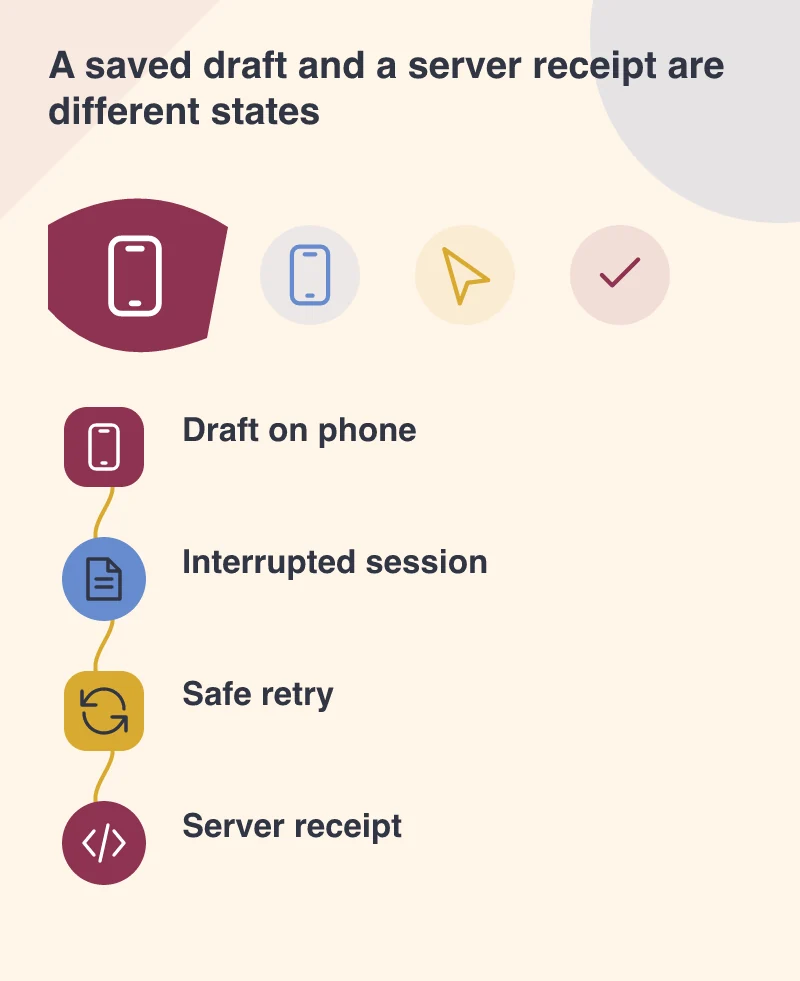
A launch screen can look excellent while a half-completed form remains fragile. Start a realistic task, enter several fields and attach a permitted sample image. Leave the app, use the phone normally and return. Repeat after the process has been stopped through a controlled test. Establish what is saved locally and what has reached the server; those are different states.
Imagine a technician recording an inspection in a building with unreliable reception. Losing the draft forces them to reconstruct observations. Showing an unsent record as complete creates a different problem for the office. A clear saved-draft state and an honest upload status help both people understand what still needs attention.
Respect the phone’s resource rules
Google says apps already adapted for Doze, App Standby and background limits should work well with Adaptive Battery. That is a reason to use supported scheduling and lifecycle behaviour, rather than expecting an app to run freely in the background. Have the developer identify any work that currently depends on a continuously active process.
Separate urgent foreground actions from jobs that can wait. Uploading the inspection while a worker is actively finishing it is one situation; retrying a transfer later is another. The interface should explain a delay without pretending that the server has acknowledged a record. Battery-conscious behaviour can be compatible with reliable work when those boundaries are designed deliberately.
Make a retry safe
A person who is unsure whether a submission succeeded will often press the button again. Plan for that behaviour. The server should be able to distinguish a retry of the same submission from a genuinely new job record. Keep a stable reference and show the acknowledged result when it arrives. Disabling a button alone cannot resolve uncertainty after a connection drops.
Test the awkward timing: interrupt the connection after the server may have accepted the record but before the phone receives its response. Ask what each side believes happened. This conversation between the mobile and backend developers can prevent a support problem that would otherwise be blamed vaguely on poor reception.
Do not turn one platform release into a redesign
Android 9 begins with a rollout to Pixel users, with other devices expected later. The business still needs its supported older devices to work. Keep the test set representative and distinguish a compatibility repair from an optional new platform feature. Staff should not need a new phone simply to continue a task the app already supports.
The release gives teams a useful deadline for checking assumptions about background work. The result worth aiming for is easy to describe: return to the task, see what has been saved and know whether the office has received it. That matters more to a working user than the version number behind the screen.