
A mobile app can work on a test phone and still be unready for its next store submission. Google reminded developers on 20 July that new apps and games submitted to Google Play will need to target API level 26 or higher from August. The requirement extends to updates of existing apps and games in November. For a business planning a launch, this makes dependency checks part of the release schedule rather than a job for the final afternoon.
Targeting and minimum support answer different questions
The target API level tells Android which platform behaviours the app is designed to work with. It is different from the minimum Android version on which the app can run. Raising the target does not, by itself, mean abandoning every older phone. The development team should explain both settings and the devices that will actually be tested.
Suppose a field-service app must continue supporting company phones already in circulation. The owner needs to know whether those devices remain supported, while the developer needs to adapt the app to newer platform behaviour. Treating those as one vague instruction to support the latest Android can produce unnecessary hardware costs or an incomplete compatibility check.
Ask what is inside the app
List the libraries used for login, notifications, maps, analytics and any specialist device feature. A third-party SDK may need updating before the app can target the required level safely. Check the provider’s support position and the actual version in the build. A library’s familiar brand name does not establish that the copy installed years ago supports the new target.
The July reminder specifically calls attention to dependencies and behaviour changes. Schedule time to replace an unsupported component if necessary. That work can affect screens, server communication or consent flows, so it should not be hidden inside an estimate described only as changing a build setting.
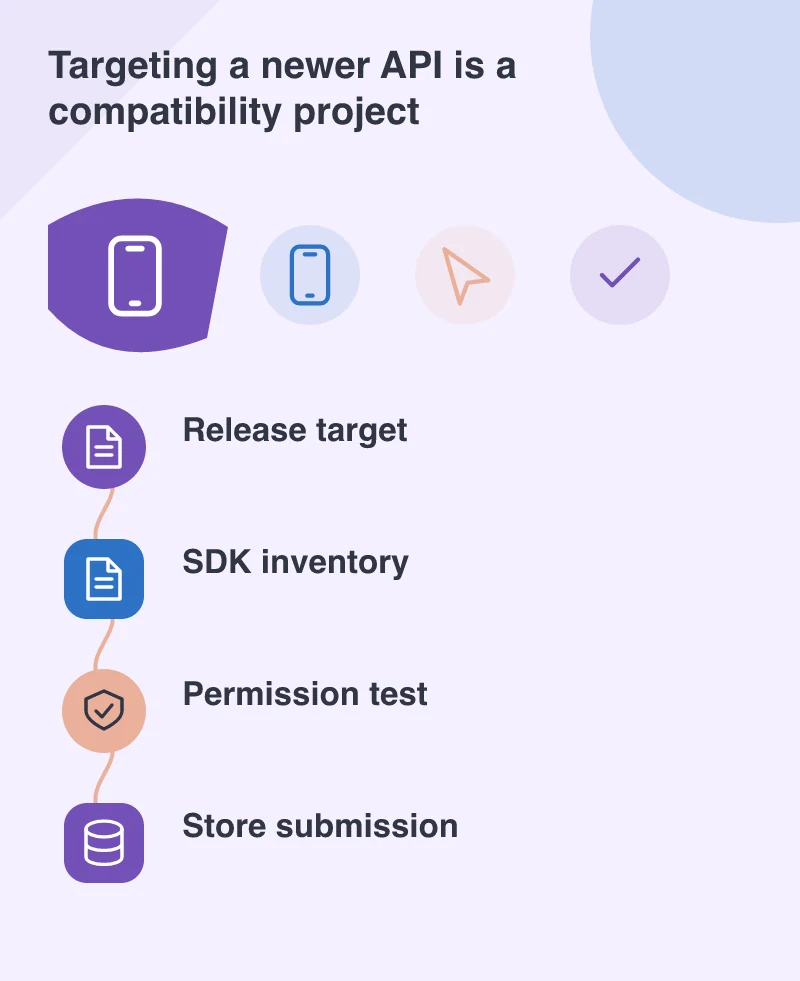
Try the refusal path
Permission handling is a good place to find assumptions. Open the app with a fresh installation and refuse a permission. Does it explain the consequence? Can the person still use unrelated features? Can they return later and grant access? A request that is technically correct can still be confusing if it appears before the user understands what the feature is for.
For the field-service example, a photograph might be optional evidence rather than a condition for viewing a job. The screen should distinguish those tasks. Test a permission refusal while completing a real job record, including saving a draft and returning after the app has been closed. Keep error messages specific enough that staff know what to do next.
Leave room for the store process
Produce the release build early and check the submission requirements before the advertised launch date. Run the important journeys with that build rather than relying only on a developer’s debug version. Keep the existing app’s server interfaces working while users move to the update at different times.
The deadlines are known; the unknown is usually how much older code depends on behaviour that has changed. A short technical review now can turn that uncertainty into a practical work list. It also lets the business choose a realistic launch date based on a functioning app, supported dependencies and completed testing.