
An operating-system update can create two very different conversations. One is whether an existing app still works. The other is whether the team should add new features. Android O’s 8 June preview update brings final APIs and an official API level 26 SDK. That makes development planning more concrete, but it does not make those two conversations the same job.
Keep a working app working first
Google’s announcement recommends installing an existing app on the preview and checking compatibility before changing its targeting. It also makes the final Android O APIs available for new development and allows qualifying APK updates to be published through Play channels. The consumer release is still ahead, so this is preparation rather than a claim that the whole customer base has already moved to O.
Take an appointment app as an example. Begin with the journeys it promises: sign in, choose a slot, receive a confirmation and revisit the booking. Add the moments outside the main screen, such as returning after switching apps or opening a notification. These checks give a clear view of whether platform changes affect an existing customer task before the team spends time designing a new one.
Give each new capability a business reason
Picture-in-picture, notification features and other new APIs can be interesting without being relevant to every application. A booking app does not need a miniature floating video simply because the platform makes one possible. A feature brief should name who benefits, when they encounter it and what becomes easier. That keeps a compatibility milestone from turning into an unfocused list of experiments.
Targeting and compilation settings also deserve a plain explanation in the project notes. A development team may compile against the new API while taking a separate decision about when to target the new platform behaviours. The business owner does not need to manage those settings personally, but should understand which testing and release steps remain before a customer-facing update is ready.
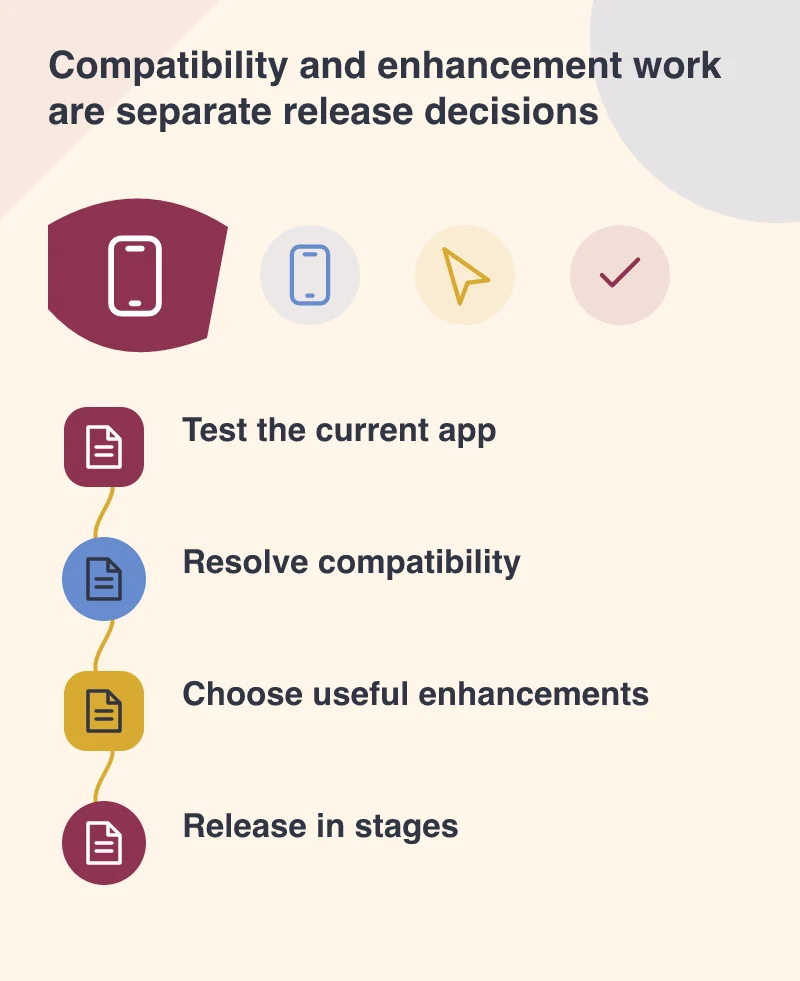
Release to learn, with a route back
A small testing group can exercise the app on both the preview and older Android versions. Capture the device, app version and exact sequence behind a problem; “notifications are odd” is hard to investigate. A staged rollout gives the team a chance to notice trouble before making an update available more widely. It still needs someone watching feedback and a plan for correcting problems.
The deliverable for June can be modest and useful: a compatibility checklist, a record of tested journeys and a separate list of proposed enhancements. That gives a business confidence in what is already working and a realistic view of what remains experimental. Final APIs reduce one kind of uncertainty. They do not replace the product decisions or the testing that turn an app update into a reliable experience.
Keep test accounts and appointment records clearly marked, especially if notification messages leave the test environment. A tester should be able to distinguish a sample confirmation from a real booking request, and the operations team should know which records to ignore while the release is being checked.