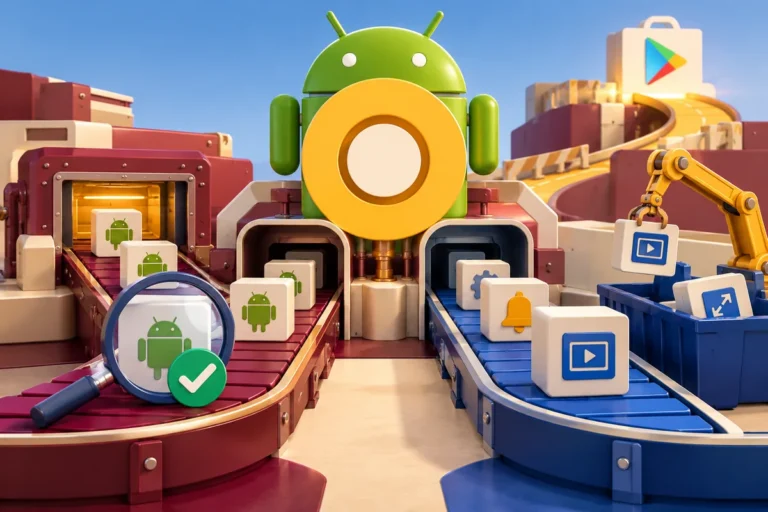
The person using a business app may not own the kind of phone used to demonstrate it. Limited storage can make an installation a difficult choice, and a connection that drops can turn a straightforward task into repeated waiting. Android Oreo’s Go edition, announced on 5 December alongside Android 8.1, puts those constraints in focus. They deserve a place in the product brief before the interface has been filled with large media and optional features.
A smaller device changes the priorities
Google describes Go edition as an optimised experience for entry-level devices with limited memory, supported by lighter applications and a Play Store experience that highlights suitable apps. The developer announcement suggests optimising an existing APK or considering the supported multiple-APK route where appropriate. It does not say that every business needs to maintain a separate “Go” version or rebuild its application from scratch.
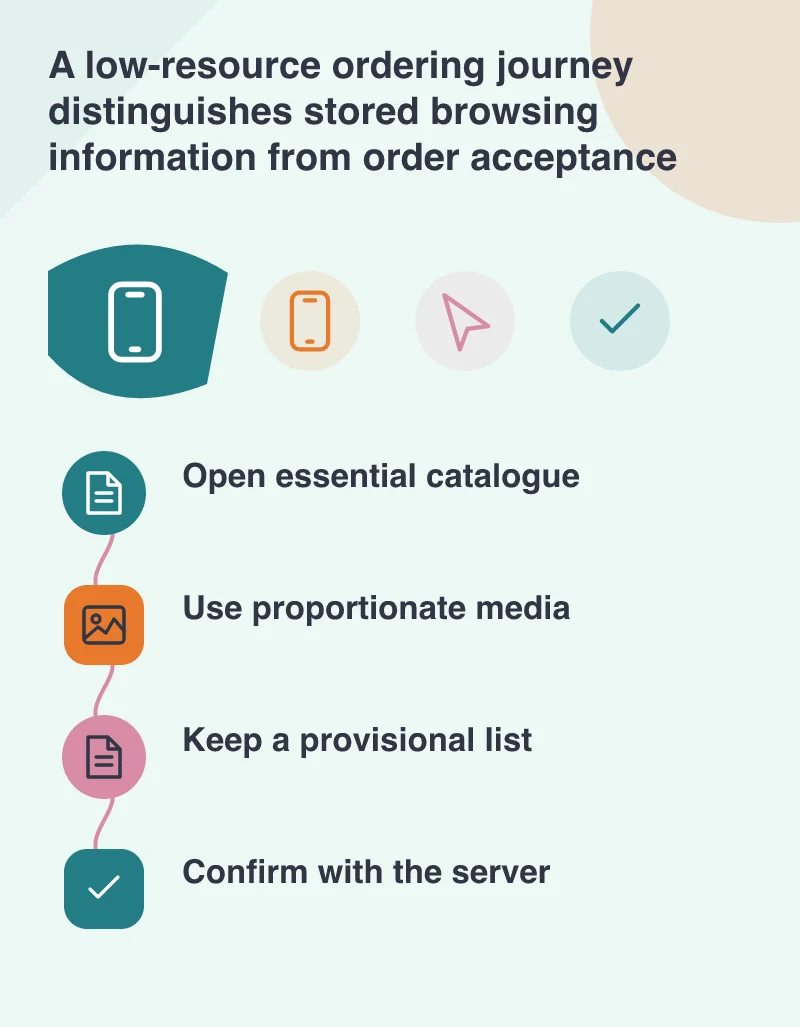
Take a distributor’s ordering app as an example. Its catalogue, product details and order preparation should work reliably before secondary features compete for resources. Large introductory animations, repeated downloads and an oversized installation may be poor trade-offs for that audience. Decide what the customer needs on the first visit, what can be fetched later and what is genuinely useful to keep on the device. These are product priorities as much as engineering choices.
Design a clear answer when the network is missing
Weak-connection support starts with honesty about information. A previously downloaded description may still help somebody identify a part. A current price, availability check or submitted order needs a reliable server response. Show when information is stored and when a task remains unfinished. A visible provisional list is less confusing than a button that appears to accept an order while the application is actually waiting for a connection.
Use media deliberately. A product thumbnail can lead to a larger image when needed, instead of requiring every visitor to download the largest file before seeing a description. Keep progress and retry states understandable. If a download fails, the interface should preserve the customer’s work and offer a meaningful next step rather than starting the whole journey again without explanation.
Test the constraint instead of simulating confidence
Try the application on representative low-memory hardware and under a deliberately limited connection. Include a nearly full storage situation if it is relevant to the intended audience. Watch startup, navigation, returning from another app and recovery after interruption. Record the conditions alongside the observation, because a smooth run on a development phone is not evidence of the same experience elsewhere.
For a Go-edition device, define success plainly: the essential task should remain understandable and recoverable on the customer’s actual phone. Keep improvements to memory, media and network behaviour tied to that task. A lighter application is not merely a smaller download. It is an application that spends a limited device’s resources on the work its owner came to do.