
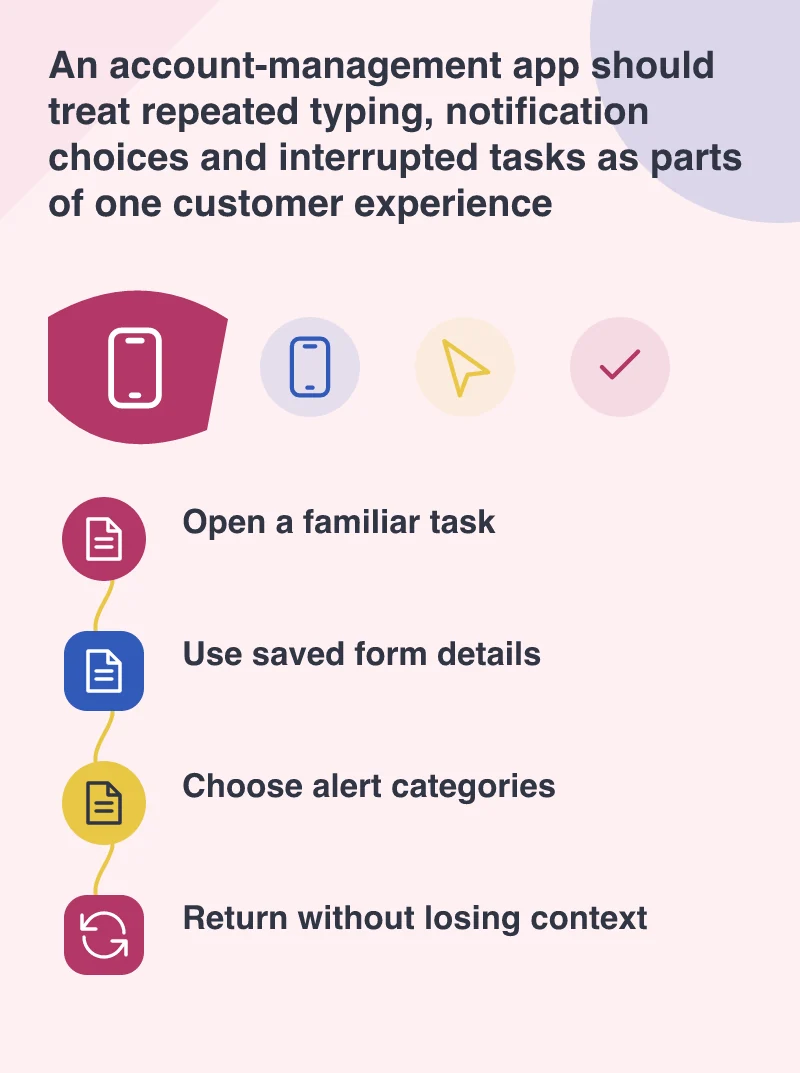
People rarely describe an app problem in platform language. They say it sends too many alerts, forgets what they were doing or makes them type the same information again. Android 8.0 Oreo, launched on 21 August, brings new tools around notifications and autofill as well as changes to background behaviour. The launch is a useful reason to review those small, repeated moments rather than simply add an Oreo badge to an app’s release notes.
A new release reaches customers gradually
Google’s launch announcement describes an initial rollout to supported devices, with partner devices following separately. An app team therefore needs to keep both upgraded and older phones in mind. Existing-app compatibility is one task; opting into new behaviour and using new APIs is another. Treating the launch day as a single switch for the whole audience can lead to confused testing and support advice.
For an account-management app, start with sample interruptions: a payment receipt, an account alert and a promotion. These should not all be treated as equally urgent. Notification channels offer a way to organise them, but the labels need to make sense without a developer present. A person should be able to understand what they are permitting and which messages will stop if they change a setting.
Check the forms people repeat
Oreo’s autofill framework gives applications and password managers a new way to cooperate. The opportunity is less typing during sign-in and other form tasks, not an excuse to collect additional details. Review labels, field purposes and the handling of saved values. A form that accepts a filled value but then loses it on the next screen still feels broken to the customer.
Use realistic test cases: an email address with a long name, a corrected entry, a password manager, and a customer returning after the app has been backgrounded. Keep account recovery understandable when saved information is missing or out of date. These are practical interface checks, not a claim that platform autofill will work identically with every manager, device or existing custom field.
Listen for problems beyond the first screen
The launch material highlights Android Vitals and development tools for examining stability, rendering and excessive background activity. A product owner can translate that into a simple release conversation: are people seeing crashes, delayed screens or work that continues after the task has ended? Ask the development team to connect a reported symptom to a repeatable test before promising a remedy.
Choose a few high-value improvements and publish them through a controlled release process. Confirm that older Android versions still complete the important journeys. Explain any changed notification categories in plain language so support staff can help customers find them. An operating-system release supplies capabilities and constraints. The quality of the app is still decided in the ordinary moments when somebody signs in, reads a message or returns to finish a task.