
A customer signs into a website, opens the company’s Android app and is asked to start again. That break can make an otherwise useful service feel disconnected. Chromium introduced Trusted Web Activities on 5 February as a way to display full-screen Chrome content inside an Android app. For a business considering a shared web journey, the important parts are the ownership check and the handling of the customer’s existing session.
Trusted means the app and website are associated
A Trusted Web Activity has no visible browser interface such as the URL bar. Because that removes a familiar cue about location, the app and site must verify their relationship using Digital Asset Links. This is a technical association between the app and the web origin. It is not an independent endorsement of the business or the accuracy of its content.
Plan who controls both sides. The team needs the correct app identity and the ability to publish the required association on the site. A copied sample configuration is not enough. Changes to signing or domains should be considered part of release management, because an association that is wrong can change the experience the user receives.
Shared state can reduce a repeated sign-in
The announcement explains that a TWA shares stored data, including cookies, with Chrome. For many sites this allows an existing browser sign-in to continue in the app’s web experience. Do not assume every account journey will therefore work automatically: the site’s own session rules, redirects and external authentication services still need testing.
Imagine a retailer whose Android app displays native product screens but uses its website for checkout. Try a signed-in customer, a guest and a customer whose session has expired. Check that the correct cart appears and that the person can return from authentication without losing the intended purchase. These are different cases, not cosmetic variations of the same screen.
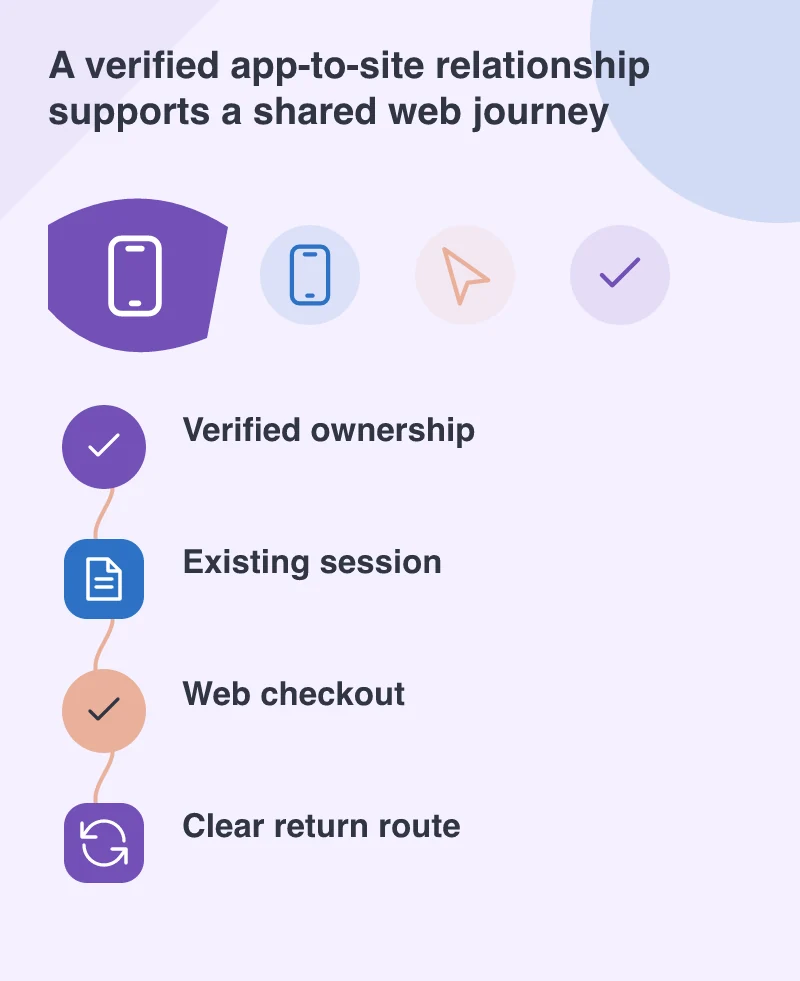
Keep the service boundary understandable
The user should know when they are leaving the company’s service for a payment provider or another destination. Test external links and the Android back route. A full-screen view makes clear navigation particularly important because the ordinary browser controls are absent.
Do not expose sensitive details merely for convenience on a shared phone. Check sign-out, saved sessions and account switching. The same shared state that makes returning easier deserves attention when someone wants to stop being signed in. Explain the behaviour without requiring the person to understand browser storage terminology.
A web journey still needs to be good on the web
A TWA gives access to Chrome features, but it cannot repair an overcrowded checkout or unclear error message by wrapping it in an app. Test the ordinary mobile website first. Ensure forms, keyboard use and connection failures are handled well in both entry routes.
Compare this approach with the requirements of the actual app rather than adopting it solely to avoid another interface build. It can be a useful way to share an established web journey when ownership, session handling and navigation are under control. The customer should experience continuity: the right account, the right task and a clear way to finish or leave it.