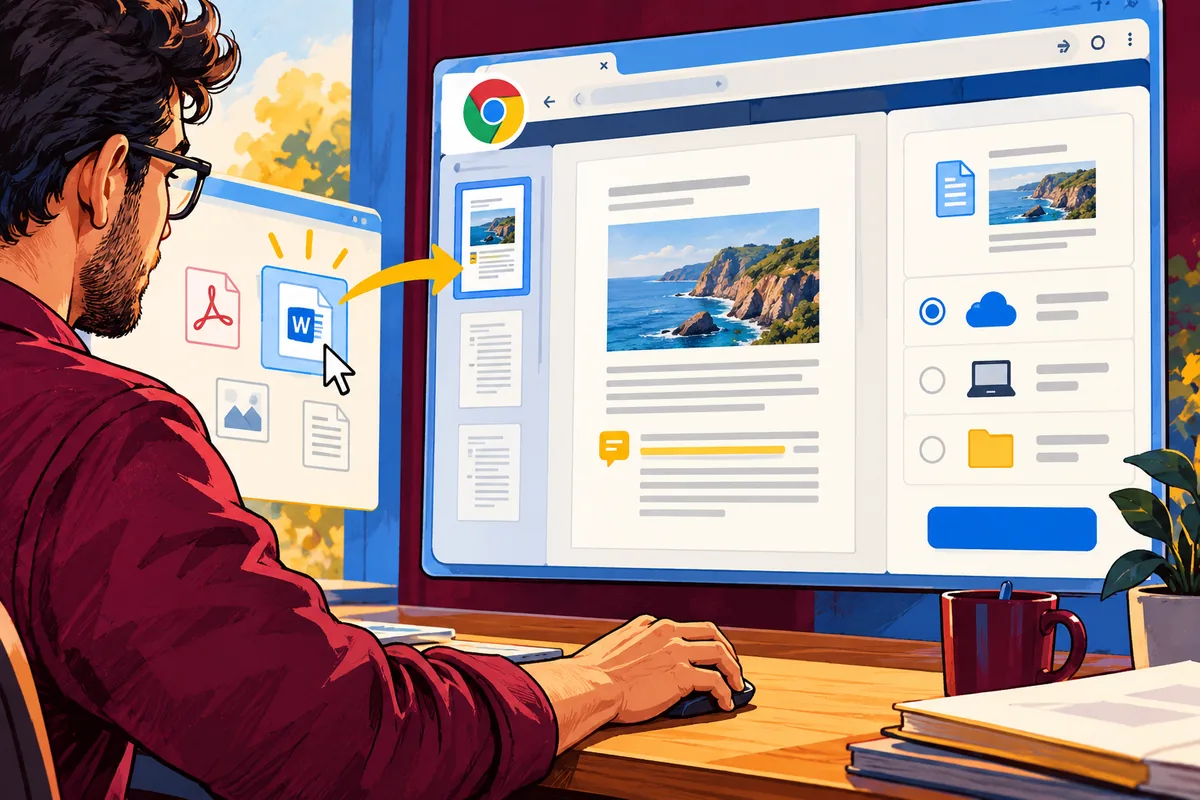
Someone double-clicks a document because they want to work on it, not because they have decided which technical delivery model its editor should use. Chrome 92’s file-handling experiment points towards installed web apps participating in that familiar desktop habit. For a product team looking at PWAs in July, the interesting part is the new entry route and the responsibility it creates once a file has arrived.
Remember the experimental boundary
The Chromium announcement describes file handling as an origin trial in Chrome 92. It should therefore be treated as an experiment in supported contexts, not a feature that every visitor’s browser and device already provides. A business needs a complete ordinary route for choosing or uploading a file alongside any enhanced integration.
That fallback is useful product design as well as compatibility work. It lets someone understand the same task whether they start from the application, a link or a file in their operating system.
Tell the person what has opened
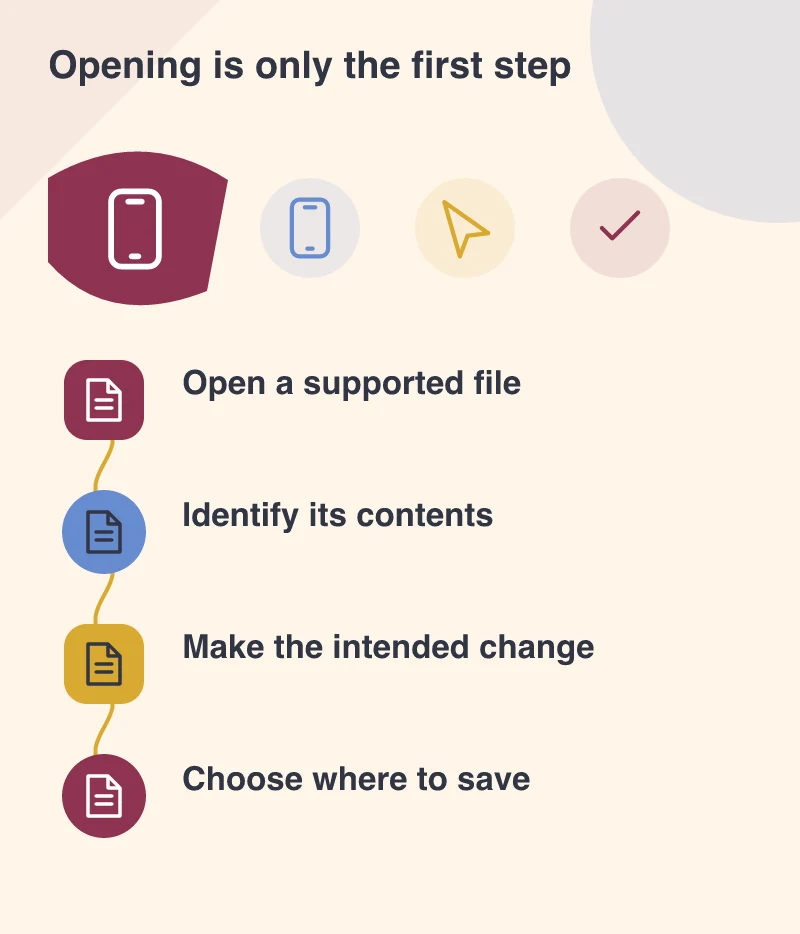
Imagine a small document-review tool. When a file is opened, the first screen should identify it and make the available task clear. Is the app showing the original, a working copy or a converted version? Where will changes be saved? Those distinctions matter more to the user than the fact that the interface is running in a browser.
Use a meaningful empty or error state when the file is unsupported or incomplete. A technical exception without a recovery route turns a convenient entry point into a confusing dead end.
Separate access from permission to share
Opening a local document should not silently imply that the person intended to send it to an external service. Explain which processing happens and when information leaves the device if that is part of the product. The user’s task, the app’s permissions and the data-handling behaviour should tell the same story.
This is especially relevant for business documents. A delivery note, customer record or draft agreement can contain information the uploader did not notice. A deliberate review or confirmation step may be appropriate before a sharing or submission action, even if opening the file itself is made effortless.
Keep the task usable from every supported route
Test keyboard navigation, multiple files with similar names, cancellation and returning after the app has closed. Check the standard file-selection route as carefully as the experimental one. An enhanced integration should not become the only path the development team remembers to maintain.
Design the complete document task first, including the action that commits or shares the result. Then opening a file through the operating system can save a step without leaving a person uncertain about which copy they are editing or what the application will do next.