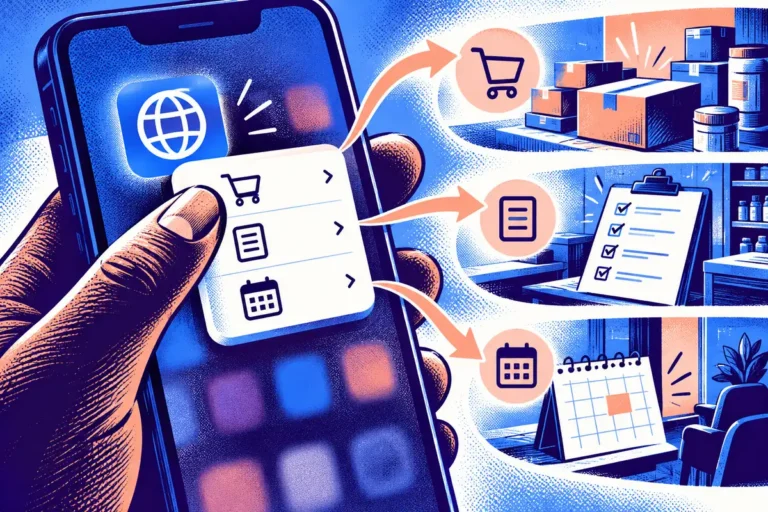
A team wants customers to use its service on a phone, while staff need a larger interface to review the work. Maintaining several disconnected applications can make every change feel expensive. Flutter 2’s March announcement, including stable web support, broadens the delivery conversation. It also makes an old product-design question more important: which parts of the experience should be shared, and which should adapt to the place where the work happens?
The web support has an application focus
Google’s announcement describes web scenarios including progressive web apps, single-page applications and bringing existing Flutter mobile apps to the browser. This is an app-centric proposition. It is not a reason to rebuild every information website as an application or to assume that one screen arrangement suits every device.
A business should first identify the service being delivered. A document workflow, booking tool or interactive dashboard may raise different requirements from a public article or a simple services page. The technology decision should follow those requirements rather than the excitement of a new supported target.
Map the task on each device
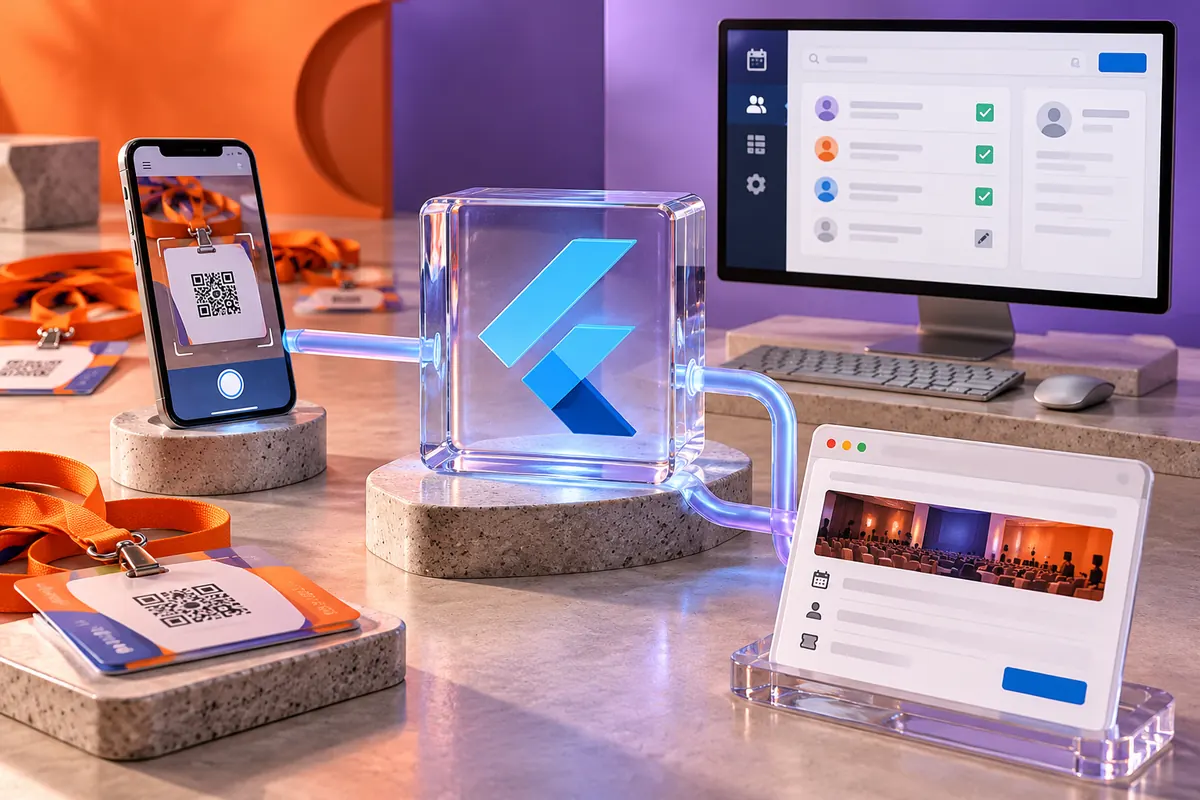
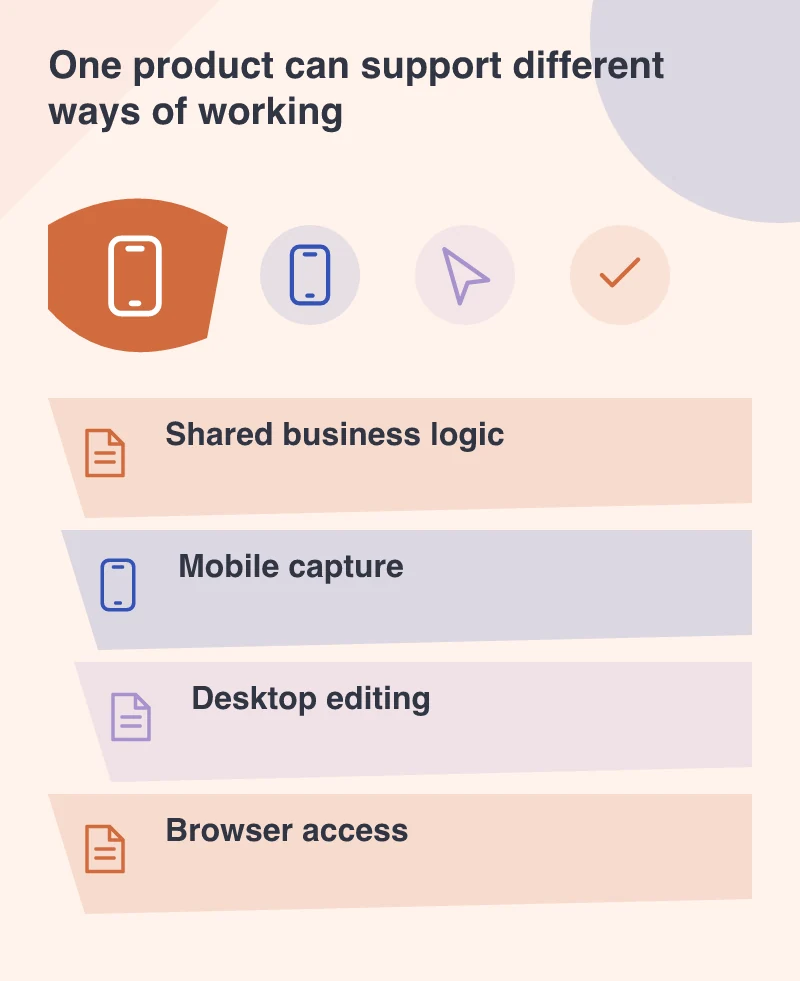
Consider a event-management product. A phone may be the convenient place to capture an attendee detail at the venue. A desktop may be better for reviewing a long list and correcting records. A browser route may help an occasional user access the service without installing another app.
Those tasks can share data and rules while using different layouts and interaction patterns. A mobile screen stretched across a large monitor is not automatically a good desktop interface. The extra space should help the person see relationships or complete work more efficiently.
Keep platform expectations visible
Keyboard navigation, scrolling, text selection, screen-reader behaviour and links deserve attention on the web. On mobile, permissions and interruption handling can dominate the experience. A shared framework can support development, but it does not remove the need to test those expectations where the customer will encounter them.
Also identify integrations that depend on a platform-specific capability or library. The core product may share most of its logic while one important feature needs a separate implementation. Discovering that boundary early makes the project estimate and the handover more honest.
Evaluate a narrow slice before committing the whole product
Build a representative task that exercises the difficult parts: entering information, saving it, handling a failure and returning to it on another device. Include real content lengths and a realistic permission model. A demonstration that only displays a dashboard cannot prove the workflow around it.
Shared code is valuable when it keeps service rules consistent without forcing an unsuitable interface onto every device. A staff scheduling tool and a public advice page have different needs. Choose the delivery approach around those needs and the tasks the business is prepared to maintain.