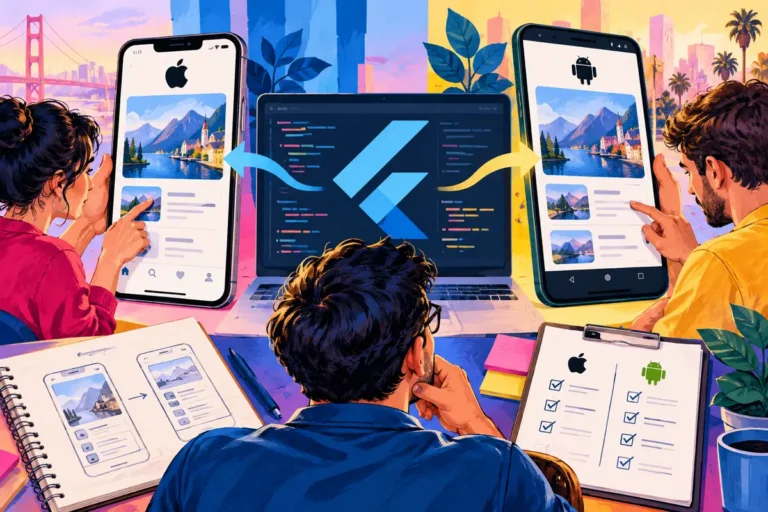
A shared mobile codebase is attractive when the same business needs an iPhone app and an Android app. Flutter reached its first stable release on 4 December, offering a new option for that work. The quickest demonstration is usually a set of attractive screens. The better early investment is the part that could stop the project: a payment device, a camera workflow, an existing login service or another platform integration.
Find the feature that carries the risk
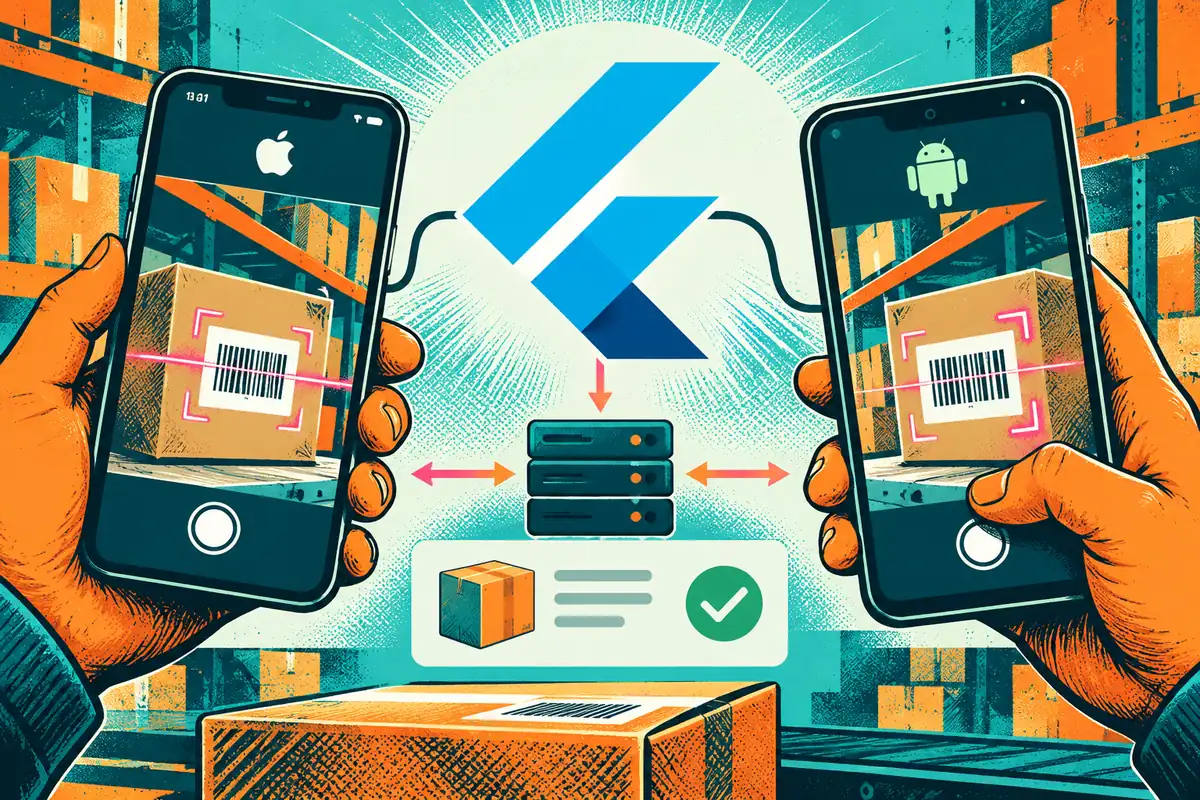
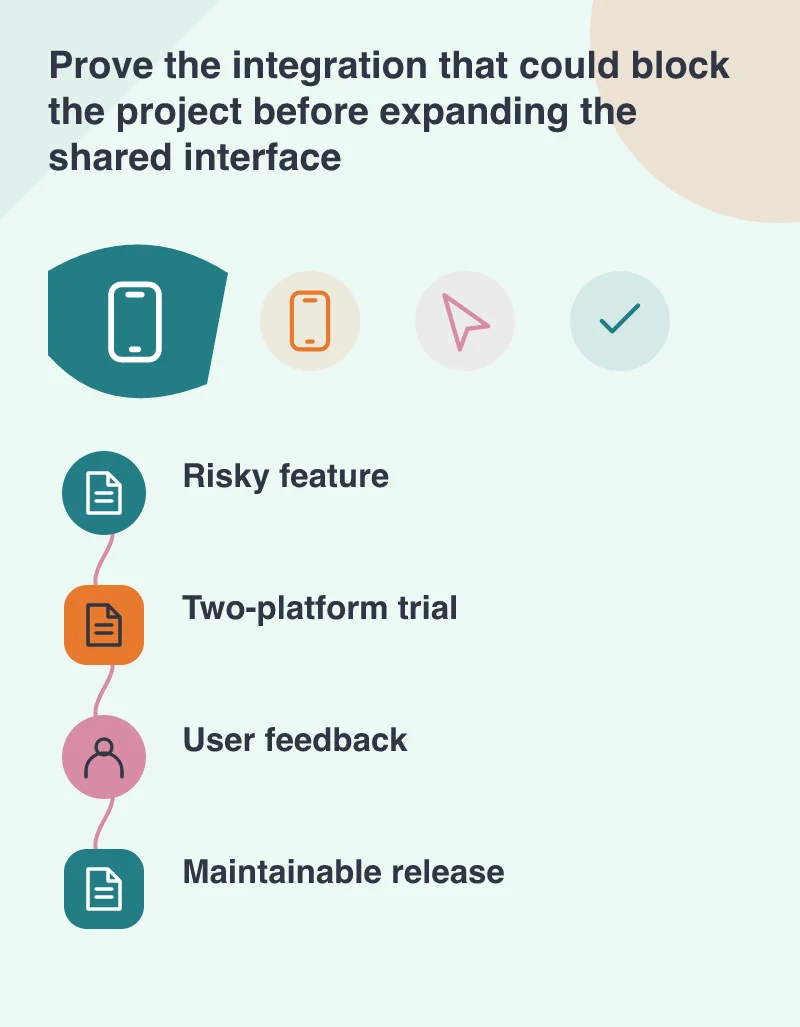
Imagine a stock-checking app that must scan a label, find the correct item and save a count. Reproducing the list screen is unlikely to answer the hardest question. The trial should use the required scanning route on the actual kinds of phones the business supports, then pass the resulting value through the intended server interface.
Write down what a successful trial demonstrates and what it leaves untested. A camera preview proves different things from a correctly recognised label. A saved local value proves different things from an accepted server update. Keeping these milestones distinct prevents an impressive prototype from being mistaken for a nearly finished product.
Shared code does not remove platform work
Flutter 1.0 can build experiences for iOS and Android and integrate with platform-specific code. That access matters when a feature is not covered by a suitable shared plugin. Review plugin maintenance, supported platforms and the native libraries underneath. Someone still needs to own the integration when the mobile operating systems or service provider change.
Check permissions, keyboard behaviour, navigation and accessibility on both platforms. A single implementation can produce a consistent design while still needing adjustments for different expectations. Staff should be able to complete the job naturally; they should not need to understand that a framework made a particular interaction convenient for the developer.
Use fast iteration to answer user questions
The release highlights stateful hot reload, which helps developers see many code changes without restarting the running experience. Use that shorter feedback loop to refine a real task with the people who will perform it. Move a confusing confirmation message, simplify an input or make the saved state clearer while the task is fresh in everyone’s mind.
Do not turn development convenience into a promised percentage saving for the whole project. Backend work, testing, app-store submission and specialist integrations remain separate activities. A credible estimate identifies which parts can be shared and which require their own effort, with assumptions the owner can review.
Keep a route from prototype to operation
Before expanding the trial, establish release signing, supported devices, error reporting and a maintenance owner for both apps. Include the server’s compatibility with older installed versions. Users will not all update on the day a new release becomes available, so a backend change needs to allow for that overlap.
The first stable release makes Flutter worth evaluating for a suitable mobile project. Choose it because the difficult feature works, the team can maintain it and the user journey benefits from the approach. A polished screen is a welcome part of that evidence, but the working task is what earns the next stage of the build.