
The browser window is wide, so the card chooses its desktop layout. Unfortunately, the card sits in a narrow sidebar. Its image squeezes the title into a thin column and the button wraps onto two lines. This is the limit of treating every responsive decision as a question about screen width. Safari 16, released on September 12, supports size container queries: CSS that can respond to a component’s containing space. A card can now make a more local decision about how to arrange its contents.
Reuse the component, not its assumptions
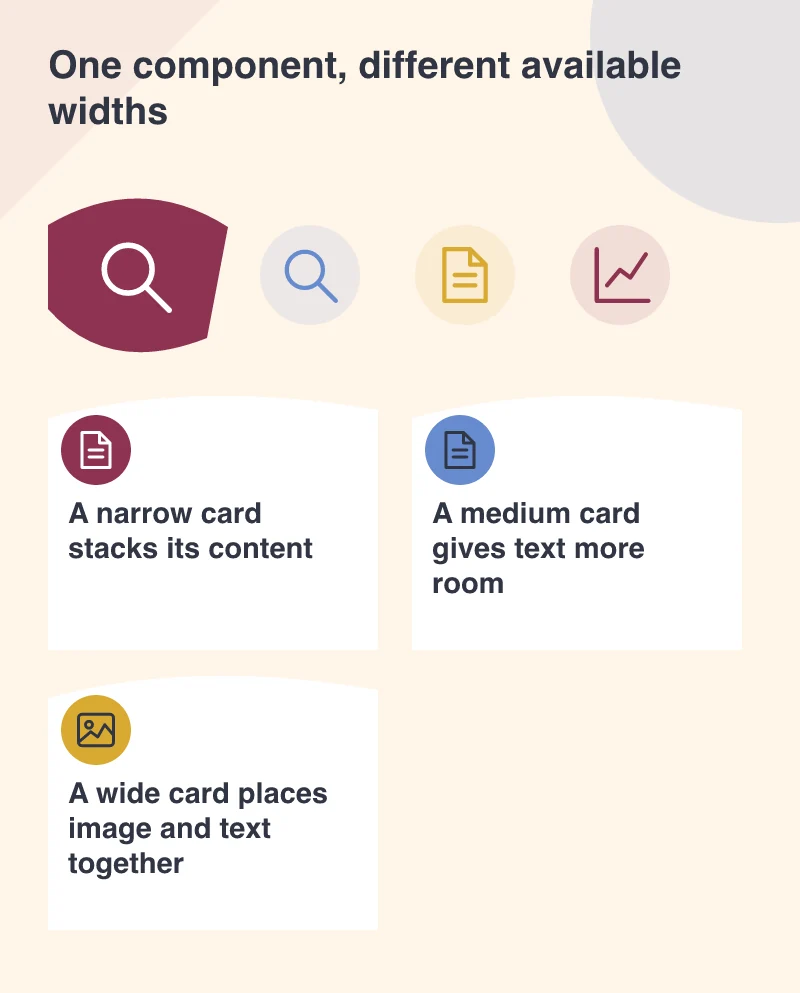
Picture a publisher using the same article card in three places: a homepage grid, a related-reading sidebar and a large featured slot. A viewport media query sees the same browser width in all three. The available card width is very different.
A container query lets the component stack its image and text in a narrow space, then arrange them side by side when its container has enough room. The breakpoint can reflect where that particular content becomes uncomfortable, rather than an arbitrary phone or tablet label.
This is valuable for a content-managed website. An editor can choose a different page layout without needing a separate version of every component.
Start with a good narrow layout
Build the card’s basic HTML and CSS so it reads sensibly without container-query support. Keep the title, summary and link in a logical order. Then add the enhanced layout where the browser supports it.
Establish an appropriate query container around the component and choose a width threshold based on real content. Test a short title, a long title, an absent image and a translated label. An elegant demonstration with one carefully chosen sentence says little about a live archive.
Avoid using visual rearrangement to disguise a confusing source order. Keyboard and screen-reader users should encounter the information in an order that still makes sense.
More control should mean fewer exceptions
The attraction is not adding another set of breakpoints to maintain. It is removing the special rules that say “this card, only inside this sidebar, except on that template.”
Container queries are newly available in Safari 16, rather than a reason to assume every visitor’s browser supports them. A progressive approach keeps the basic card usable while the enhanced arrangement reaches capable browsers.
A component also needs limits. Huge headings and elaborate transitions can still overwhelm a small slot, regardless of how intelligently the layout responds. Use the space to make the message clearer.
For a business website, the payoff is practical: fewer duplicated card styles, more predictable layouts and content that stays readable when an editor moves it to a new part of the page.