
A customer types into a product filter and the screen struggles to keep up. The interface may be doing substantial work, but the person experiences it as an uncertain control. React 18’s March release introduces rendering capabilities that make priority and responsiveness more explicit. A project should begin by identifying the interaction that deserves attention, rather than assuming a framework version number improves every screen automatically.
Know which changes the application adopts
The 29 March release describes a concurrent-rendering foundation, automatic batching, transitions and work around streaming server rendering and Suspense. Adoption depends on how the application is updated and which APIs it uses. These are tools for changing the behaviour of an interface, not an independent promise about its final performance.
For a business owner, the first question can remain concrete: which customer task is currently delayed, and what evidence shows that the delay comes from frontend work? A slow network response and an expensive render need different investigations.
Separate input from the work it triggers
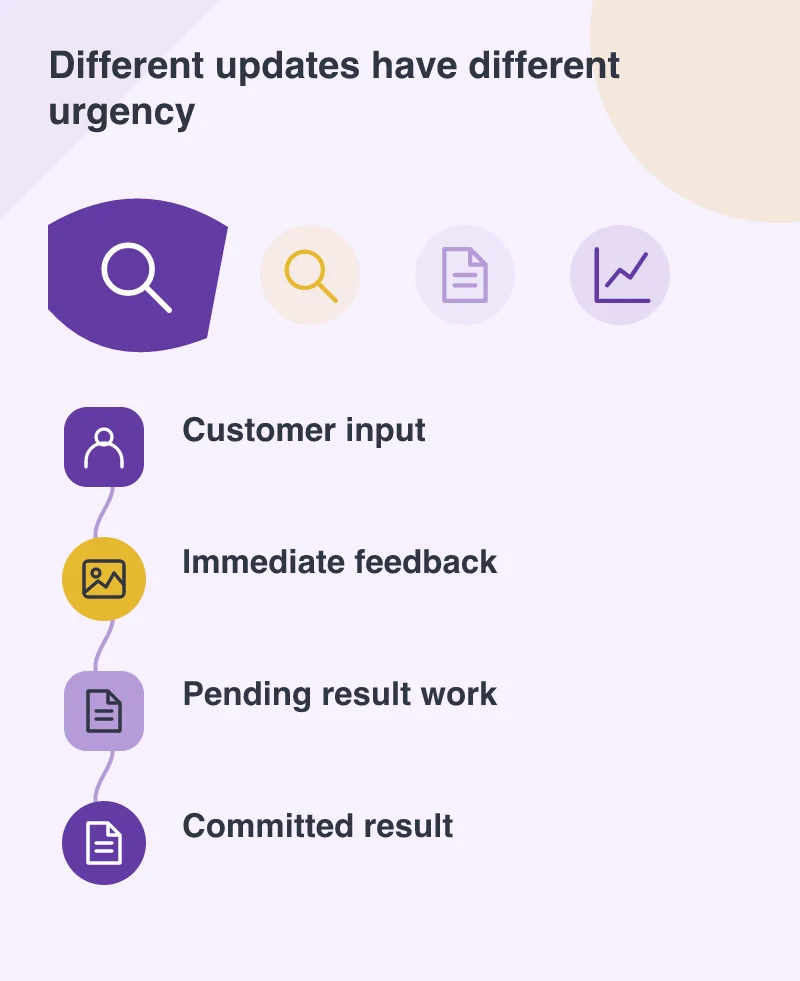
Picture a catalogue with a search field and a large set of results. The customer should be able to see what they are typing even while a more expensive result update is being prepared. The screen also needs to communicate which results correspond to the latest request and whether something remains pending.
That distinction is useful beyond search. A selected option, an updated price and an in-progress basket operation can represent different states. The interface should not make an unconfirmed result look final simply because an optimistic update feels quick.
Test the difficult content
Use a large result set, a long product name and a slower device in the development review. A demonstration with a handful of cards may not reveal the rendering cost that matters in the real catalogue. Keep the customer’s action visible in the test so the team can connect a technical trace with something a person experiences.
Accessibility should be part of that review. Loading and changed-result states need to remain understandable when the person is using a keyboard or assistive technology, rather than relying only on a subtle visual transition.
Upgrade in a way that preserves the explanation
Use a protected branch and compare representative tasks before and after the change. Read the migration guidance and review dependencies. If several architectural changes are made at once, it becomes harder to explain which one produced the observed result or introduced an unexpected behaviour.
Keep a small record of the interaction, the measured condition and the reason the chosen approach helps it. That supports future maintenance when another developer encounters the component.
Choose responsiveness over fashionable terminology
The customer needs a screen that responds clearly and keeps their work intact. Use React’s new tools where they improve that interaction, then retain the comparison that shows the difference. A framework term is a poor substitute for being able to demonstrate what became easier.