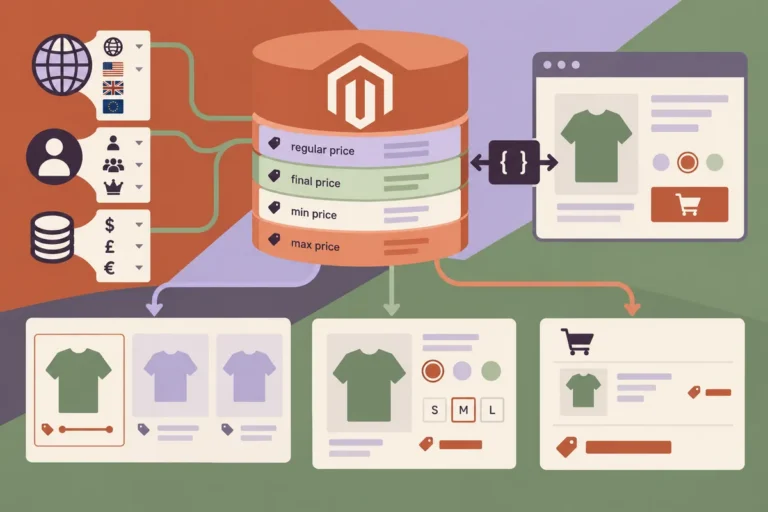
A merchandising team adds a category in Magento, but the headless menu still points to a manually maintained list in the frontend. Another person updates the list, and the mobile menu now has a different structure from the desktop version. A September navigation review should begin with a simple ownership question: which system and which person are responsible for the catalogue routes the customer sees?
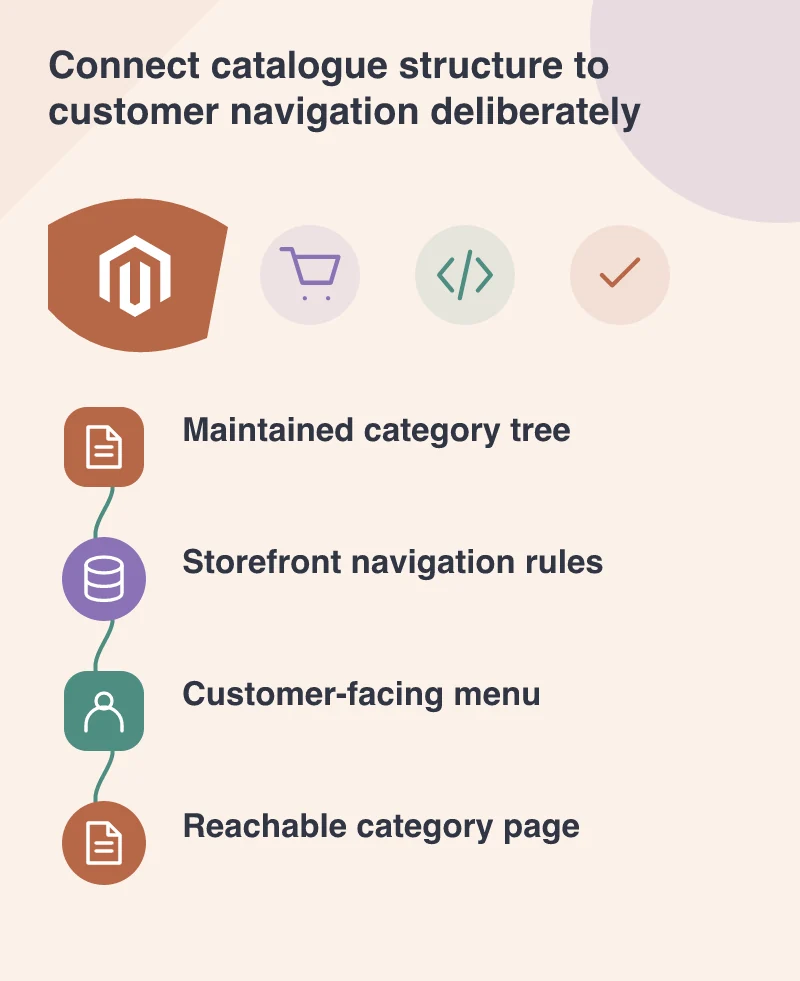
Choose one maintained source for the structure
Magento’s versioned catalogue API exposes category information that a storefront can use. That does not mean every category must appear in every menu. It does mean the application can make a deliberate connection to the maintained catalogue rather than create an unrelated second tree without a clear owner.
Write down the rules for inclusion, ordering and store context. A business may need campaign links alongside categories or different navigation for different audiences. Keep those exceptions explicit. Otherwise an innocent catalogue change can produce an unexpected menu simply because the frontend’s assumptions were never documented.
Write labels for the person browsing
Internal category names can make sense to the merchandising team while confusing a customer. Review the visible labels and their relationship to the destination. A visitor selecting accessories should arrive somewhere whose heading, products and supporting explanation match that expectation.
Avoid using one generic label for several distinct destinations. Also keep the route to an overview page where a broad category genuinely helps the buyer. A menu that becomes a long list of narrow choices can force people to understand the business’s internal classification before they can begin shopping.
Keep desktop and mobile meanings aligned
The arrangement may differ across screen sizes, but important destinations should remain available. Test opening groups, following nested links and returning to the menu on a phone. A hover-only structure on desktop needs a deliberate alternative rather than a compressed imitation that cannot be operated reliably.
Review keyboard behaviour and focus as part of the same task. The visitor should be able to identify the open group, follow a link and leave the navigation predictably. A menu can look simple while requiring a great deal of interaction to reach a common category.
Rehearse the editorial change
Ask the responsible colleague to add, rename or retire a test category through the intended workflow. Inspect the resulting menu, URLs and page headings after the application refreshes its data. If caching delays the change, make that behaviour understandable to the team maintaining the site.
A reliable publishing relationship between catalogue and navigation makes the store easier to maintain. The custom frontend can present the structure creatively without making routine updates depend on an undocumented code edit. A customer receives a clearer route through the products, and the business knows how that route will change when the catalogue changes.