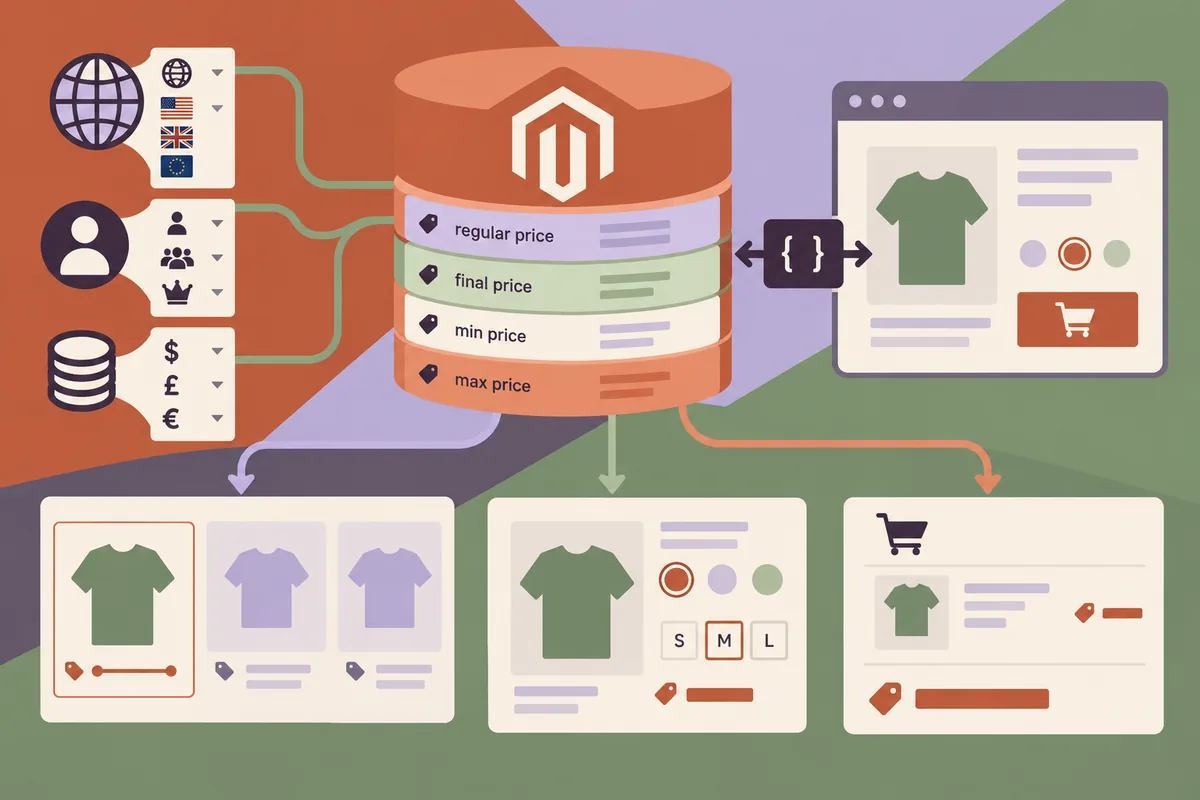
A product card says one price, a selected option shows another and the basket introduces a third. Some differences are legitimate; unexplained differences are still frustrating. For a January review of a headless Magento storefront, start with the meaning of the displayed price rather than its typography. A fast frontend should not make the customer do the accounting needed to understand an offer.
Read the commerce model before choosing a label
The versioned Magento 2.4.6 catalogue schema distinguishes regular and final prices, as well as minimum and maximum values for a price range. Those distinctions already exist in the platform. A custom storefront needs to preserve their meaning instead of flattening every response into a single unqualified number.
A configurable product provides an obvious example. A starting price can be useful before a shopper selects an option, but it should be identified as such. Once the chosen combination changes the applicable amount, the interface should update the price and make the selected variant clear. A visually consistent card is not worth an ambiguous offer.
Keep the customer’s context attached
Currency, store view and applicable customer conditions can affect how a price should be presented. Write down which context the application uses for its catalogue requests and how that context changes when a visitor signs in or switches a store. Do not assume every price response can be shared indiscriminately.
This is also a caching decision. A public product response and a customer-specific result need different handling. Test with more than one customer state and inspect the information actually returned to the browser. A cache that makes the first test pleasantly quick can become a source of incorrect information if its boundaries are poorly chosen.
Explain the change at the point it happens
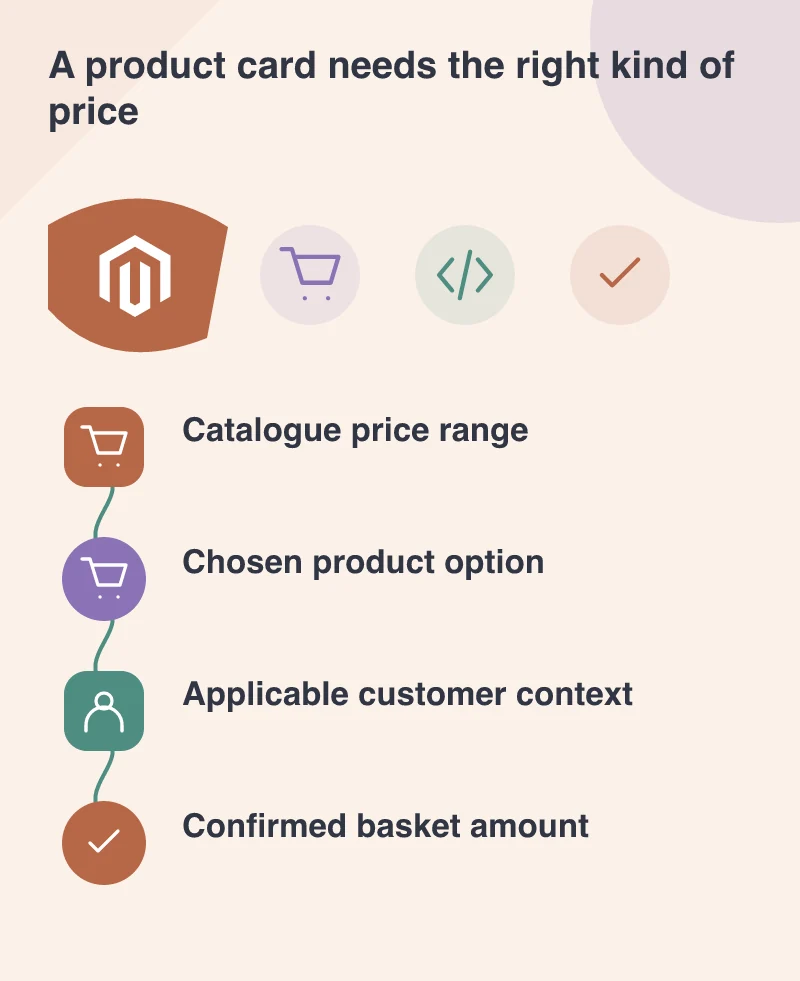
Imagine a customer choosing a larger pack size. Show the new selection and price together, and distinguish a price per pack from a price per unit where that matters. Do not make the customer wait until checkout to discover that the number on the category card referred to a different quantity.
Keep the basket as a clearly confirmed view of the current selection and relevant totals. If an update is still being processed, show that state. A display left unchanged while a request is running can make a delayed response look like a contradiction when the amount finally changes.
Test price meaning across the whole journey
Review a simple product, a configurable product, a discounted item and the relevant customer contexts on a separate environment. Compare the category card, product detail, basket and order review. Ask the tester to explain what each number represents, not merely whether it matches an expected screenshot.
The value of headless development is control over how the customer understands the catalogue. That control carries responsibility for preserving the backend’s business meaning. The requirement is straightforward: every displayed amount should have an identifiable source, context and label, so flexibility in the frontend does not become uncertainty for the buyer.