
A customer signs in and sees a different offer from the one displayed a moment earlier. That can be helpful when the offer is relevant and clearly explained. It can be confusing when the banner, product price and basket disagree. PWA Studio 12.3’s March support for personalised content makes those relationships especially important in a headless commerce design.
Read the feature across the stack
The 14 March release describes dynamic-block queries, customer-segment-aware cart promotions and related loading treatments. These capabilities rely on the relevant backend features and project configuration. A frontend component does not create a complete personalisation service independently of the commerce system that defines the audience and promotion.
Start by describing a small number of intended experiences. What should a guest see? What changes for a qualifying signed-in customer? Which message explains the difference? A concise map is easier to test than an open-ended requirement to make the site more personalised.
Keep the offer meaningful at every step
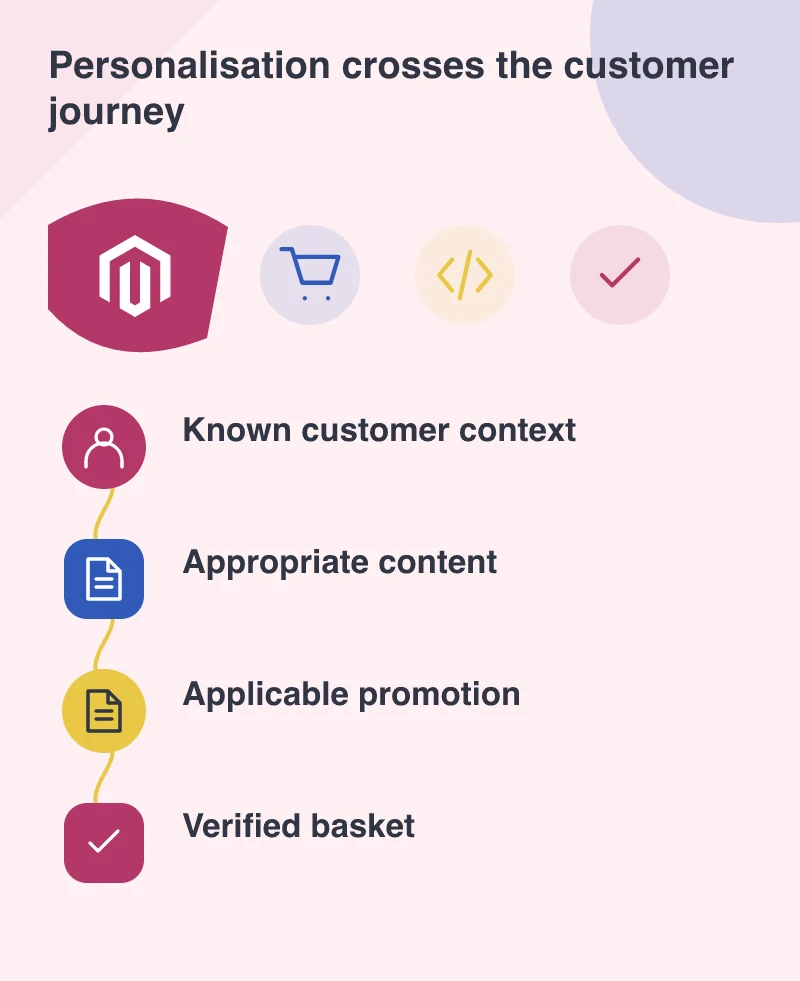
Imagine a retailer with an agreed benefit for a particular customer group. The landing message, product information and basket calculation should tell the same story. If the promotion has conditions, show them where they affect the decision. A prominent message should not leave checkout to reveal an unexpected exception.
Test the route into and out of the qualifying state. Sign in, sign out and return to a previously opened page. A cached banner should not continue presenting a private or inapplicable offer as if nothing changed.
Give changing content a stable place
The release’s loading work includes shimmer treatments for dynamic content under specified layout conditions. That points to a design choice: reserve an appropriate area for content that is expected, without filling every optional slot with a permanent blank space.
Use realistic content lengths. A short greeting and a detailed promotional message can affect the layout differently. The page should remain understandable while the audience-specific information arrives, and should have a coherent ordinary state when there is no matching content to show.
Let the team recognise the customer’s view
Support and merchandising colleagues need a way to understand which experience a customer has received. Keep the audience rules and relevant content versions visible to the people responsible for them. Otherwise a perfectly valid customer question can be difficult to reproduce inside the business.
Use clearly identified test accounts and avoid changing live customer attributes merely to demonstrate a campaign. The acceptance process should be deliberate about which state it is exercising.
Start with a promise you can verify
Choose one offer the team can verify across the page and basket. Write down its audience, conditions and fallback, then let the same rule guide the promotion and the order. A personalised display is useful only when the customer can rely on the promise it makes.