
A merchant enables a payment method in the administration panel and expects it to appear correctly in the storefront. In a headless store, that expectation crosses a technical boundary. The frontend needs the relevant information and a supported way to submit the choice. PWA Studio 10’s available payment-extension example makes that boundary unusually clear, including a limitation worth understanding before a checkout is accepted as complete.
The reference example names the missing piece
The March release includes a Check or Money Order extension for storefronts using the relevant backend option. Its notes explain that payee and mailing information are static in the example because those administration values are not available through the Magento 2.4.2 GraphQL endpoint. In May, that is a concrete reminder to inspect the exact platform and frontend combination being proposed.
A payment method can exist in the commerce engine without every detail being available through the interface used by a separate storefront. The project needs an explicit decision about how any missing information will be supplied and maintained.
Follow the instructions as a customer
Picture a trade retailer allowing an offline payment arrangement. A customer needs to know who receives the payment, which reference to include and what happens to the order while payment is pending. A selectable option without those details creates work for support and uncertainty for the buyer.
Test the wording with the operations team. They should recognise the instruction and be able to find the resulting order. If the business changes a payment detail, there should be one known place to update it, with a reliable route for that change to reach the public checkout.
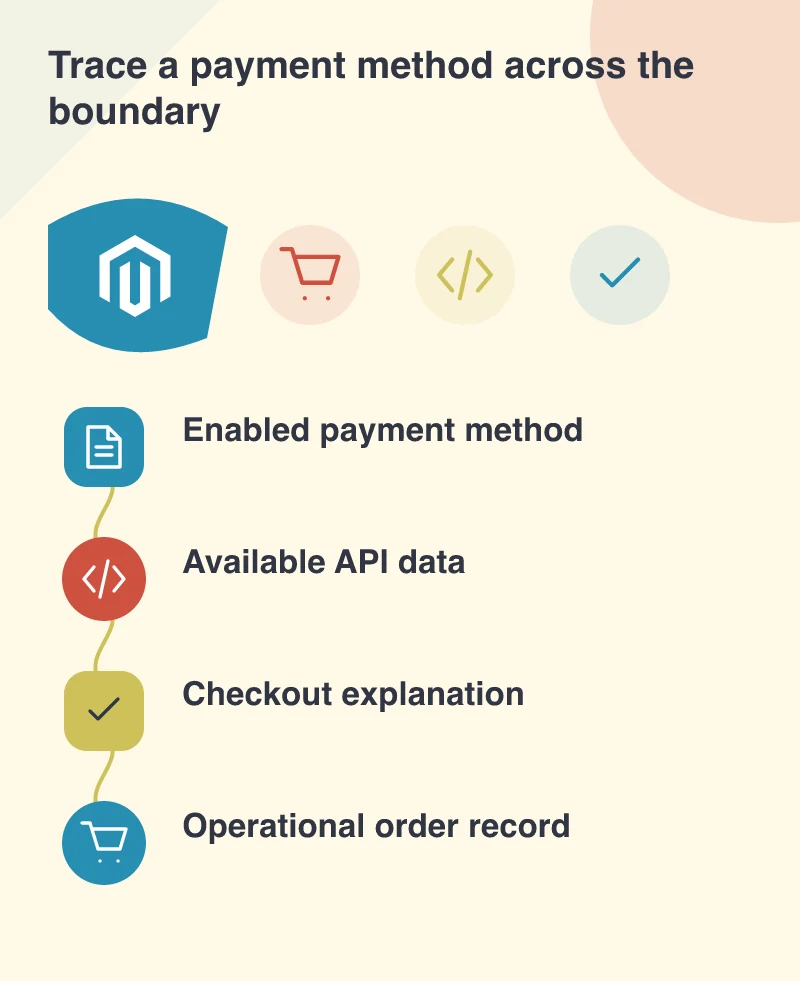
Keep state and appearance connected
The frontend should describe the order’s actual payment state. A successful submission of an order is not always the same as a completed payment. Confirmation pages and emails should use language that makes the distinction clear for the method involved. The customer should not have to infer the status from an unfamiliar internal label.
The backend team needs the corresponding view. Agree when fulfilment may begin and which event changes the status. These are business rules that must remain consistent even when the customer-facing interface is built separately from the commerce administration.
Make configuration changes part of acceptance
Disable the method in a test environment and confirm that the storefront responds appropriately. Change the relevant instructions and check the resulting page and message. Exercise the ordinary success route and the state where required information is unavailable. Those tests reveal whether the integration is connected or merely demonstrated.
A payment choice crosses several boundaries: configuration, customer explanation, submitted data and order operations. Keep the complete path beside the implementation, including the missing fields or manual steps. That is what another developer or support colleague will need to understand when the option changes.